

In short: To stop your cloud server: client area, then Services, then My Products & Services, then your server, then Server Quick Actions, then Power Off, then Confirm. You can start it again at any time with Power On.
This guide shows how to stop your cloud server from the Hyyat Host client area when you do not need it.
Steps #
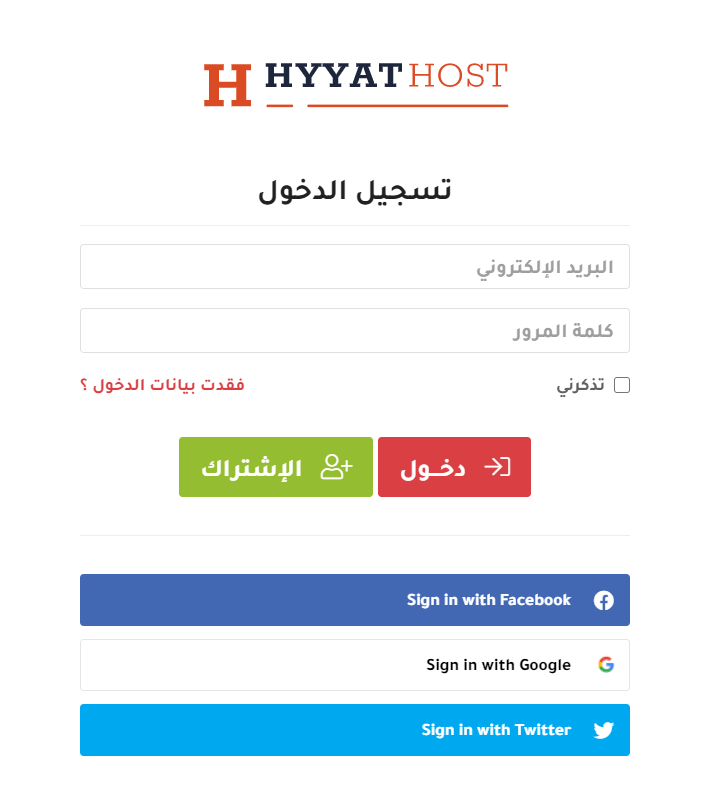
1. Log in to the client area. See how to log in to the client area.
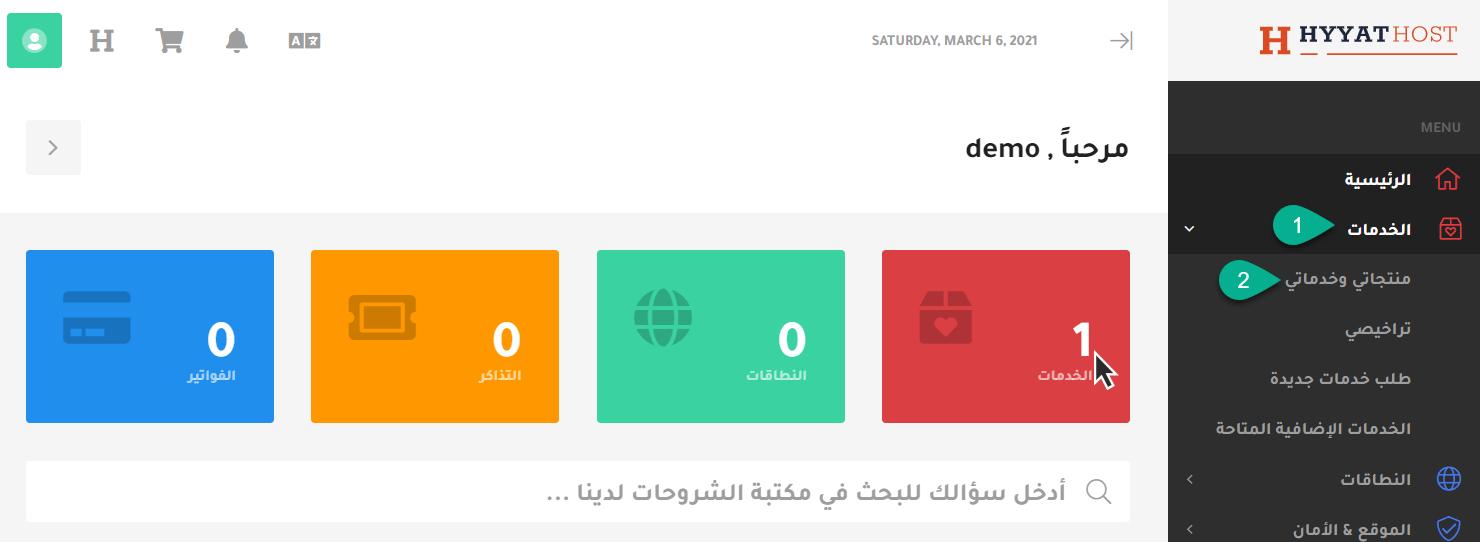
2. Click Services, then My Products & Services.
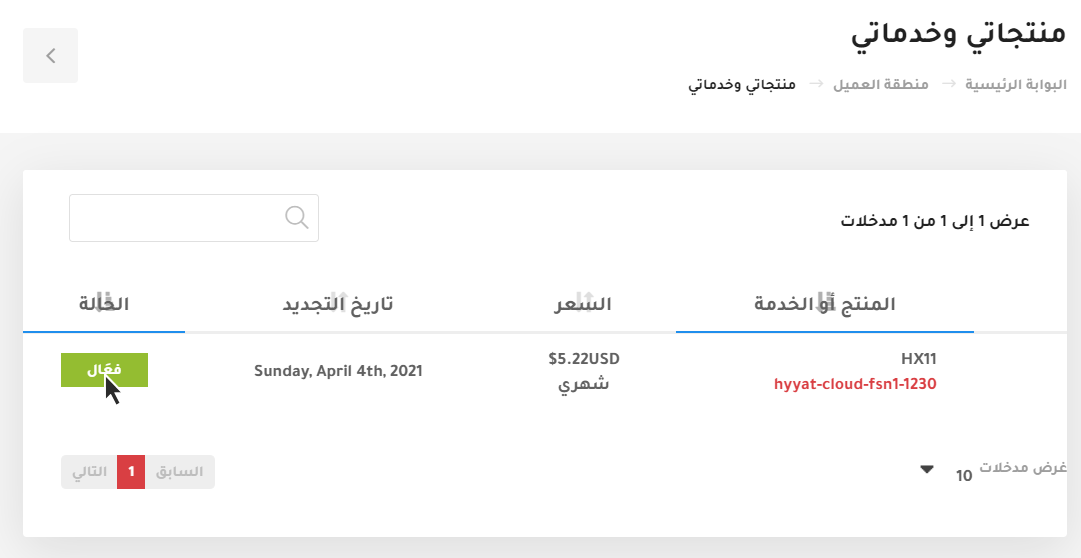
3. Choose the server you want to manage and click Active.
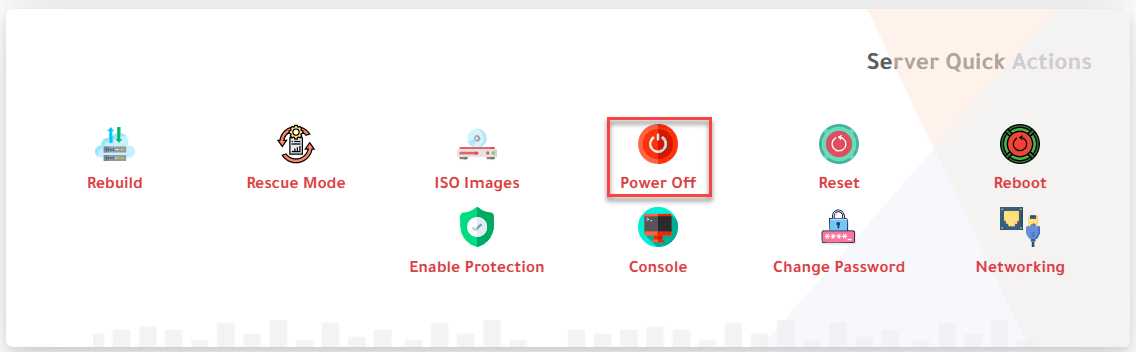
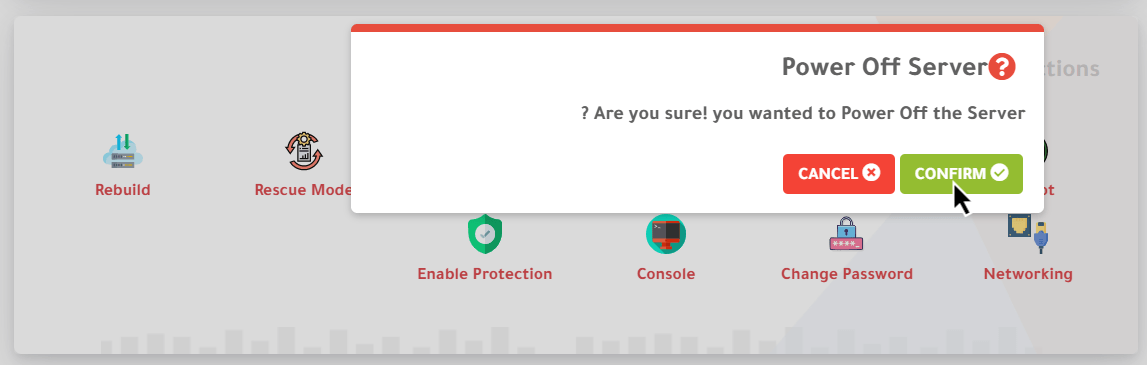
4. Scroll down to Server Quick Actions and choose Power Off. A confirmation message appears; click Confirm.
The message reads: “Are you sure! you wanted to Power Off the Server?”
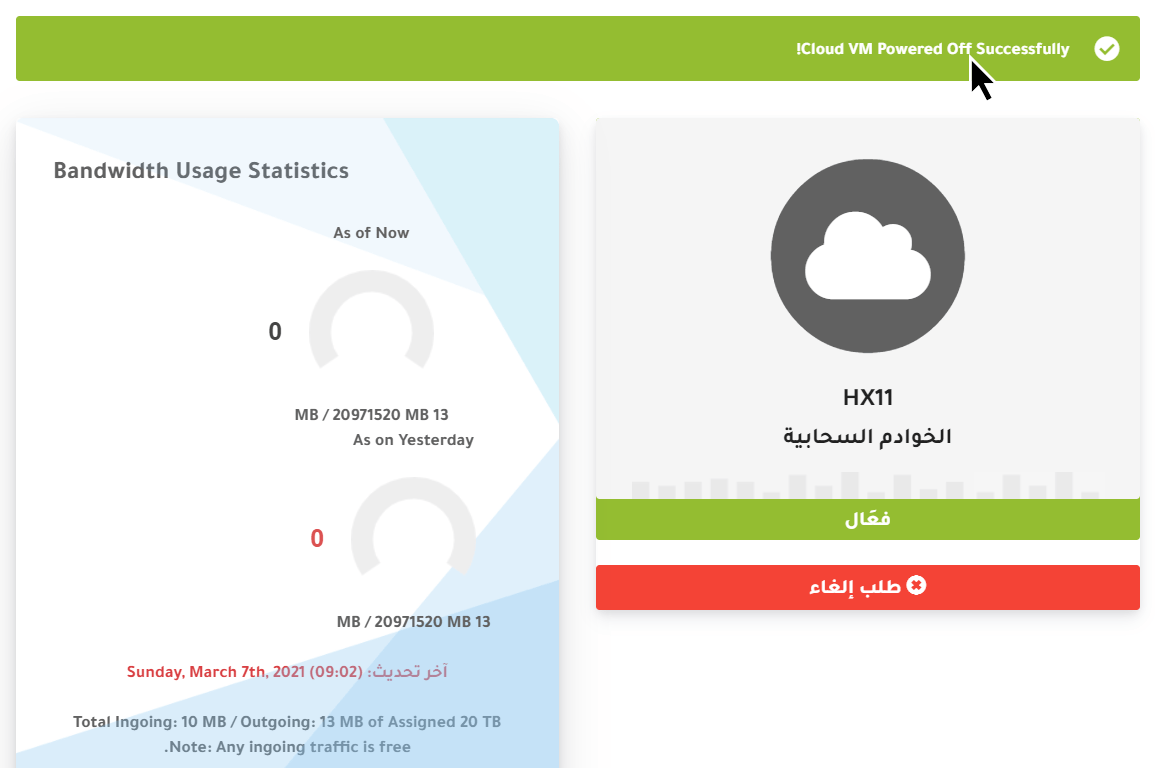
5. A message at the top confirms that your server has been powered off.
To start it again, see how to power on your cloud server.
Related service: Hyyat Host cloud servers with full root access and 24/7 support.


