

In short: Log in to WHM at https://your-server-IP:2087, open System Reboot, and choose Graceful Server Reboot (recommended: stops processes and saves data first). Use Forceful Server Reboot only if the graceful reboot doesn’t work, as it can cause errors or data loss.
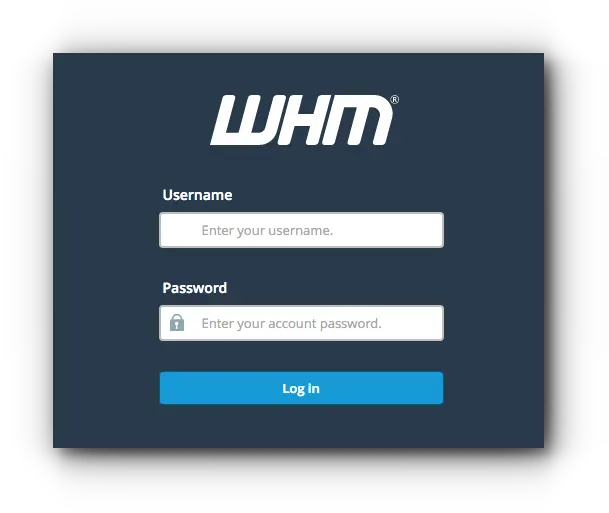
- Log in to WHM at https://your-server-IP:2087 (replace your-server-IP with your server’s IP address or hostname) with your username and password.
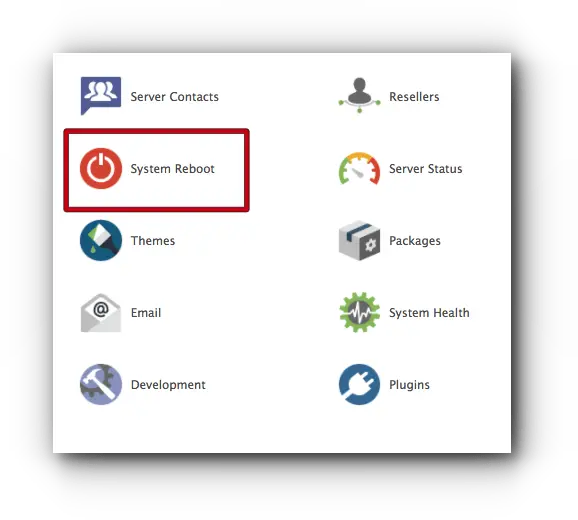
- On the home page, choose System Reboot.
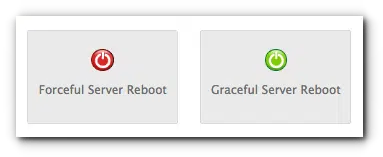
- You will see two options: Forceful Server Reboot and Graceful Server Reboot.
Forceful vs graceful reboot #
- Graceful Server Reboot (recommended): closes all user processes and saves all data before rebooting. Click Proceed.

- Forceful Server Reboot: shuts the machine down abruptly and can cause errors and data loss. Use it only if a graceful reboot doesn’t work. Click Proceed.

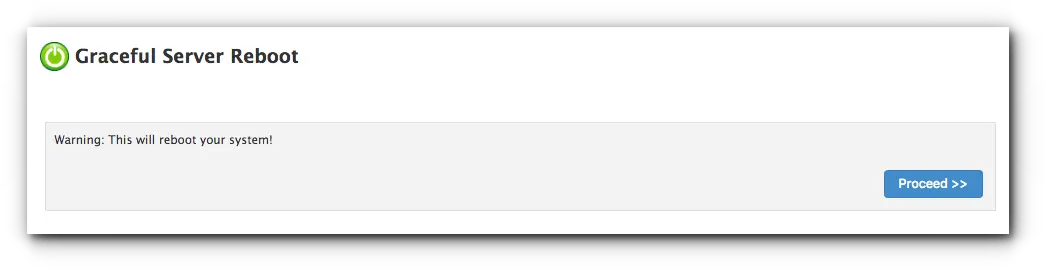
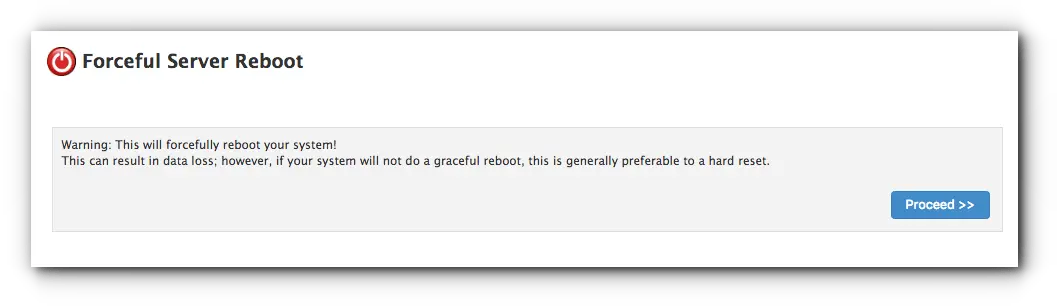
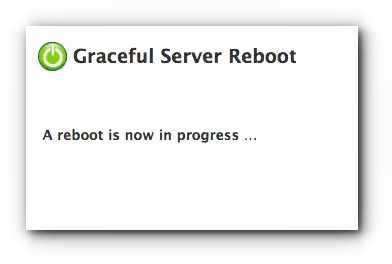
A screen then shows that the reboot is in progress. The server is usually back within a few minutes.
For a Hyyat Host cloud server, you can also reboot from the client area; see the cloud server FAQ.
Related service: server management from Hyyat Host, with 24/7 support.


