

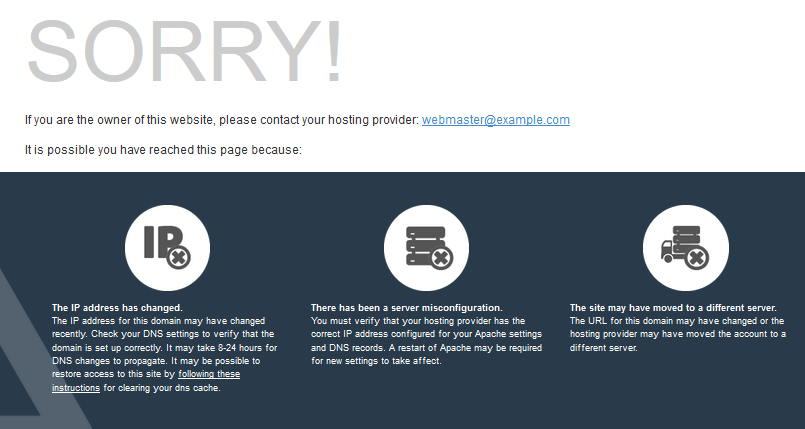
Sometimes, after moving hosting or creating a new hosting account, your domain opens the cPanel default page cgi-sys/defaultwebpage.cgi instead of your website.
1. Clear your browser cache #
Your browser may keep an old copy. See how to clear the cache in all browsers.
2. Clear your DNS cache #
Your device may keep the DNS of the old hosting. Clear it as follows:
Windows 8, 10 and 11 #
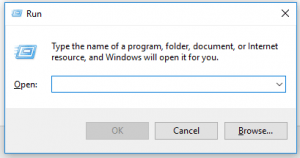
Press Win + R, type cmd and open it, then run ipconfig /flushdns. You will see “Successfully flushed the DNS Resolver Cache”.
Windows 7 #
Open the Start menu, type cmd, right-click it and choose Run as administrator, then run ipconfig /flushdns.
macOS #
Open Applications, then Utilities, then Terminal, and run sudo dscacheutil -flushcache; sudo killall -HUP mDNSResponder. No message appears if it succeeds.
3. Wait for DNS propagation #
If you just changed your nameservers, the change can take up to 24 to 48 hours to reach every network. See how to migrate DNS without downtime. If the page still appears after that, contact our support to check that your domain is added to the correct hosting account.
Related service: Hyyat Host shared hosting with free site migration and 24/7 support.


