

In short: To change a cPanel account password from WHM: go to Account Functions, then Password Modification. Select the account, type a new password or use the Password Generator, and click Change Password.
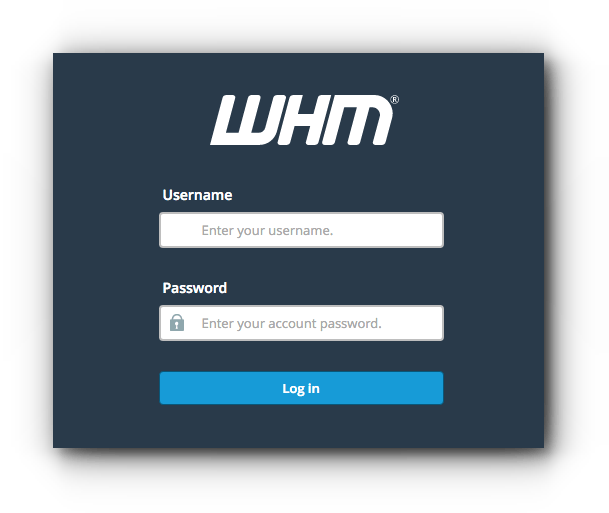
1. Log in to WHM at https://your-server-ip:2087 with your username and password.
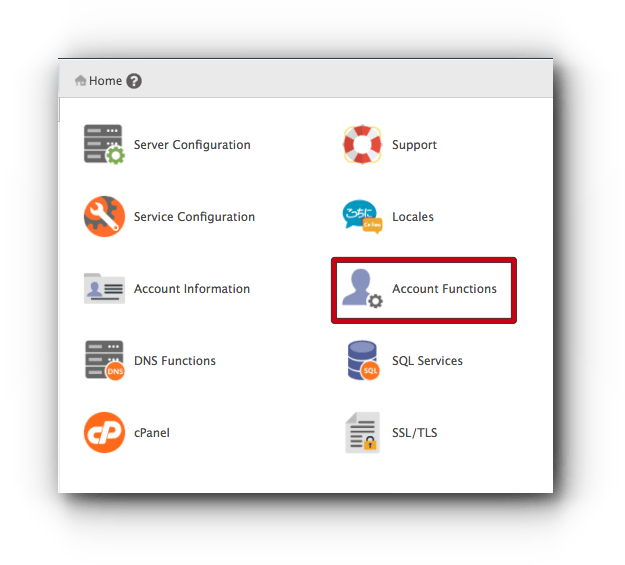
2. Go to Account Functions.
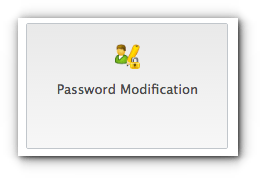
3. Click Password Modification.
4. Select the user (account) whose password you want to change.
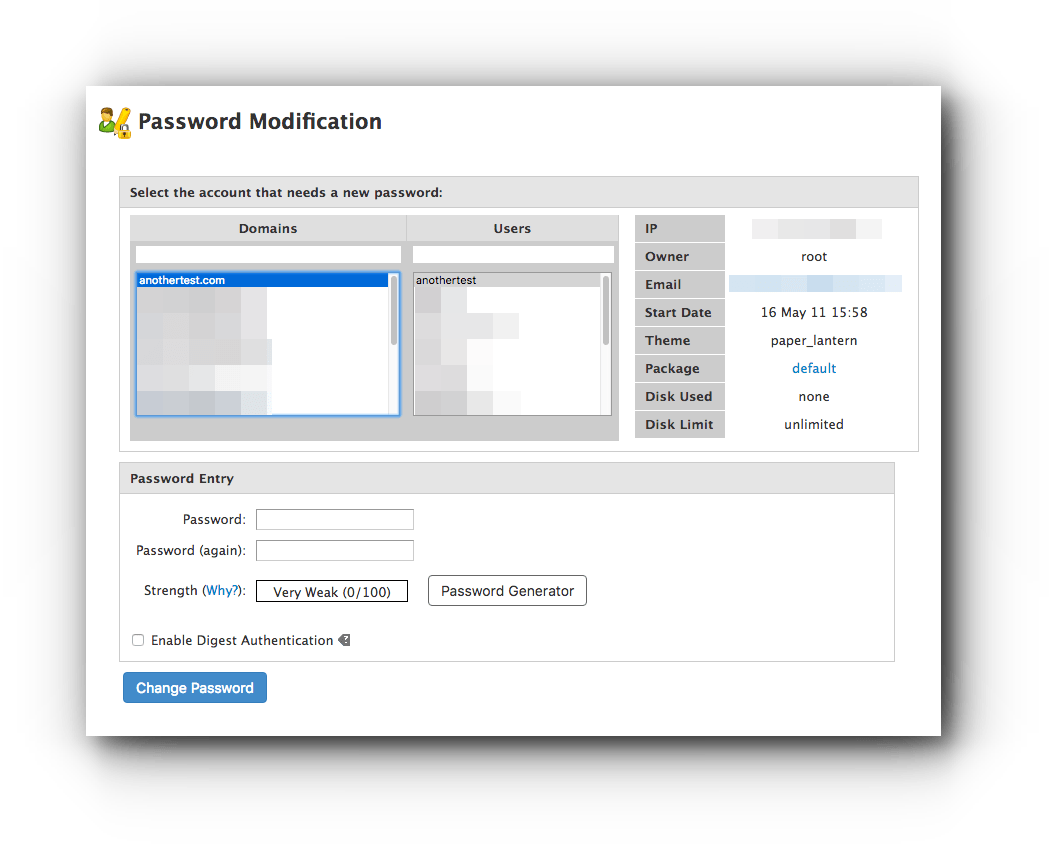
5. Enter the new password (use a strong one, or click Password Generator) and click Change Password.
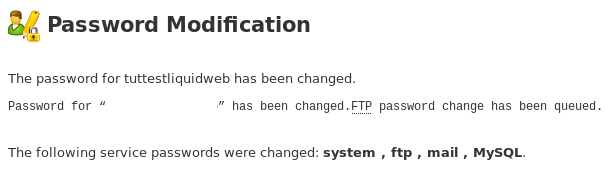
6. A confirmation message appears at the bottom.
Related service: Hyyat Host server management manages your WHM/cPanel server for you, with 24/7 support.


