

In short: To pay with PayPal: when you place an order, choose PayPal as the payment method and click Checkout, or open the invoice in the client area. Click Pay, and you are taken to PayPal to log in and complete the payment.
If you have a PayPal account, you can pay for Hyyat Host services online with it. See also all payment methods at Hyyat Host.
How to pay with PayPal #
1. After choosing the service you want and filling in your details, the payment methods appear at the bottom. Choose PayPal and click Complete Order.
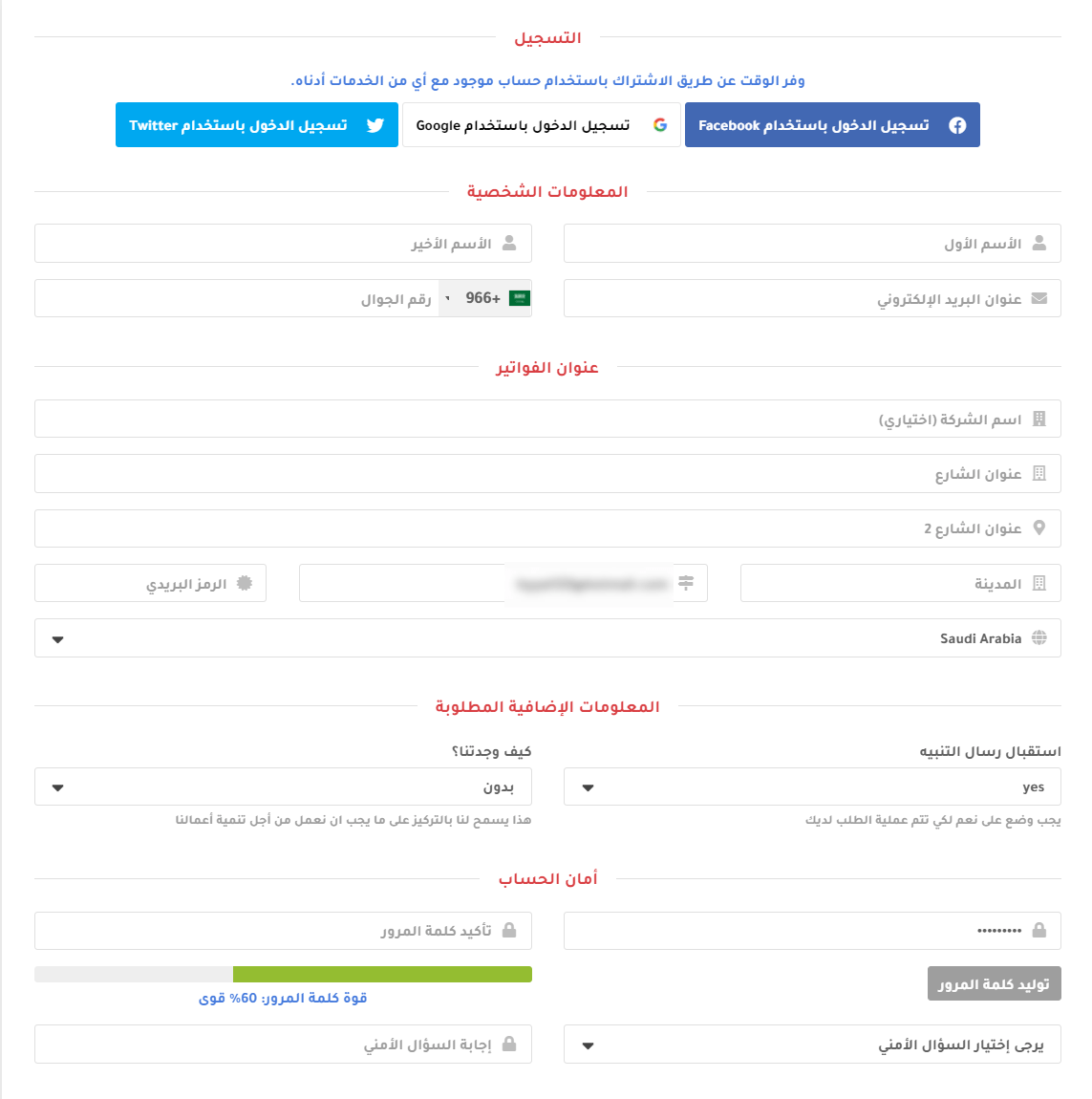
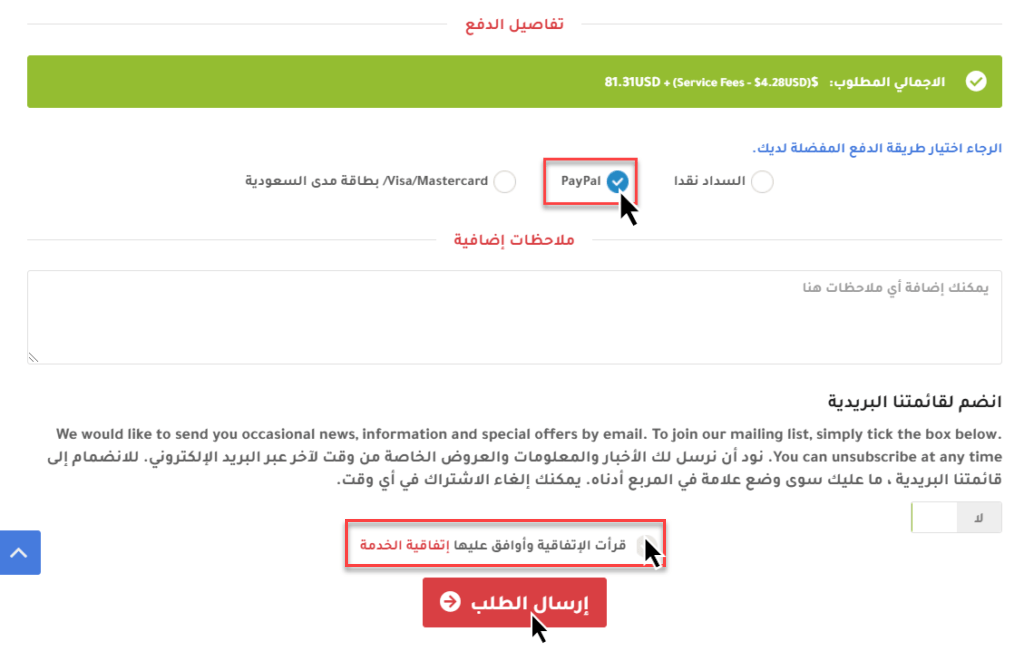
If you already have an account, log in to the client area, open the service or invoice you want to pay, and choose PayPal.
2. Click Pay. You are taken to the PayPal website to complete the payment.
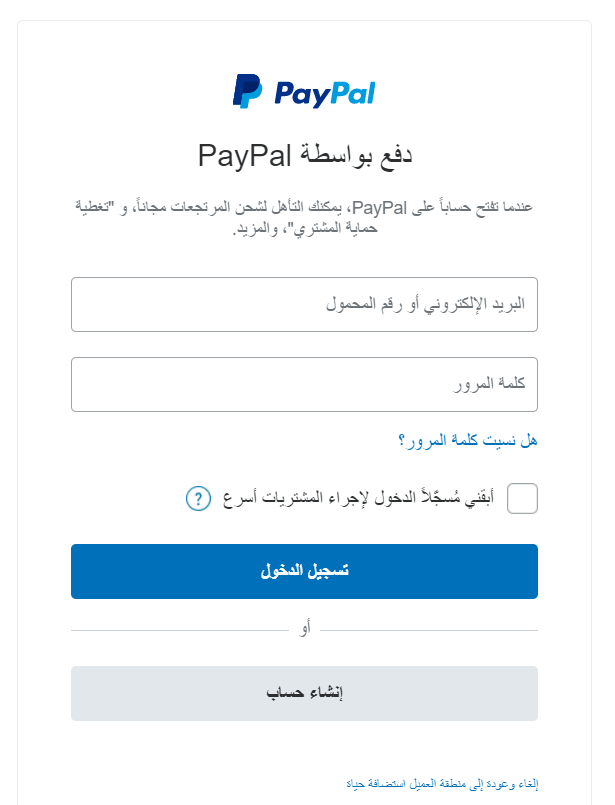
3. Log in to PayPal (or enter your card details) and confirm the payment. Your invoice is marked as paid automatically.
Related service: Hyyat Host hosting plans with payment by mada, Visa, Mastercard, Apple Pay and PayPal.


