

Two-factor authentication adds a second step to your cPanel login: your password plus a code from your phone. Even if someone learns your password, they cannot log in without your phone. The code changes every 30 seconds.
What you need #
- A smartphone (Android or iPhone) with Google Authenticator for Android or Google Authenticator for iPhone.
- Access to your cPanel account.
Turn it on #
1. Log in to cPanel (see how to log in to cPanel).
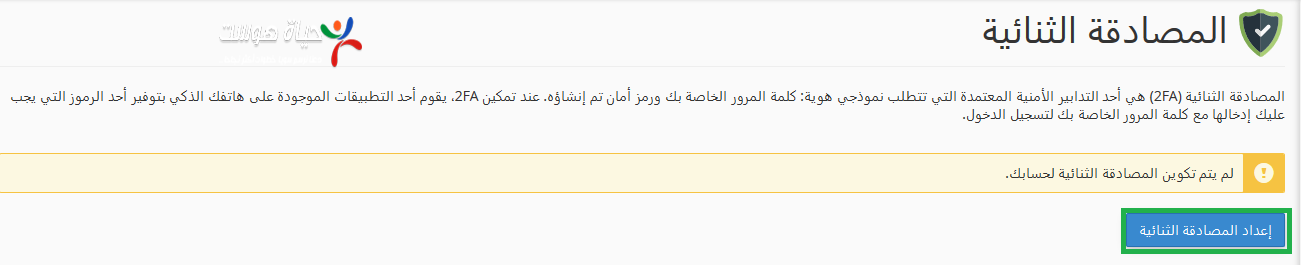
2. In the Security section, click Two-Factor Authentication.

3. Click Set Up Two-Factor Authentication. A QR code appears.
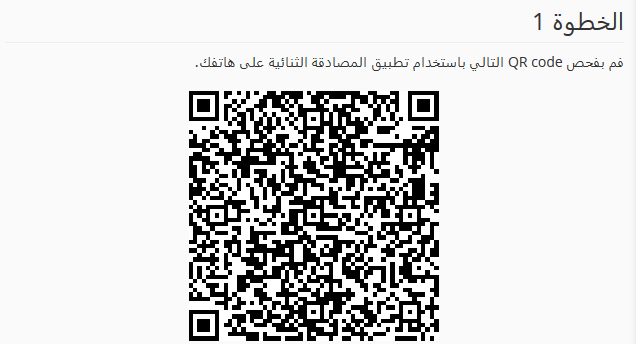
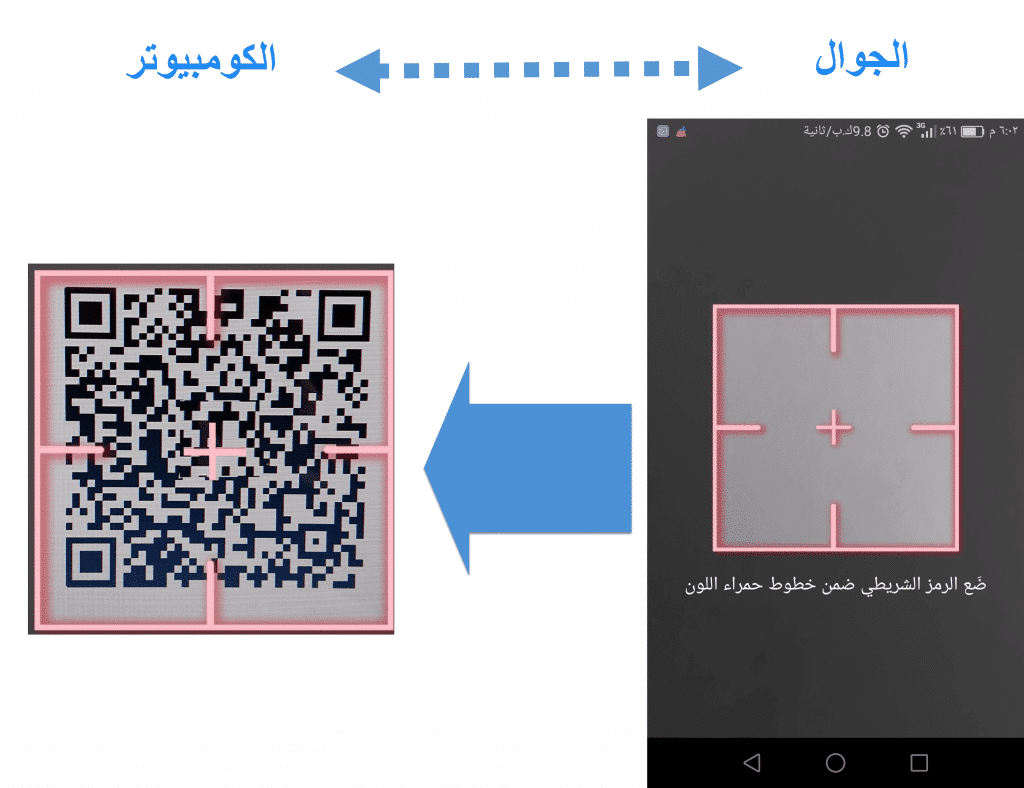
4. Open Google Authenticator on your phone, tap + and choose Scan a QR code, then scan the code on the screen.
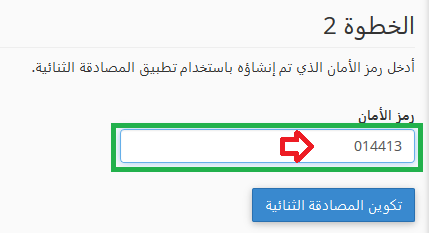
5. The app shows a 6-digit code that changes every 30 seconds. Enter it in cPanel and click Configure Two-Factor Authentication.
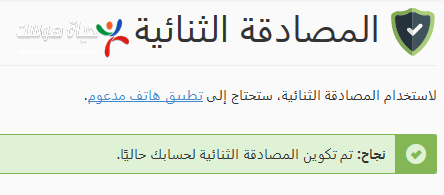
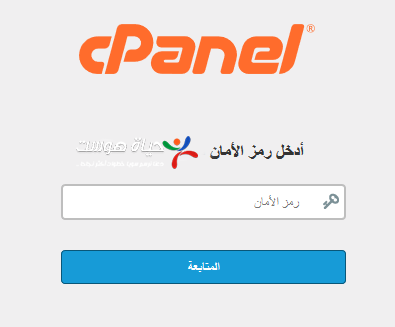
From now on, cPanel asks for your username and password, then the code from your phone.
Protect your client area too: see how to turn on two-factor authentication for the client area.
Related service: Hyyat Host shared hosting includes cPanel with two-factor authentication and 24/7 support.


