

In short: To change the time zone in Roundcube webmail: log in to webmail, go to Settings, then Preferences, then User Interface, choose your time zone from the Time zone option and click Save. Your messages will then show your local time.
If the times on your messages look wrong, set your webmail time zone. You need your email login details or your cPanel login. If you have not created an email account yet, see how to create an email account in cPanel.
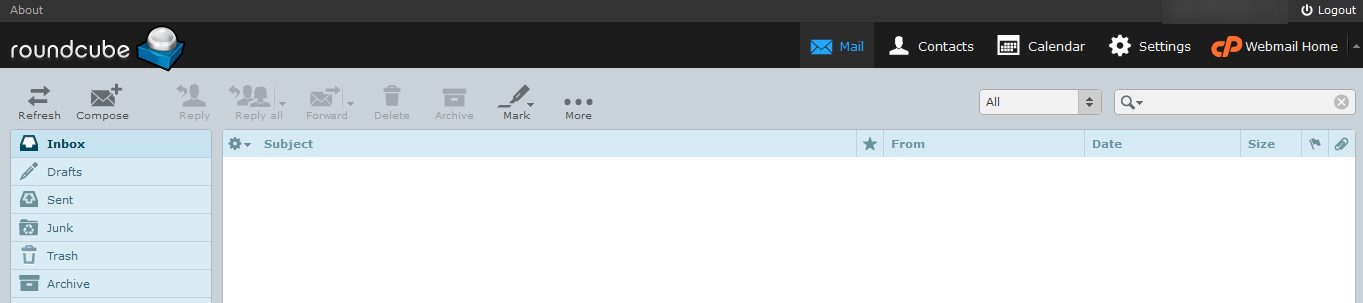
1. Log in to webmail with Roundcube. You will see your inbox.
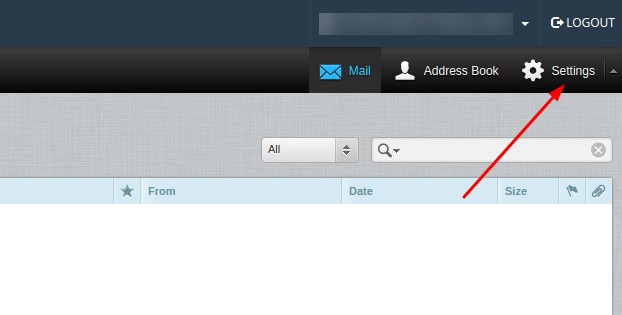
2. Click Settings.
3. Click Preferences, then User Interface.
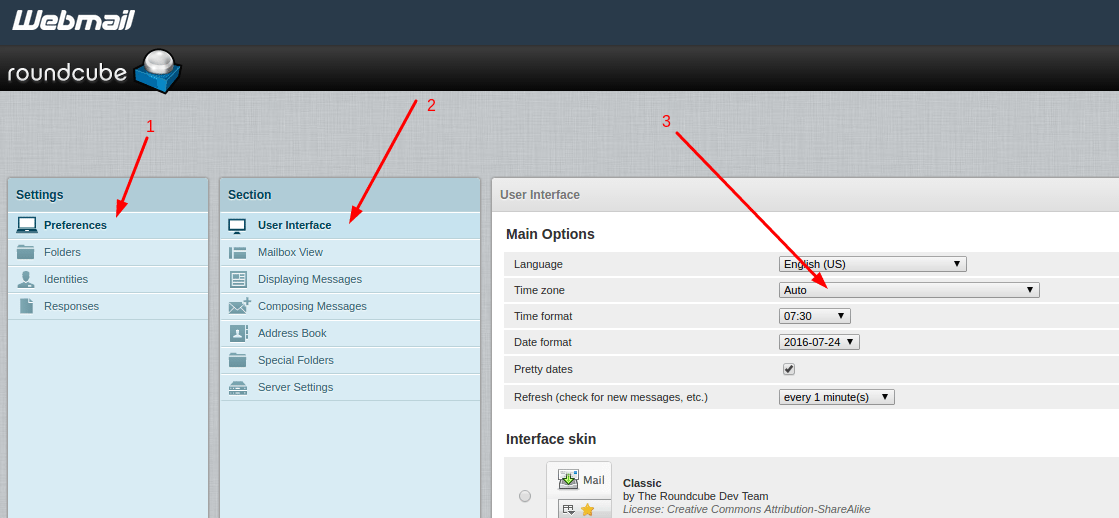
4. Under Main Options, open the Time zone list, choose your time zone and click Save.
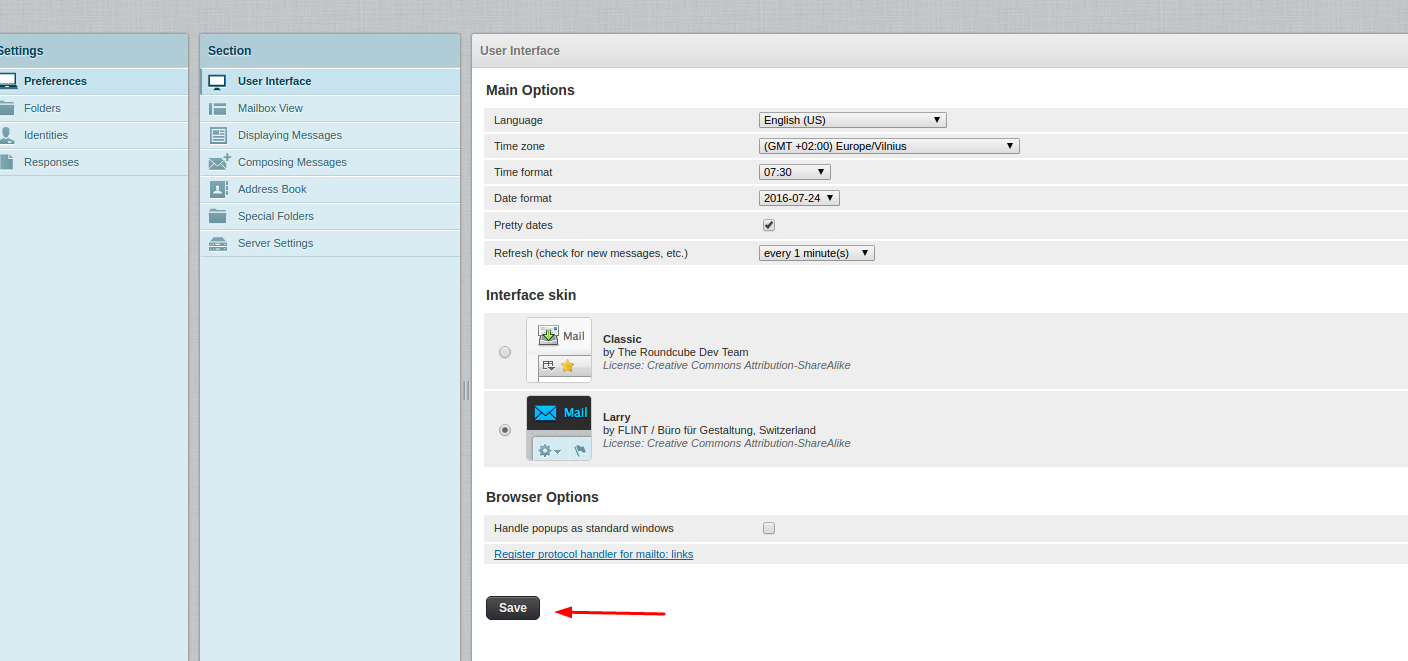
A success message confirms the change.

Related service: Hyyat Host email hosting gives you professional email on your own domain, with 24/7 support.


