

In short: The warning “RESTRICT_SYSLOG is disabled” appears in ConfigServer Security & Firewall (CSF) after installation. Fix it by setting RESTRICT_SYSLOG = 3, either in WHM under Plugins → ConfigServer Security & Firewall → Firewall Configuration, or in /etc/csf/csf.conf over SSH, then restart CSF.
The full warning shown when you open CSF is:
WARNING: RESTRICT_SYSLOG is disabled. See SECURITY WARNING in Firewall ConfigurationFix from WHM #
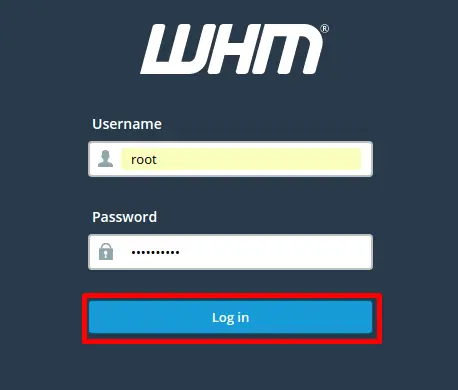
- Log in to WHM at https://your-server-hostname:2087 (or https://your-server-IP:2087). Using the hostname is better.
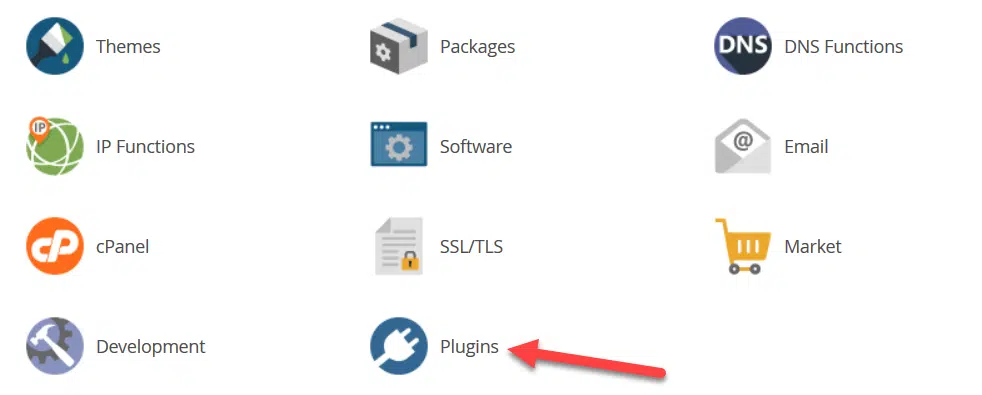
- Go to Home → Plugins.

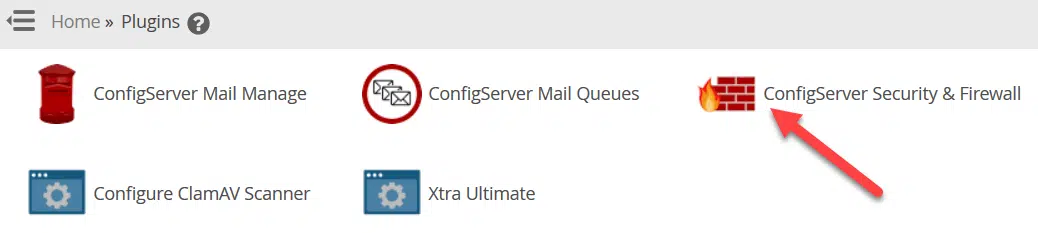
- Click ConfigServer Security & Firewall.

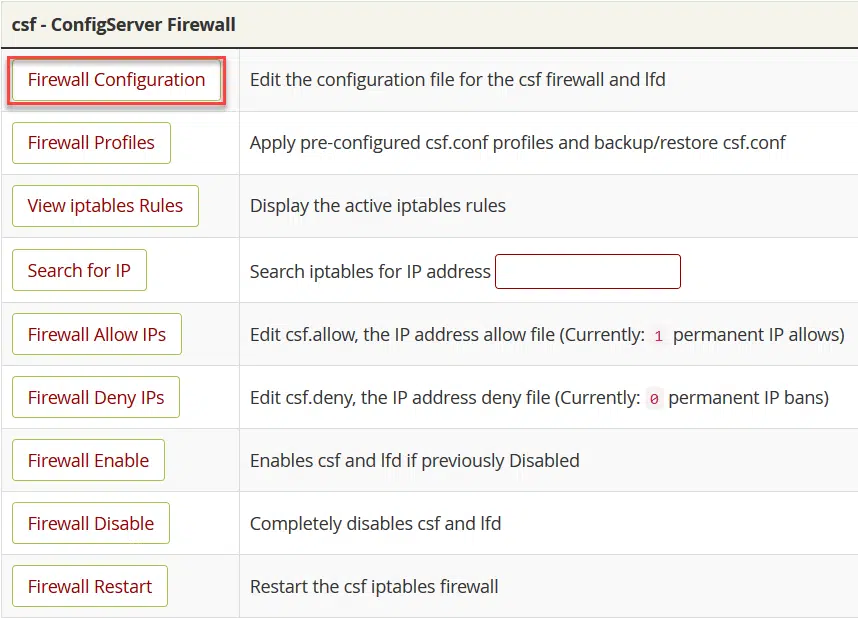
- Click Firewall Configuration.

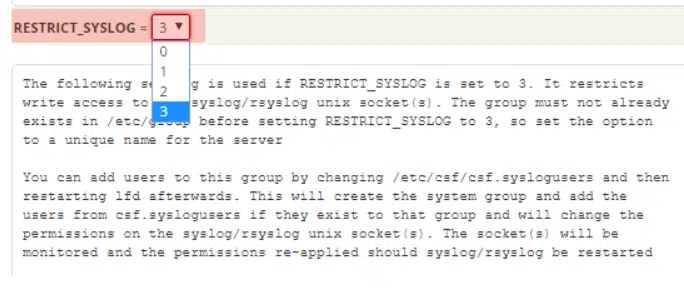
- Find RESTRICT_SYSLOG and set it to 3.

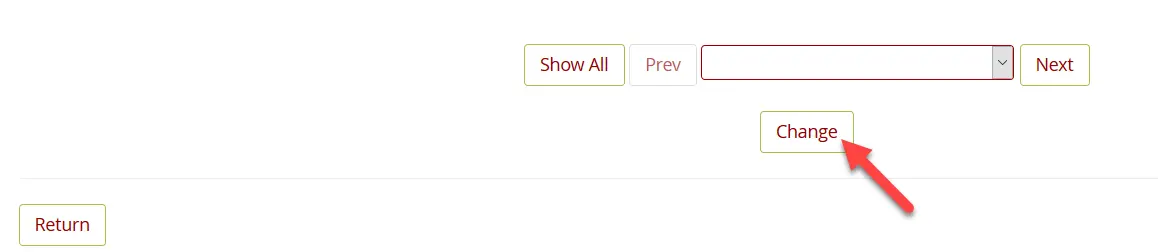
- Scroll down and click Change.

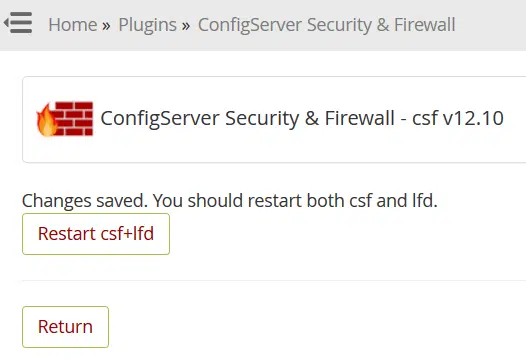
- Click Restart csf+lfd, then Return.

Fix over SSH #
- Connect to the server over SSH.
- Open the CSF configuration file:
nano /etc/csf/csf.conf - Find the line
RESTRICT_SYSLOG = "0"and change it toRESTRICT_SYSLOG = "3". - Save the file and restart CSF and LFD:
csf -ra
What does 3 mean? It restricts access to the syslog/rsyslog socket to members of the RESTRICT_SYSLOG_GROUP, which is the setting CSF recommends.
Related service: server management and security from Hyyat Host, with 24/7 support.


