

What is a favicon? #
A favicon (favorite icon) is the small image you see in browser tabs next to a site’s title, in history and bookmarks, and on mobile home screens. It helps your site stand out among many open tabs and strengthens your brand.

How to create a favicon #
We recommend a design program such as Adobe Photoshop, or a free alternative such as GIMP. The steps are similar:
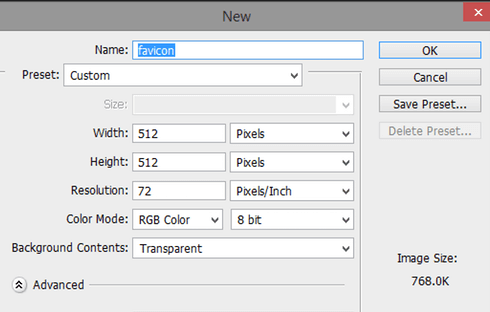
- Create a new square image of 512×512 pixels.
- Design your icon; keep it simple so it is readable at small sizes.
- Save it as PNG. WordPress creates the smaller sizes automatically. (If you need an .ico file for another platform, export a 16×16 or 32×32 version in ICO format.)
Add the favicon to WordPress #
1. Log in to your WordPress dashboard (yourdomain.com/wp-admin).
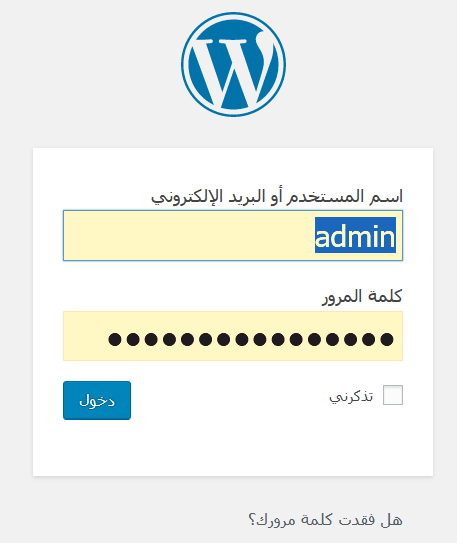
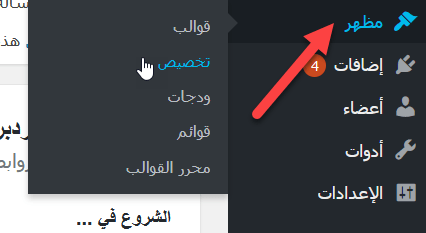
2. Go to Appearance, then Customize, and open Site Identity.
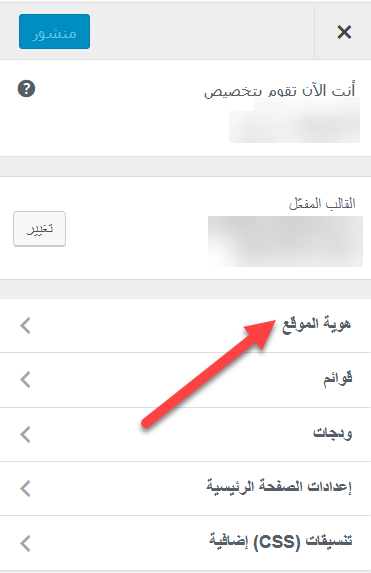
3. Under Site Icon, upload your image, crop it if needed and click Publish.
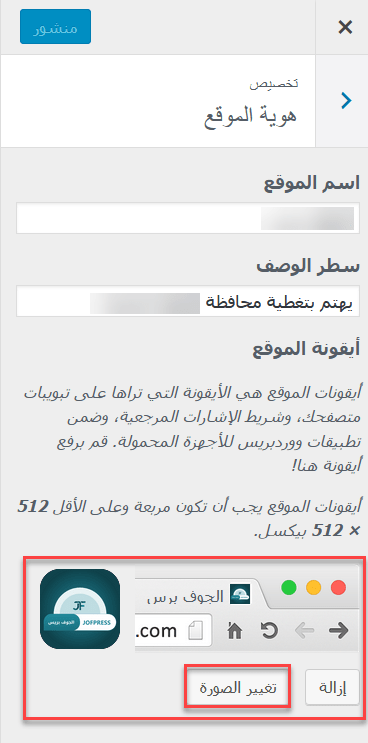
With some block themes, you set the site icon from Settings, then General. If the new icon does not appear, clear your browser cache.
Related service: Hyyat Host WordPress hosting from $1.93/month with free SSL and free migration.


