

Domain lock, also called registrar lock or transfer lock, is a protection for domains in your client area. While it is on, your domain cannot be transferred to another registrar. To transfer your domain, you need to unlock it first.
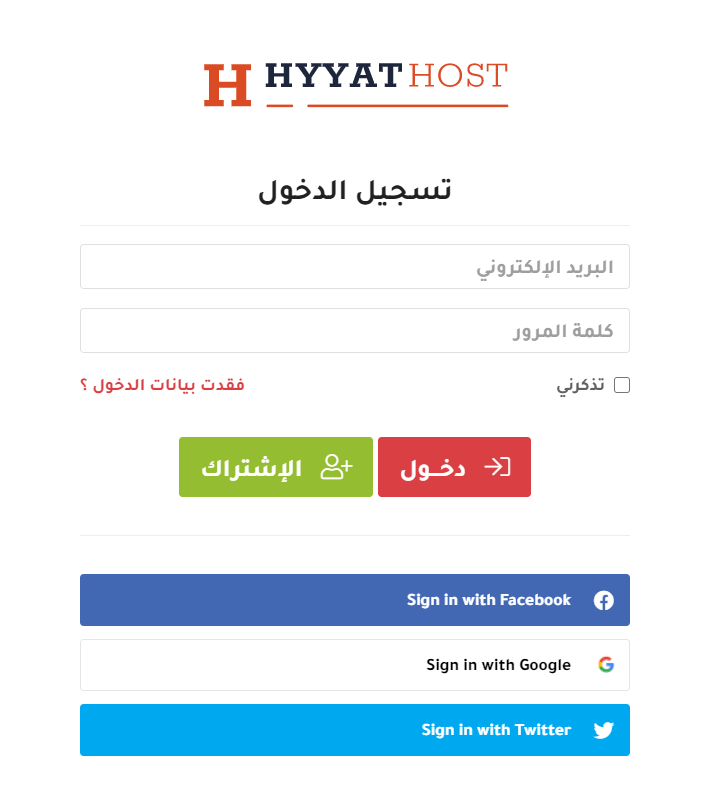
1. Log in to the client area (see how to log in to the client area).
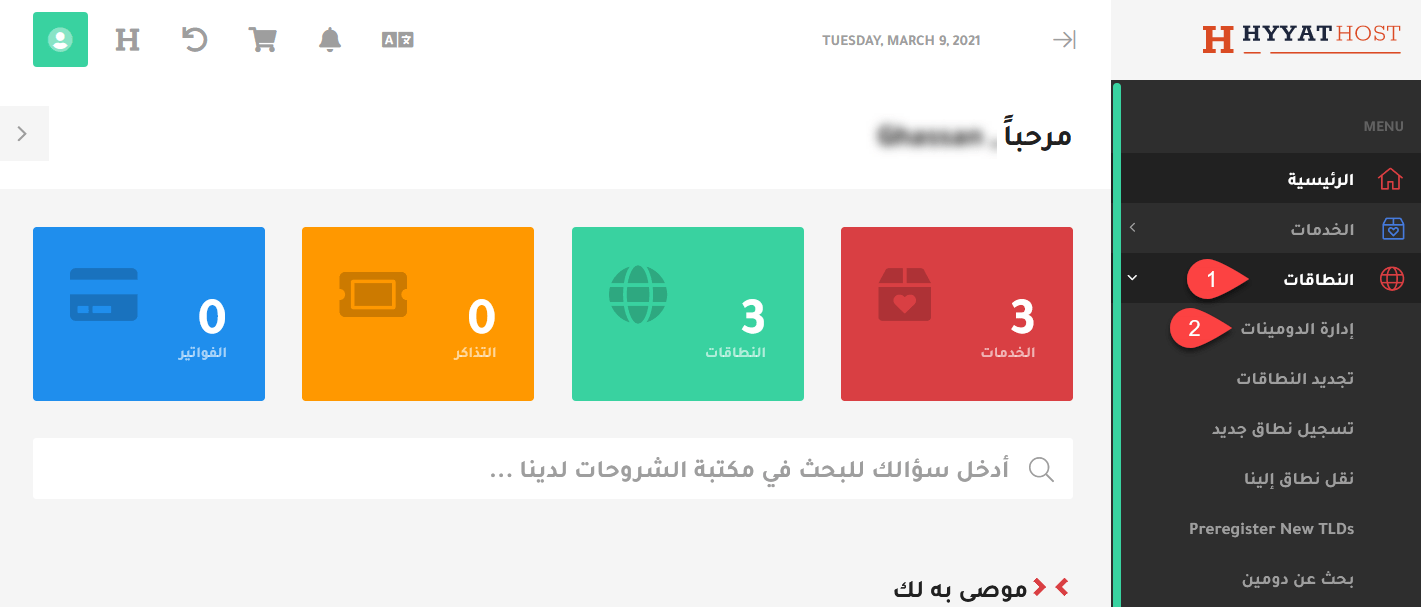
2. In the menu, click Domains, then My Domains, or go there directly: my domains.
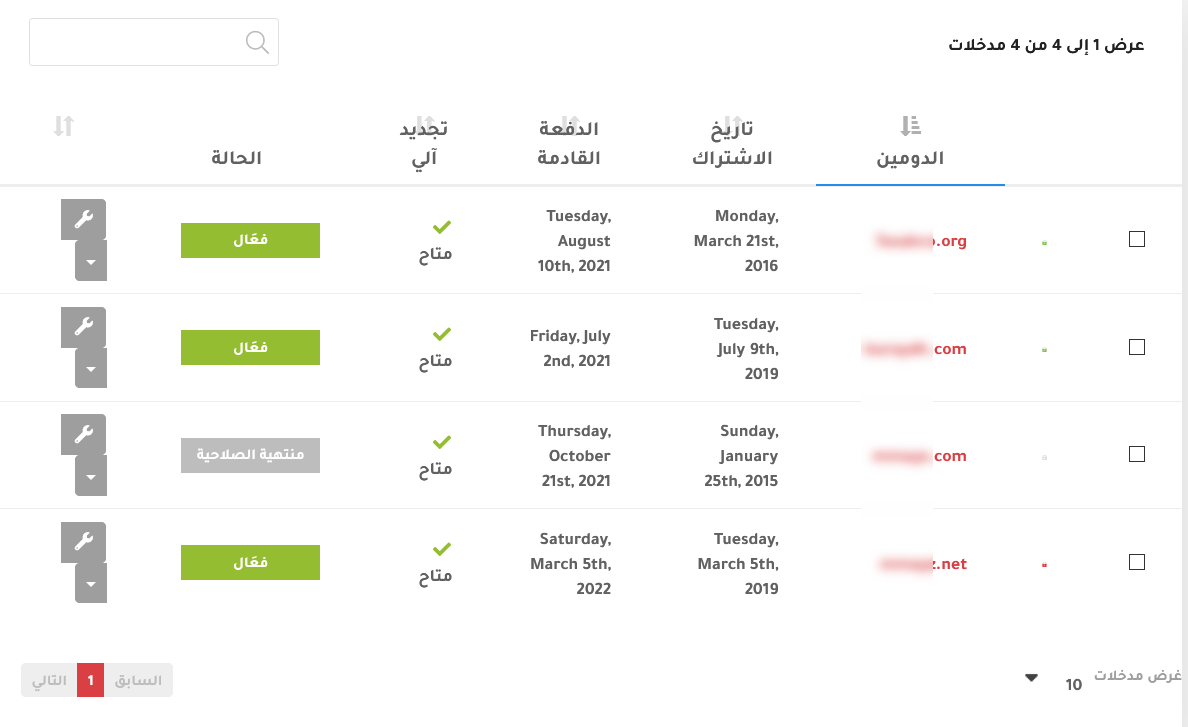
3. You will see all your domains.
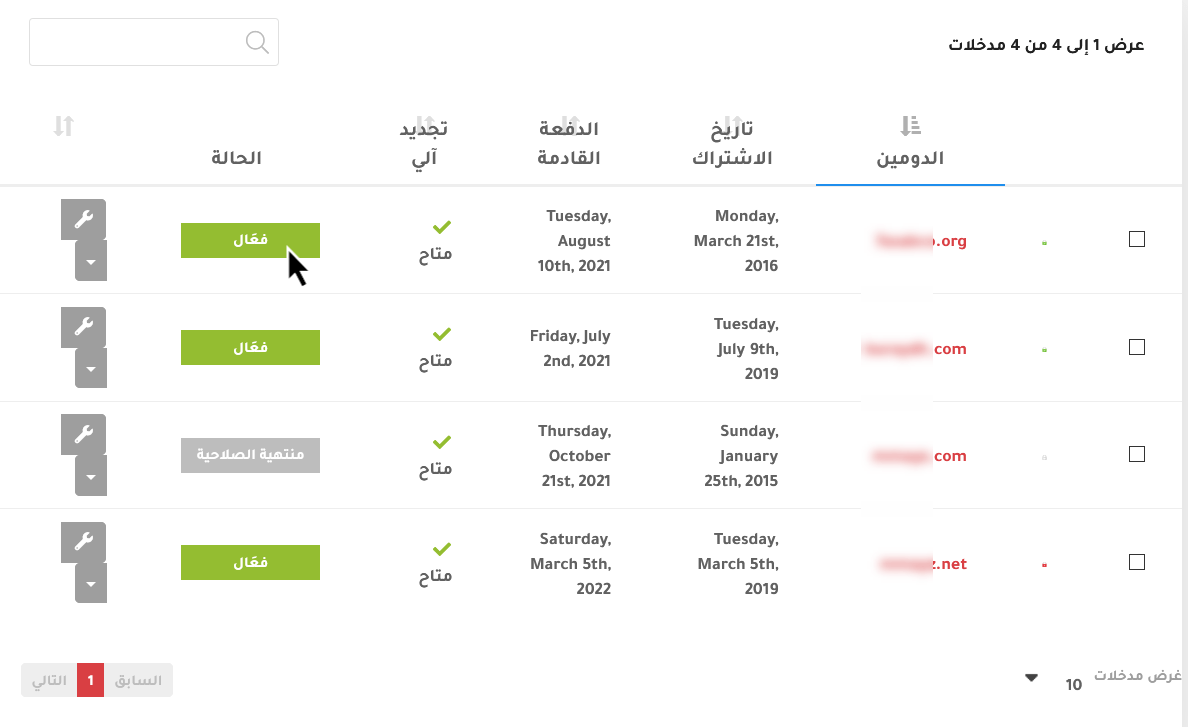
4. Click Active next to the domain, or click the key icon and choose Manage Domain.
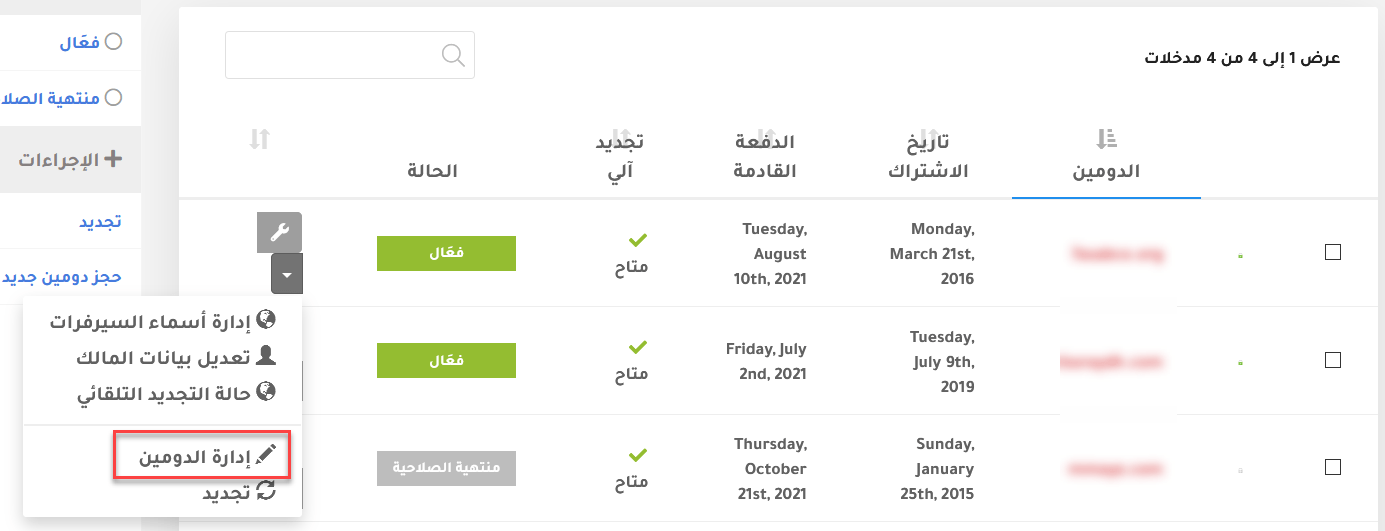
5. On the overview page, scroll down to the management options and choose Registrar Lock.

If the lock is disabled, click Enable Registrar Lock to protect the domain.

If it is enabled, your domain is protected. Disable it only when you want to transfer the domain.

See also how to turn on two-factor authentication for your client area, how to get your domain EPP code and domain auto-renewal.
Related service: Hyyat Host domain registration with Arabic support 24/7.


