

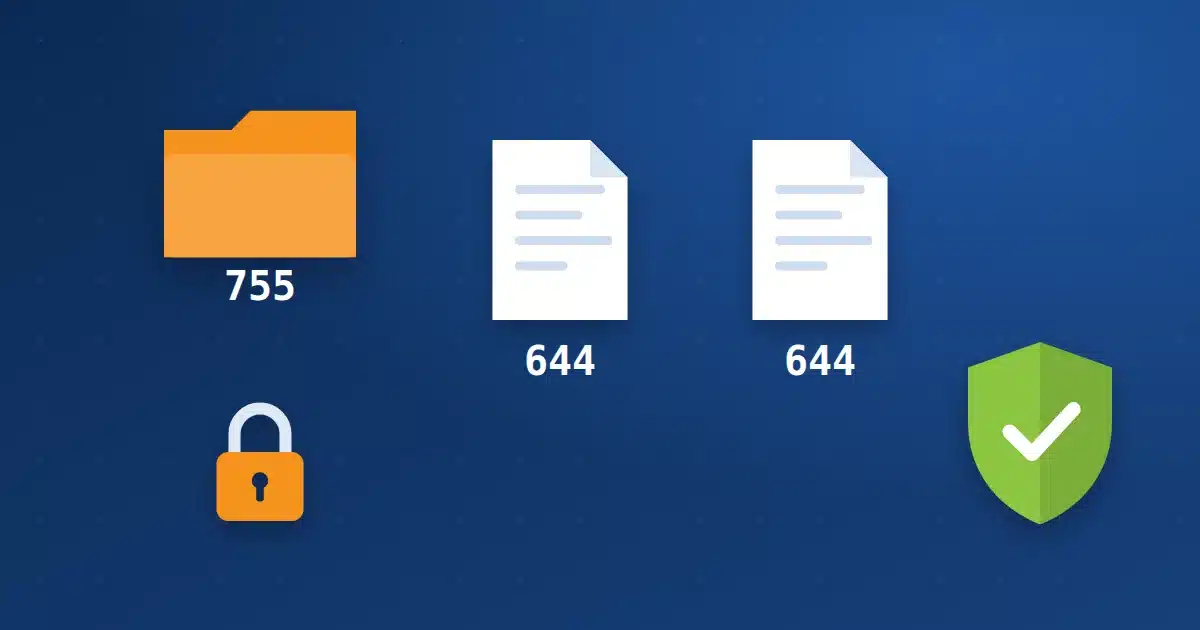
In shortEvery file and folder on your site has a three-digit permission that decides who can read, write and execute it. The safe rule for most sites: folders 755, files 644 and wp-config.php 440 or 400. Never use 777, which lets anyone on the server modify the item; your site does not need it on our servers.
What do the numbers mean? #
The first digit is for the owner, the second for the group and the third for everyone. Each digit is the sum of three values:
| Value | Permission | Meaning |
|---|---|---|
| 4 | Read (r) | View the file’s contents or list the folder. |
| 2 | Write (w) | Edit the file, or create and delete files in the folder. |
| 1 | Execute (x) | Run the file, or enter the folder. |
For example, 644 means the owner reads and writes (4+2), the group only reads (4) and everyone only reads (4).
The right permissions for your site #
| Item | Permission | Why |
|---|---|---|
| Folders | 755 | The account owner writes; the server enters and reads. |
| Regular files | 644 | Read and served, edited only by the account owner. |
| wp-config.php | 440 or 400 | The most important file, read only. Read protecting wp-config.php. |
| .htaccess | 644 | Read by the server, edited only by the account owner. |
Why is 777 dangerous? A 7 for everyone means any process on the server can modify the file or add a new file to the folder. If a plugin or old guide asks for 777, do not apply it. On our servers PHP runs as the account owner, so it writes to its files with 755 and 644 without needing 777.
How to change permissions #
- In the cPanel File Manager: Select the file or folder, click “Permissions” or “Change Permissions”, type the number and save.
- For a whole site with commands: If Terminal is available in your account, go to the site folder and run the commands below.
- Check the site afterwards: Open the home page and the dashboard and try uploading an image. If an error appears, open a ticket.
find . -type d -exec chmod 755 {} \;
find . -type f -exec chmod 644 {} \;
chmod 440 wp-config.php
Signs of a permission problem #
- A
403 Forbiddenmessage on a page or file: the permission is too low. - A
500error after changing permissions: some servers refuse to run PHP files writable by everyone. - WordPress asks for FTP details when installing a plugin: file ownership is wrong; open a ticket and we will fix it.
How Hyyat Host protects your site #
- CloudLinux places every account in its own environment, so no other account can see your files even at 644.
- PHP runs as the account owner, so no plugin or upload folder needs 777.
- ImunifyAV scans files daily and detects new malicious files.
Frequently asked questions #
What permission should the uploads folder have?
755, like other folders. WordPress uploads images into it with this permission on our servers.
Do correct permissions prevent hacking?
They limit damage and close an important door, but they do not replace updates and strong passwords.
How do I see a file’s permission?
The cPanel File Manager shows a Permissions column next to every file and folder.


