

In short: To delete a hosting account in WHM: go to Multi Account Functions, then Terminate Accounts, choose the account, click Remove and confirm with “Yes, remove this account”. Termination is permanent and removes the account’s files, email and databases, so take a full backup first.
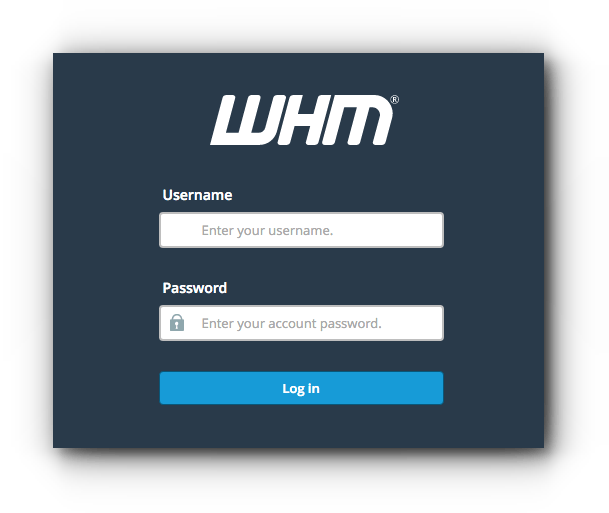
1. Log in to WHM at https://your-server-ip:2087 with your username and password.
2. Click Multi Account Functions.
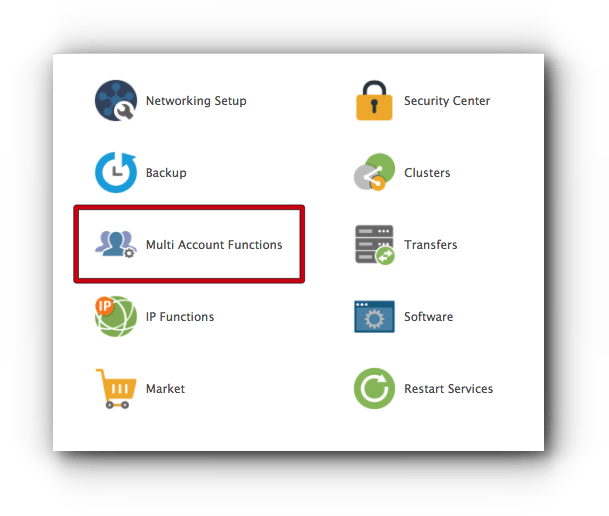
3. Click Terminate Accounts.

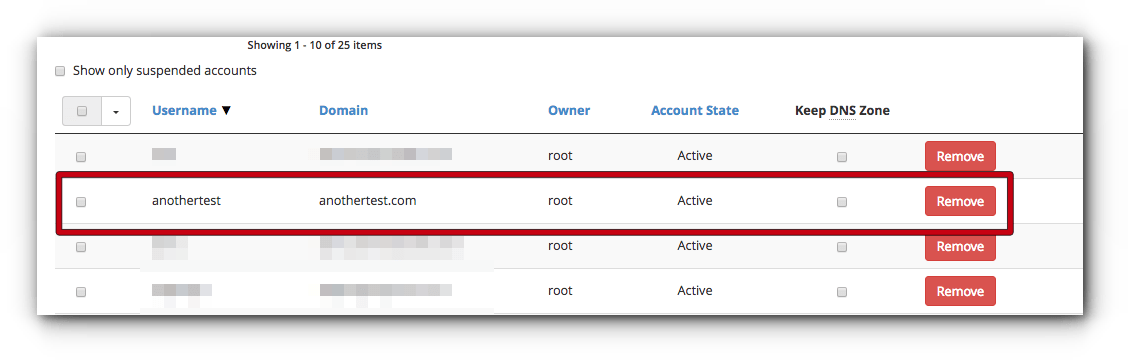
4. Choose the account you want to delete and click Remove.
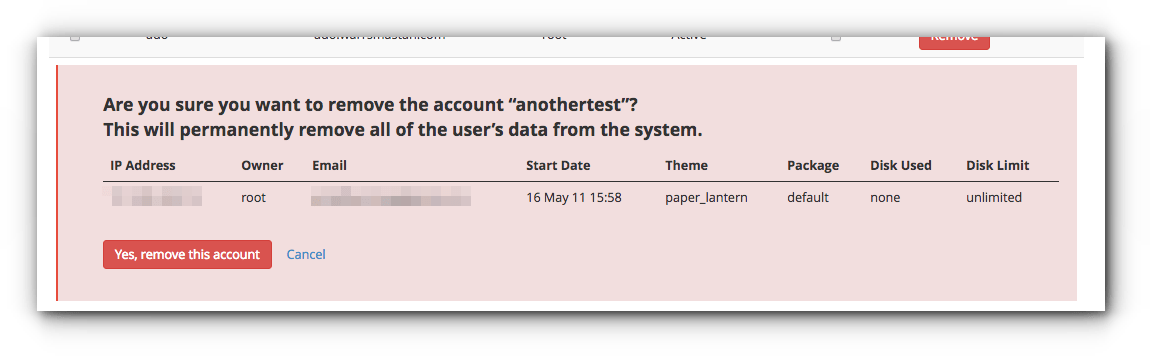
5. A confirmation appears. Click Yes, remove this account.
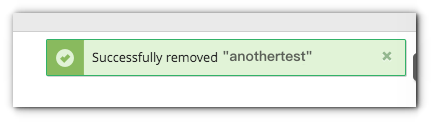
A message confirms that the account was removed successfully.
Tip: if you only want to stop the site temporarily (for example for unpaid invoices), suspend the account instead of terminating it.
Related service: Hyyat Host server management manages your WHM/cPanel server for you, with 24/7 support.


