

Why upgrade? #
New cPanel versions are released to fix security vulnerabilities, add new features and improve the interface. Keeping cPanel up to date is one of the most important steps to keep your server secure.
Upgrade from WHM #
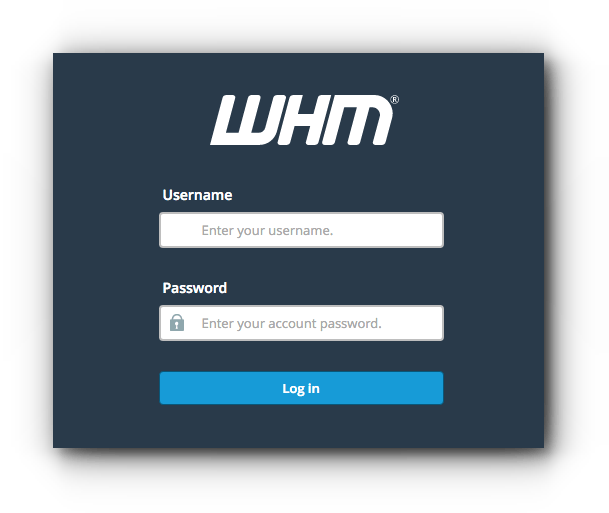
1. Log in to WHM at https://your-server-ip:2087 with your username and password.
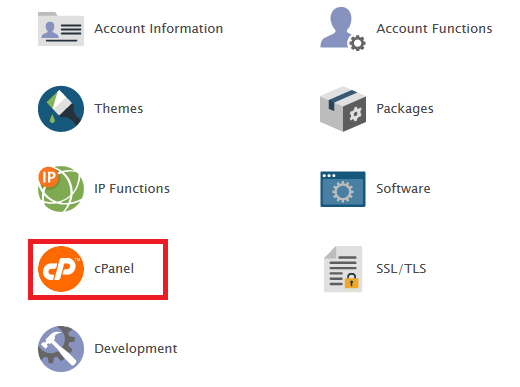
2. Go to cPanel in the menu.
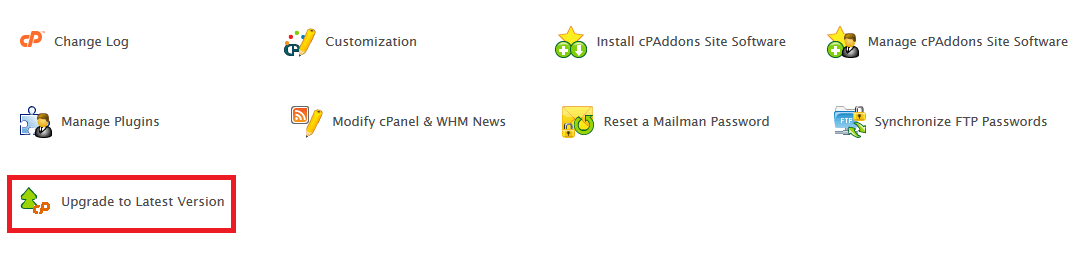
3. Click Upgrade to Latest Version.
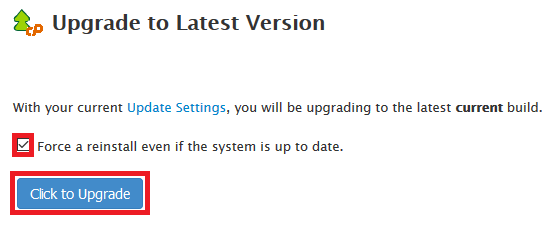
4. Click Click to Upgrade. You only need Force a reinstall even if the system is up to date if your cPanel installation is broken and needs reinstalling.
Upgrade from the command line #
Connect over SSH (see how to connect to your server over SSH) and run:
/usr/local/cpanel/scripts/upcp
You can set automatic updates in WHM, then Server Configuration, then Update Preferences.
Related service: Hyyat Host server management keeps cPanel and your server up to date, with 24/7 support.


