

Sometimes you need to check your server’s state and find what is causing a problem. WHM has a System Health section for this.
1. Log in to WHM at https://your-server-ip:2087 with your username and password.
2. Go to System Health.
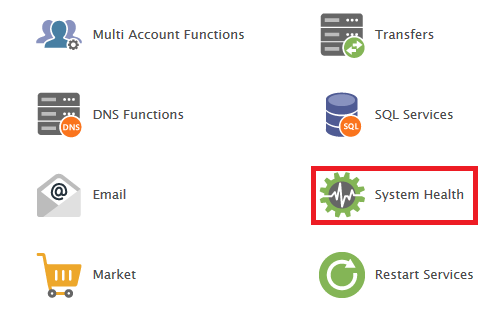
3. You will find these tools (the list can differ between cPanel versions):

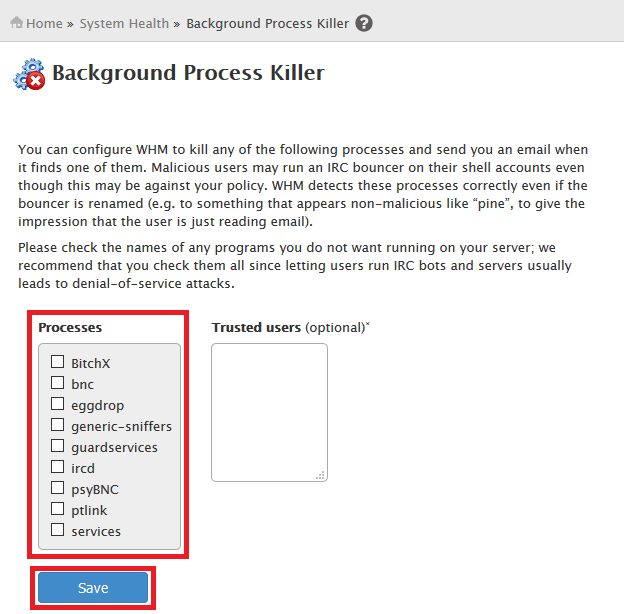
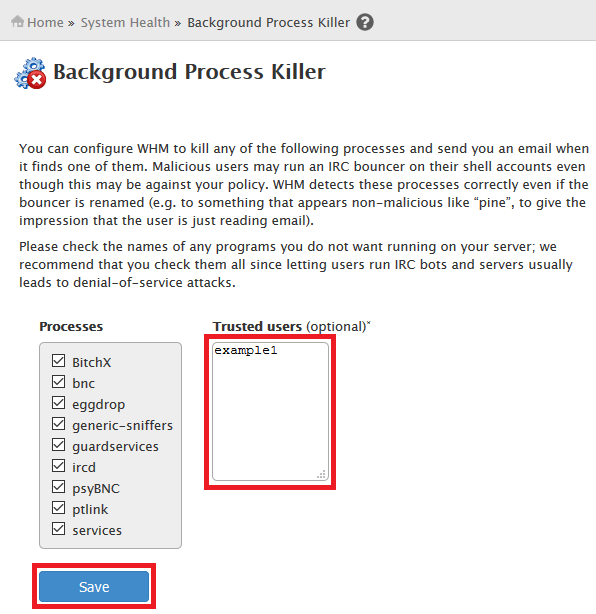
Background Process Killer #
In versions that include it, this tool stops known unwanted processes automatically and emails you when it does. Select the processes to watch and click Save. You can add trusted users whose processes will never be stopped.
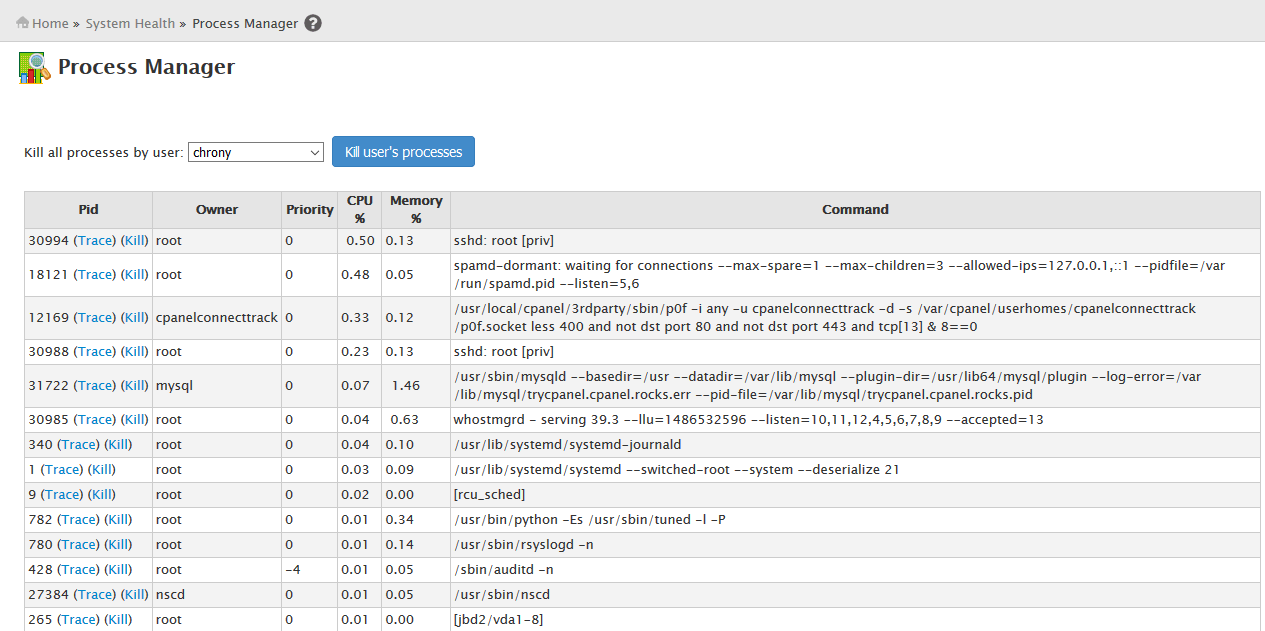
Process Manager #
Lists every running process with its process ID (PID). You can Trace a process to see what it is doing, or Kill it.
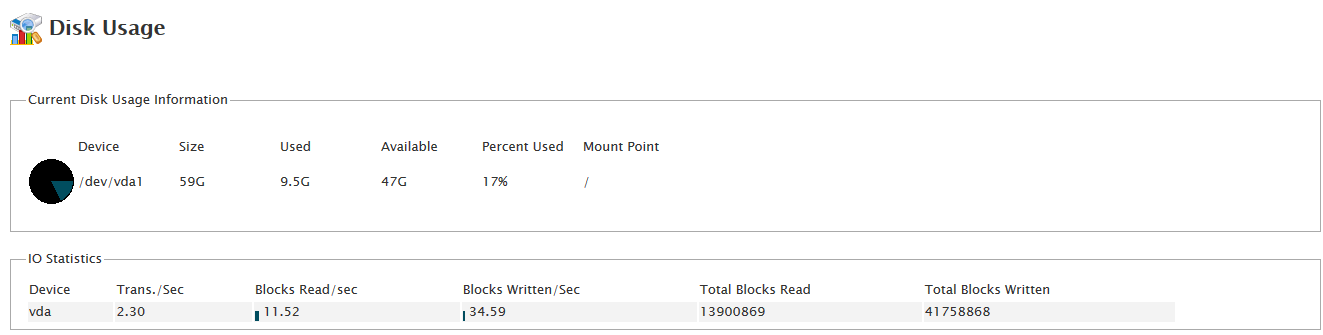
Show Current Disk Usage #
Shows the disk usage of each partition.
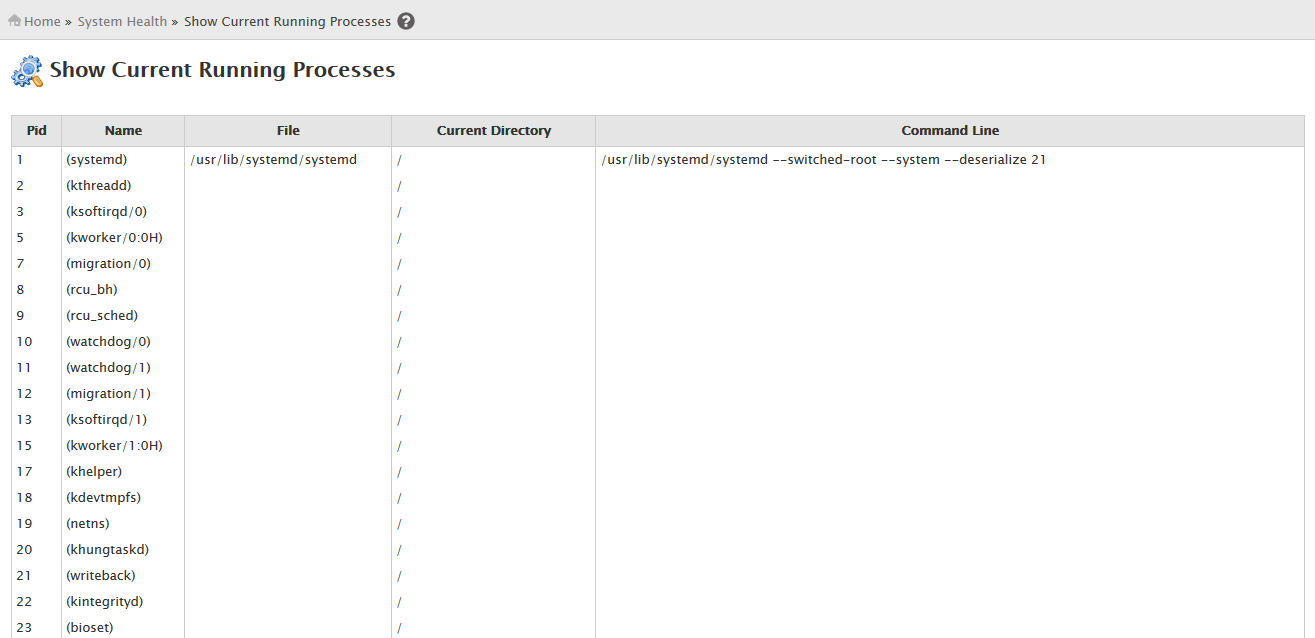
Show Current Running Processes #
Lists running processes with the user (UID) running each one, similar to Process Manager.
Related service: Hyyat Host server management monitors your server health for you, with 24/7 support.


