

A reseller account lets a customer on your server log in to WHM, with limited features, and create and manage their own cPanel accounts.
What is reseller hosting? #
Reseller hosting is a hosting service aimed mainly at people who want to start their own hosting business and sell hosting to their customers, without managing a full server.
Steps #
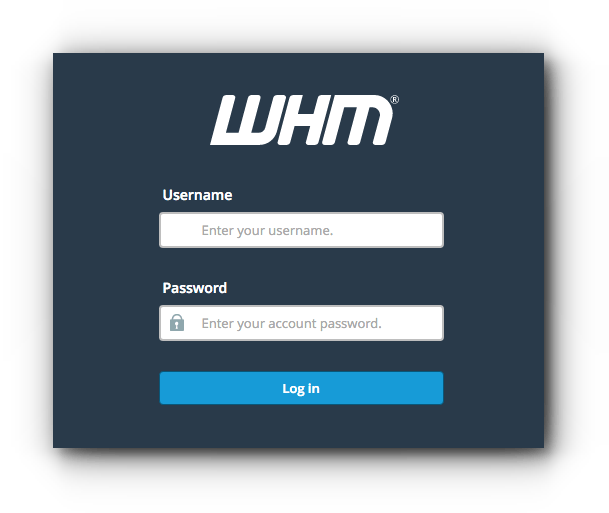
1. Log in to WHM at https://your-server-ip:2087 with your username and password.
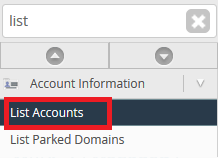
2. Search for and open List Accounts.
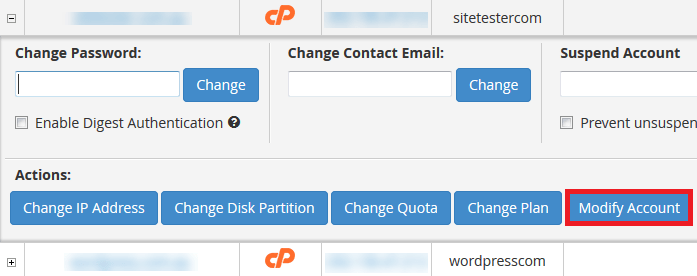
3. Choose the account you want to make a reseller and click Modify Account.
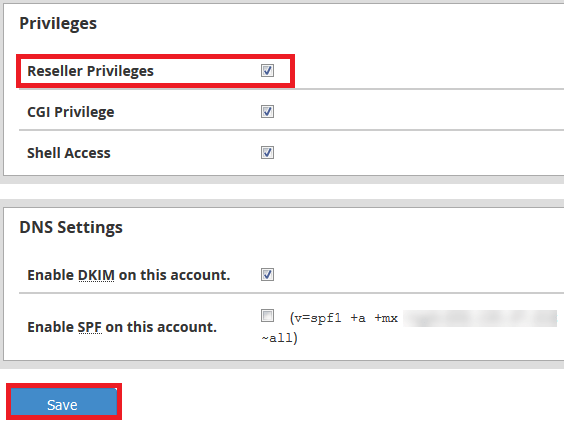
4. Tick Reseller Privileges and click Save.
The customer can now use the same WHM address as you, with their cPanel login details, to access WHM. You can also make a new account a reseller when you create it; see how to create a new account in WHM.
Related service: Hyyat Host server management sets up and manages your reseller server, with 24/7 support.


