

In short: To whitelist or blacklist an IP in cPHulk: log in to WHM, go to Security Center, then cPHulk Brute Force Protection. Open Whitelist Management or Blacklist Management, enter the IP address and click Add. A whitelisted IP is never blocked; a blacklisted IP is always blocked.
cPHulk protects your server against brute force attacks. It monitors logins to cPanel, WHM, Dovecot and Exim (email), Pure-FTPd and SSH.
Steps #
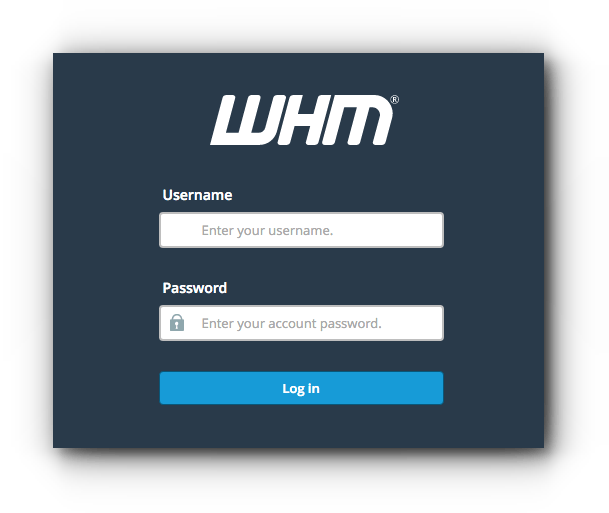
1. Log in to WHM at https://your-server-ip:2087 with your username and password.
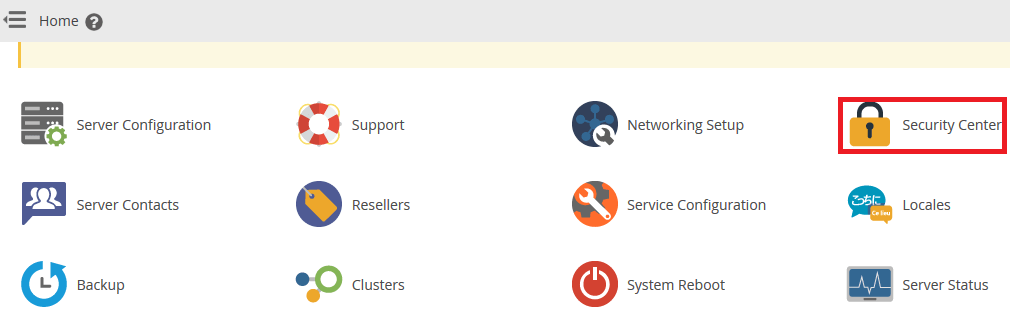
2. Click Security Center.
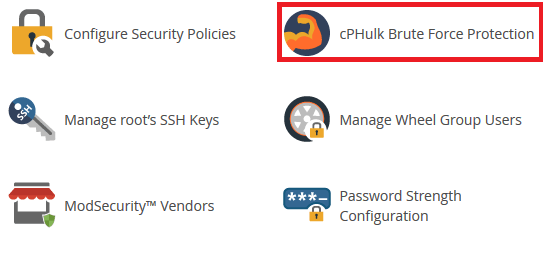
3. Open cPHulk Brute Force Protection.
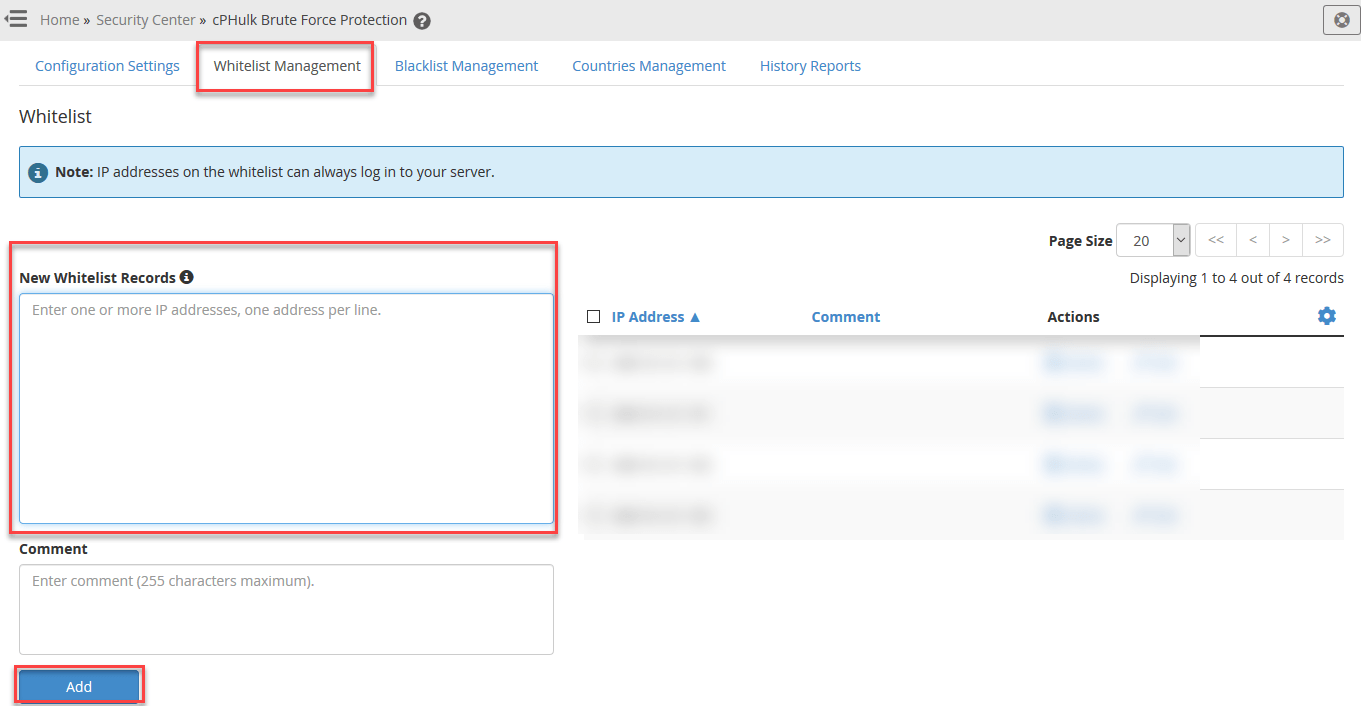
4. To whitelist an IP address, open Whitelist Management, enter the IP and click Add.
5. To blacklist an IP address, open Blacklist Management, enter the IP and click Add.
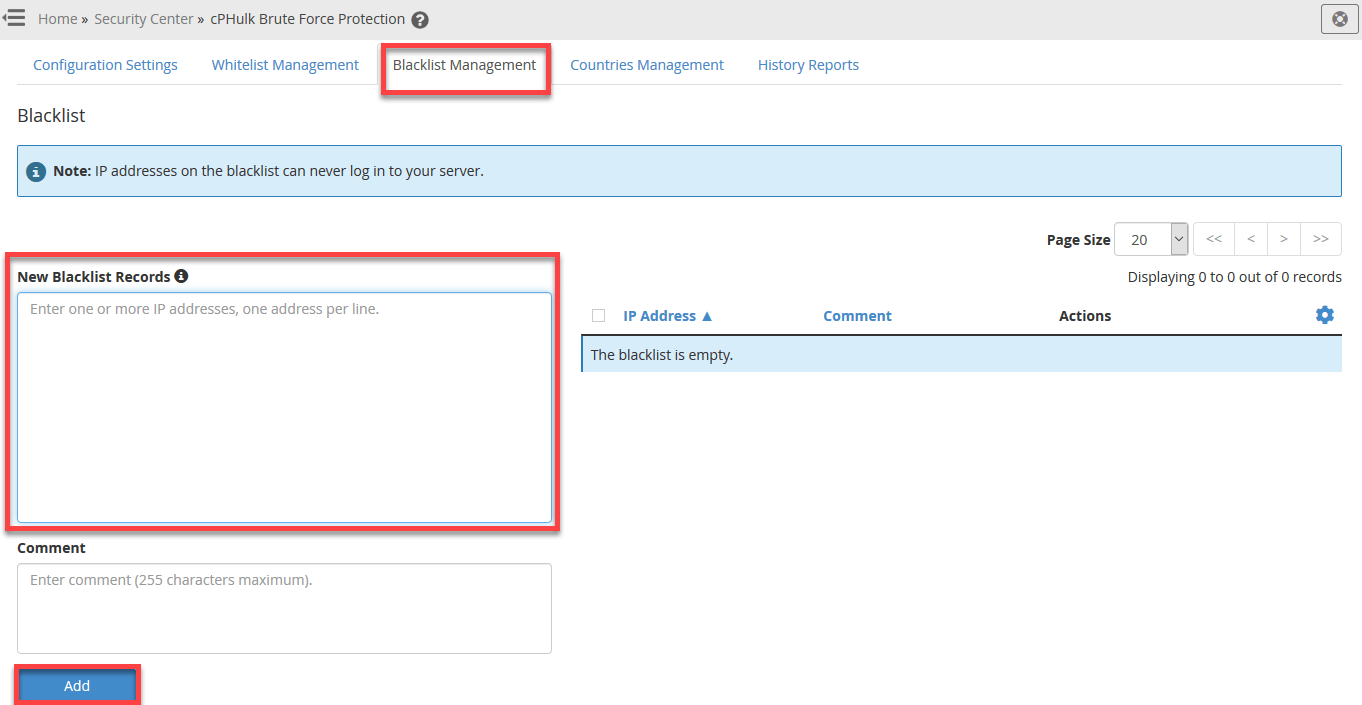
Only whitelist IP addresses you trust, such as your office or home IP. See also brute force protection.
Related service: Hyyat Host server management secures your server and firewall for you, with 24/7 support.


