

A few days after registering your domain, you get an English email titled something like “Domain Expiration Notice” with an amount to pay. Or a company says someone wants to register your business name in Asian extensions and asks you to reply quickly. New domain owners get these often, because data about new domains is easy to collect. Most have nothing to do with your domain or with Hyyat Host.
The most common fake emails #
| Type | What it says | The truth |
|---|---|---|
| Fake renewal invoice | Your domain is expiring, pay now to renew it. | Usually a “service” offer unrelated to your renewal, or card theft. |
| Search engine submission | Submit your domain to search engines before your site disappears. | Google does not charge to index your website. |
| Your name in another country | Someone wants your business name in an Asian extension, reply within days. | An attempt to sell you domains you do not need at high prices. |
| Fake suspension warning | Your domain will stop, log in through this link. | A fake login page to steal your password. |
Signs of a fake email #
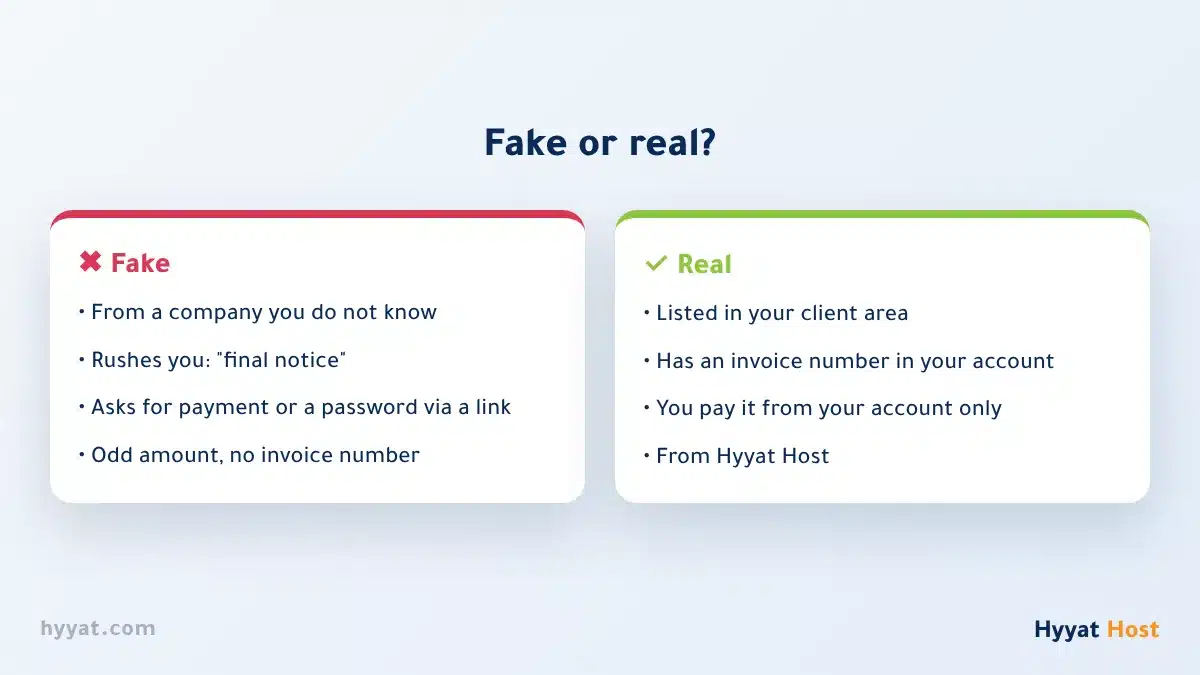
- The sender is a company you never dealt with, not Hyyat Host.
- It rushes you with words like “immediately”, “within 24 hours” or “final notice”.
- It asks for payment, card details or a password through a link in the email.
- The amount differs from your renewal price, or there is no invoice number from your account.
- A small line at the bottom says it is a “service offer”, not an invoice.
How to recognise a real invoice #
Hyyat Host invoices are issued from the client area at hyyatdomain.com, and each has a number you can find in your account. So before you pay anything for your domain:
- Do not click links in the email: type the client area address yourself in the browser.
- Open the invoices in your account: if the invoice is there, it is real, so pay it from your account. Read Viewing and paying invoices.
- Not there? ignore the email and do not reply. If you are unsure, open a support ticket and attach the email.
Clicked the link or paid? Act now #
- If you entered a password, change it now and turn on two-factor authentication in the client area.
- If you entered card details, contact your bank to block the card.
- Check that your domain contacts and nameservers have not changed, and that the domain lock is on.
- Tell us by ticket so we can review your account and domain with you.
The golden rule #
- Renew your domain only from the client area, never from an email link.
- Never give a password or card details to any email.
- If in doubt, ask us before you click.
To learn more about scam emails in general, read Phishing emails.
Frequently asked questions #
Is a domain renewal invoice from a company I do not know real?
Usually not. Your real domain invoices are in the client area of your account. If the invoice is not there, ignore the email.
What is a “submit your domain to search engines” email?
A paid service offer you do not need. Google does not charge to index your website.
Someone wants to register my business name in another country. What should I do?
Do not reply or pay. It is a well-known way to sell you domains you do not need at high prices.
I clicked the link and entered my password. What now?
Change the password now, turn on two-factor authentication, and open a ticket so we can review your account and domain.


