

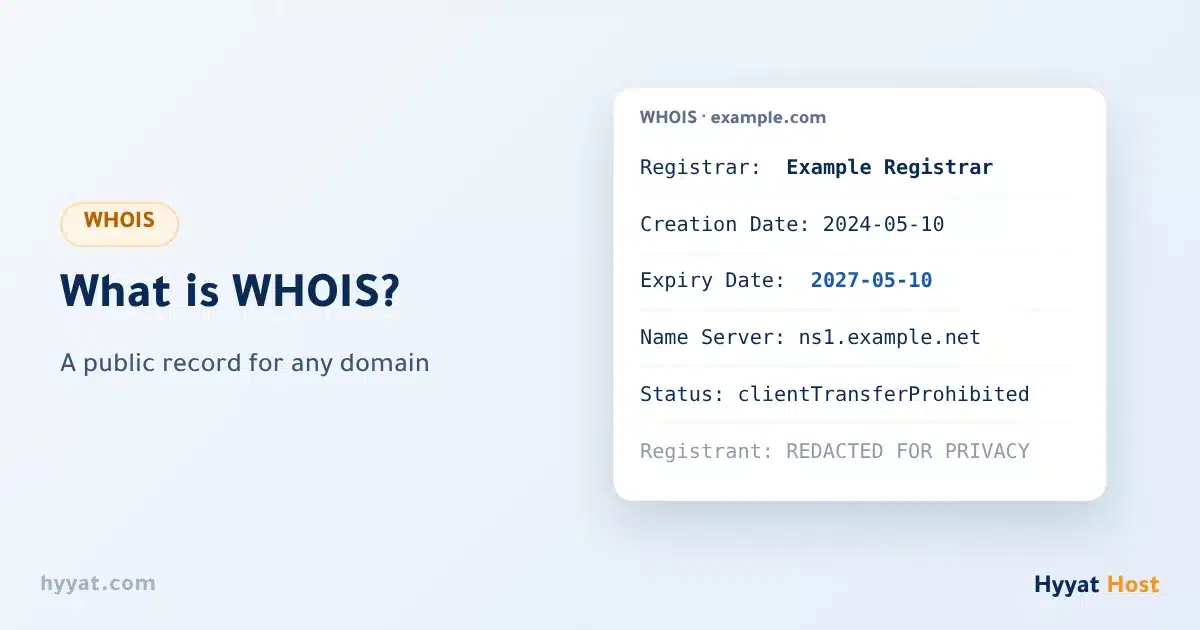
You want to know when your domain expires, whether a domain you like is taken and when it might be free, or where a company registered its domain. You find all of this in WHOIS, a kind of public record for every domain in the world.
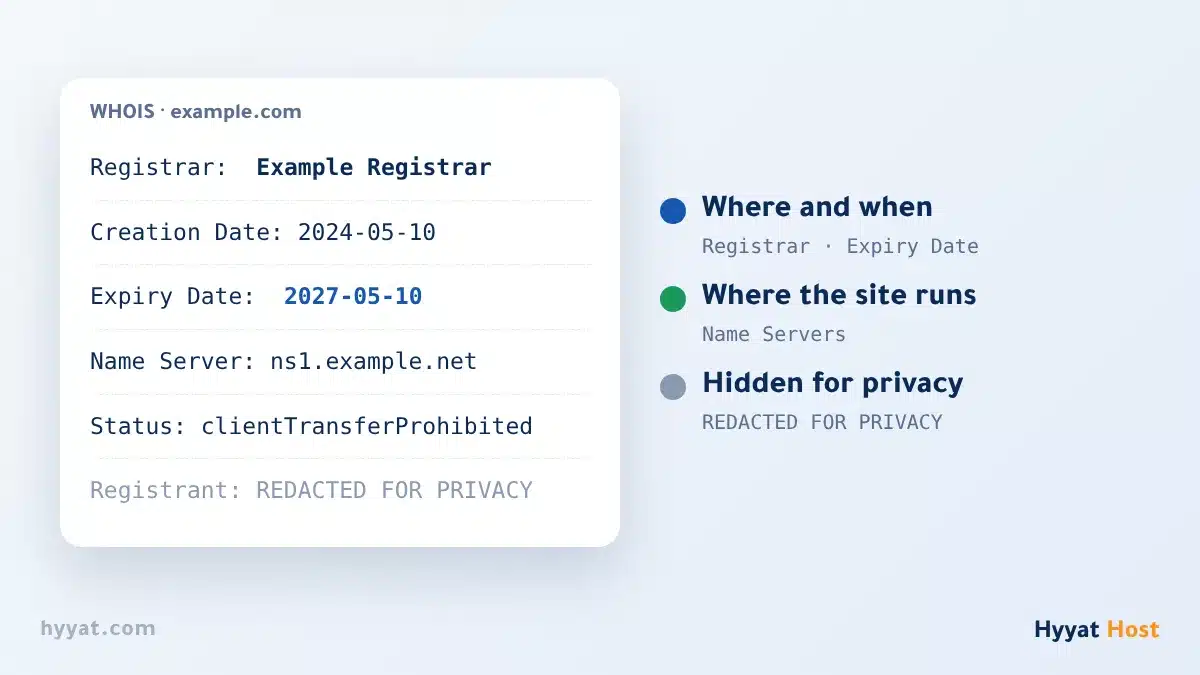
What does WHOIS show? #
| Field | Meaning |
|---|---|
| Registrar | The accredited company where the domain is registered. |
| Creation Date | When the domain was first registered. |
| Expiry Date | The last day of the current registration. Read What happens after a domain expires. |
| Name Servers | The servers that run the domain DNS and decide where the website and email work. |
| Domain Status | Codes such as clientTransferProhibited. Read Domain status codes. |
| Owner details | Usually hidden as REDACTED FOR PRIVACY. |
Why are the owner details hidden? #
Data protection laws, such as the European GDPR, led most registrars to hide the owner name, email, phone and address from public WHOIS results. So do not be surprised to see your domain, or any domain, with hidden details. More in Domain privacy.
How to search WHOIS #
- Open a WHOIS tool: such as the official ICANN lookup at lookup.icann.org, or any trusted WHOIS tool.
- Type only the domain name: without www or https, like example.com.
- Read the result: look for the expiry date, nameservers and status.
When do you need WHOIS? #
- To confirm your domain expiry date before renewing.
- To check the nameservers changed after changing nameservers.
- Before a transfer, to see the status and whether the transfer lock is on.
- To see when a taken domain you want might expire.
Summary #
- WHOIS is a public record of details for any domain.
- The expiry date, nameservers and status are the most useful parts.
- Owner details are usually hidden, and that is normal.
For the registration terms and WHOIS data, read the Domain Registration Agreement.
Frequently asked questions #
What is WHOIS?
A public record that shows details of any domain, such as the registrar, expiry date, nameservers and status.
Why does WHOIS show REDACTED FOR PRIVACY?
Because data protection laws lead registrars to hide the owner name, email and phone from public results.
How do I find a domain expiry date?
Look the domain up in any WHOIS tool and check the Expiry Date. For your own domain, the date is also in the client area.
Can I find out who owns a domain?
Usually not, because the details are hidden. You can often contact the owner through a contact form from the registrar.
- Domain Status Codes in WHOIS: clientTransferProhibited, clientHold and pendingDelete Explained
- What Happens After a Domain Expires? Grace Period, Redemption Period and Fees
- Domain Privacy: What People Can See About Your Domain, and What Is Hidden
- How to Change Your Domain Nameservers
- How to Edit Your Domain Contact Information


