

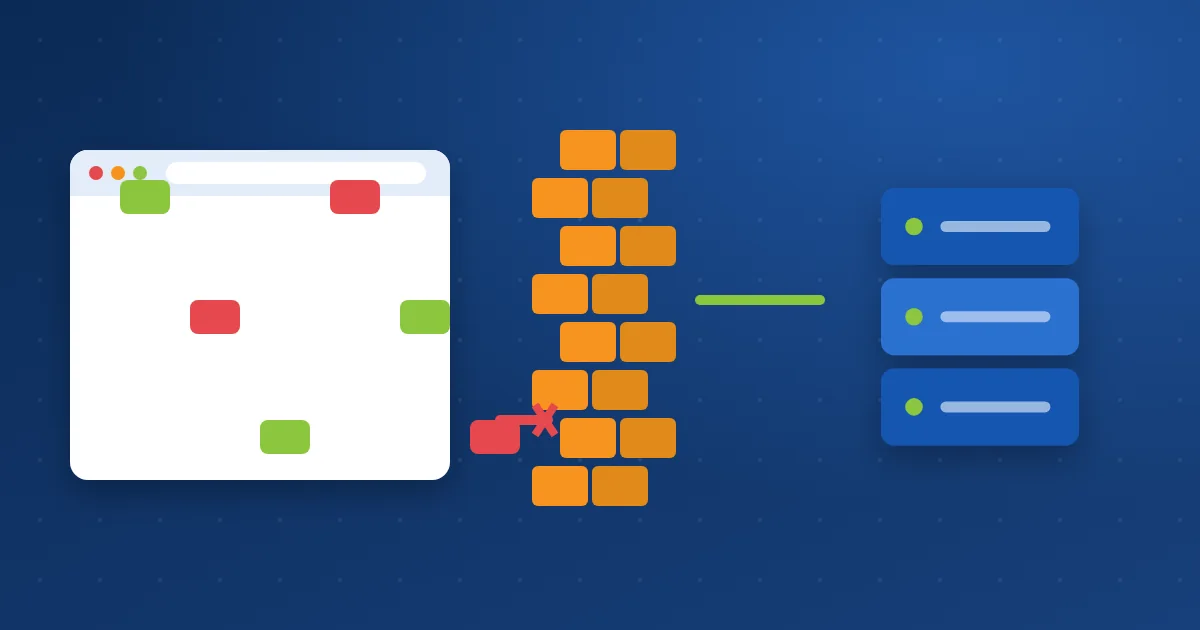
In shortA web application firewall (WAF) is a layer that inspects every request to your site and compares it with rules that recognise attacks such as SQL injection, XSS and malicious uploads. Clean requests pass, and malicious ones are rejected before reaching WordPress or your code. It protects you even from a flaw in a plugin you have not updated yet, but it does not replace updating.
How is it different from a regular firewall? #
| Regular firewall | Web application firewall (WAF) | |
|---|---|---|
| What it inspects | Addresses, ports and connections | The content of HTTP requests |
| Example | Blocks outside access to the database port | Blocks a request with SQL injection code in a search box |
| Tool on our servers | CSF | ModSecurity and Imunify360 |
How does it work? #
- A request arrives: A visitor opens a page, submits a form or uploads a file.
- It is checked against rules: The firewall compares the URL and submitted data with rules for thousands of attack patterns.
- Allowed or rejected: A clean request continues to the site; a malicious one is rejected with a 403 message.
- Logged: Every rejected request is logged, and repeated attacks from one address may get it blocked.
What does it stop? #
1SQL injectionDatabase commands inside fields and URLs.
2XSSJavaScript hidden in requests.
3Malicious uploadsSuch as a web shell.
4Known exploitsIn plugins and themes not yet updated; this is called “virtual patching”.
What if a clean request is blocked by mistake? #
Sometimes a real request looks like an attack, such as saving a post that contains code. You see a 403 error when saving. Open a ticket with the URL and the time, and we will exclude the rule for your site only. Also read managing ModSecurity.
A WAF does not replace updates: it is an important extra layer, but the flaw is truly closed by updating the plugin or fixing the code.
How Hyyat Host protects your site #
- ModSecurity rules run on our hosting servers and inspect every request.
- Imunify360 adds rules tailored to WordPress and popular plugins, and blocks attacking addresses.
- You can add the Cloudflare firewall in front of your site as another layer.
Learn more about the Hyyat Host web application firewall service.
Frequently asked questions #
Do I need a WordPress firewall plugin if the server is protected?
It is not essential, but it adds login protection and alerts. The server firewall matters most because it runs before WordPress and also saves resources.
Does a WAF slow my site?
Inspection is very fast, and its effect on speed is usually not noticeable.
I got a 403 error when saving a post. Why?
Usually a firewall rule thought the content was an attack. Open a ticket with the URL and the time, and we will fix it.


