

In shortBandwidth (traffic) is the amount of data a site transfers to its visitors each month. To change the limit for one account: WHM, Account Functions, Limit Bandwidth Usage, choose the account, enter the new limit in MB or choose unlimited, then save. To change it for all accounts on a package, edit the package.
This guide is for server owners if you have a VPS or dedicated server with WHM. If you would rather not manage the server yourself, our server management service can do it for you.
What is bandwidth? #
It is all the data transferred to and from the site during the month: pages, images, files and email. If an account reaches its limit, the site may stop until the next month or until the limit is raised.
Change the limit for one account #
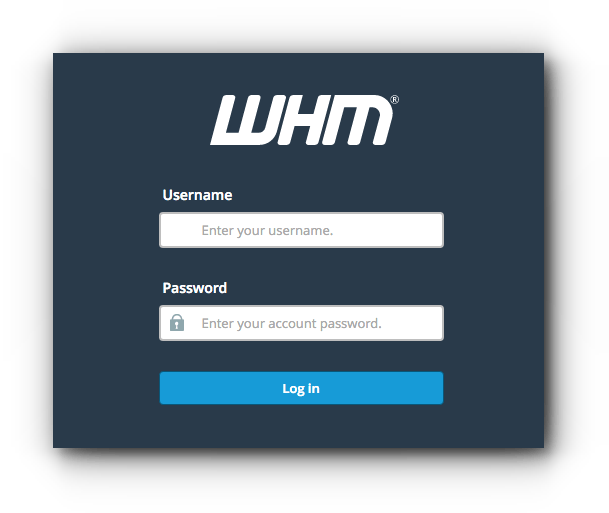
- Log in to WHM in your browser at
https://server-IP:2087orhttps://server-hostname:2087as root. - Open Account Functions, then Limit Bandwidth Usage.
- Choose the account from the list.
- Enter the new limit in MB, or choose Unlimited.
- Click Change to save it.


For all accounts on a package #
Edit the package in Packages, Edit a Package and change Monthly Bandwidth. Details in creating a hosting package in WHM.
An account went over its limit and stopped? After raising the limit you may also need to reset the account’s bandwidth.
Summary #
- Limit Bandwidth Usage for one account.
- Edit a Package for every account on the package.
- Watch accounts close to their limit.
Need a server with cPanel and WHM? See VPS servers and the cPanel and WHM on VPS guide.
Frequently asked questions #
What happens if an account exceeds its bandwidth?
The site may stop until the next month, or until the limit is raised.
Is bandwidth the same as disk space?
No. Disk space is the size of stored files; bandwidth is the data transferred to visitors each month.


