

When you start a WordPress site, an early question shapes everything after it: do we design pages with the native WordPress editor, or with a page builder such as Elementor? It is not only a matter of taste. It affects how fast the site is, who can edit it later, and what happens if you decide to change the design one day.
This guide compares the two from the site owner’s point of view, not the developer’s: what each option means for you after handover, and in the second and third year of the site’s life.
Before you start #
- Both run on any WordPress hosting, and neither needs a special server.
- They can be used together on one site, but it is better to design every page with a single tool.
- The theme you choose determines much of what you can do with each editor.
What is Gutenberg? #
Gutenberg is the name of the block editor that became WordPress’s default editor. Every element on the page is a block: a paragraph, heading, image, button, columns or a group. With modern themes that support full site editing, you can design the header, footer and page templates in the same editor, without plugins.
- Built in: part of WordPress itself, improving with each release.
- Light: it usually produces simpler code, so pages are lighter.
- Patterns: ready-made groups of blocks inserted with one click and then edited.
- Limits: some complex layouts need a strong theme, a blocks plugin or a little CSS.
For the basics of writing with blocks, see adding a new post in WordPress and adding a new page.
What is Elementor? #
Elementor is a page builder plugin with drag and drop. You open the page in a visual interface, drag elements into place, control spacing, colours, fonts and motion for each element, and see the result instantly as visitors will. It has a free version and a paid version with more features, such as header and footer design and advanced forms.
- Lots of freedom: custom layouts without writing code.
- Fast to build: an experienced designer can build a full marketing page quickly.
- Template library: ready pages and sections to start from.
- Limits: it adds files and code to the page, the site depends on it, and the paid version is a renewing subscription.
Point-by-point comparison #
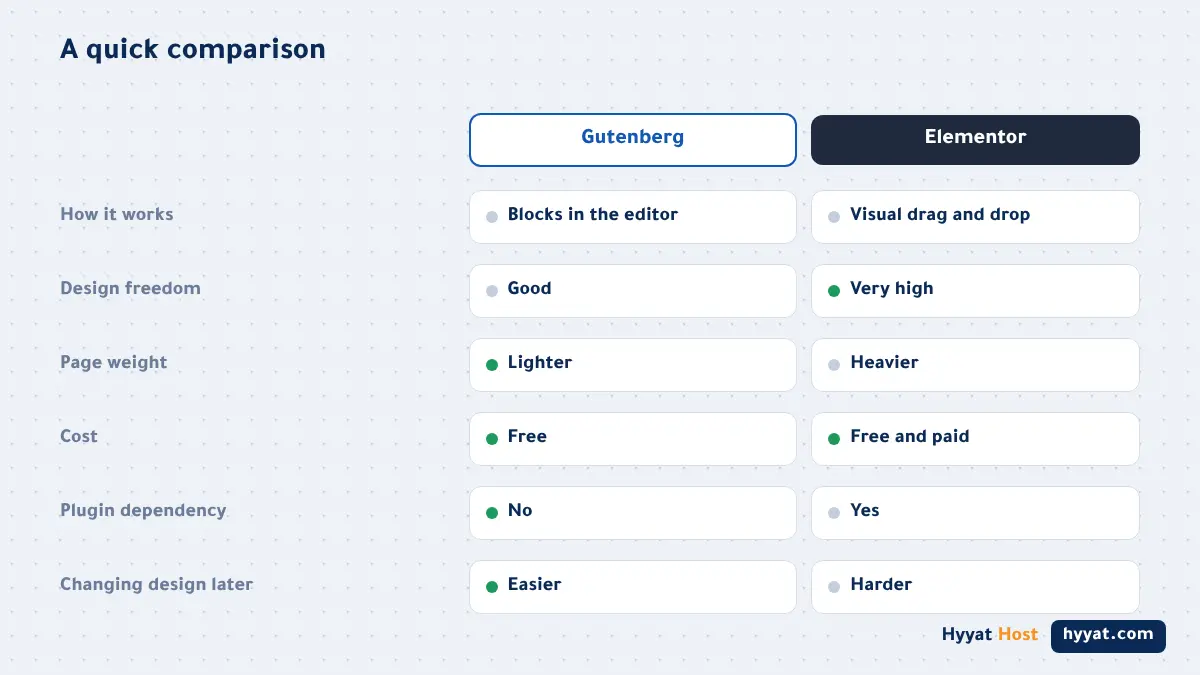
| Criterion | Gutenberg | Elementor |
|---|---|---|
| How it works | Blocks inside the WordPress editor | Drag and drop in a separate visual interface |
| Design freedom | Good, and better with the right theme | Very high |
| Page weight | Usually lighter | Usually heavier, needs tuning and caching |
| Cost | Free, part of WordPress | Free version; paid version is a yearly subscription |
| Owner editing text | Simple and direct | Simple once you learn the interface |
| Plugin dependency | No | Yes; disabling it breaks page layouts |
| Changing design later | Easier, content is standard blocks | Harder, content is tied to the plugin |
What if you want to switch later? #
Many people overlook this. Pages built with Elementor are stored in its own format. If you disable the plugin one day, the text will not vanish, but the entire layout turns into unstructured content and the pages need rebuilding. Gutenberg content is standard blocks that WordPress itself understands, so it stays readable even if you change theme.
How each option affects speed #
Speed does not depend on the editor alone, but on the theme, plugins, images and hosting. In general, though, drag-and-drop builders add CSS and JavaScript files and extra layers of elements to the code. This can be reduced with Elementor’s own performance settings, caching and file minification. On our hosting, AccelerateWP helps speed up WordPress sites whichever editor you use.
When to choose each one #
Questions to ask your designer #
- Which tool will you build the pages with, and why is it right for my site?
- Do I need a paid subscription for any plugin, and in whose name will it be?
- Will I be able to edit text and images myself after delivery, and will you show me how?
- What happens if I decide to change the theme or tool in two years?
Remember that any paid plugin licence should be in your name and come from the official source, not a modified copy, as explained in choosing a safe WordPress plugin or theme.
Editing after handover #
Whichever editor you use, ask your designer for a short session showing you how to edit text, replace an image and add a new page in the same design. It also helps if the designer creates saved, reusable sections, such as a service block or a question-and-answer block, that you can repeat on new pages without breaking the layout. In Gutenberg these are synced patterns; in Elementor, saved templates.
Summary #
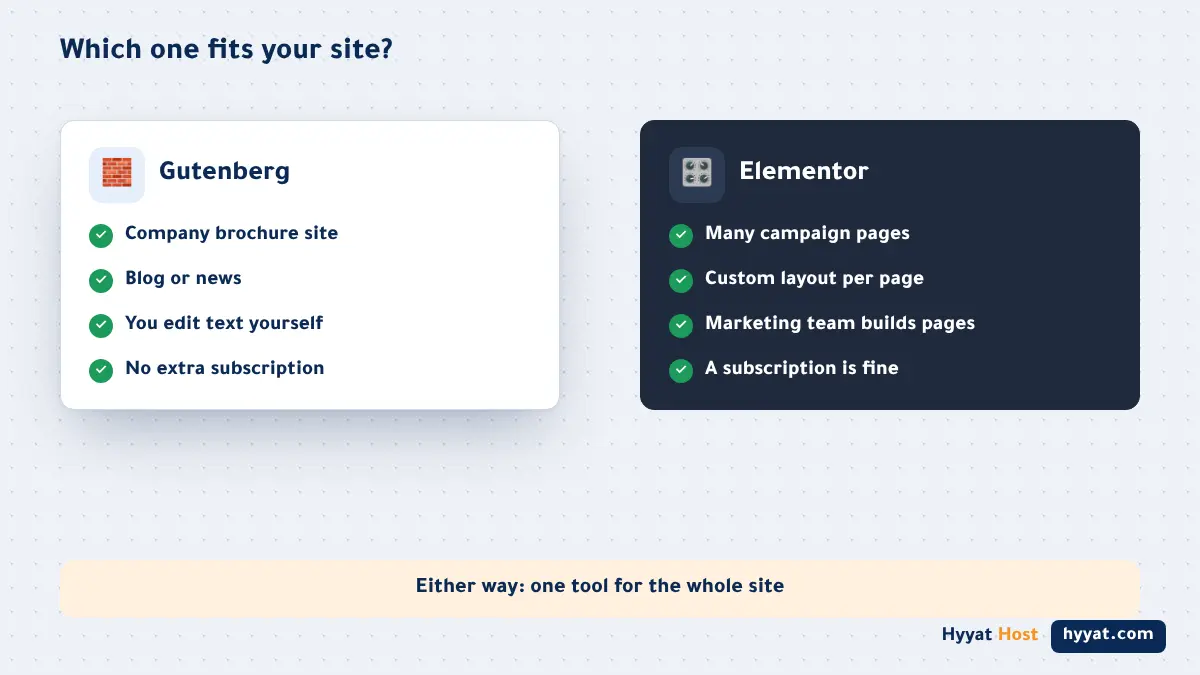
- Gutenberg: built in, light and free, and suits most company sites.
- Elementor: more design freedom, at the cost of plugin dependency and extra weight.
- Pick one tool for the whole site, and ask about editing and switching later.
We build WordPress sites with the tool that suits your project and show you how to edit them. See WordPress website design, and WordPress hosting to run your site.
Frequently asked questions #
What is the difference between Elementor and Gutenberg?
Gutenberg is WordPress’s built-in block editor; Elementor is a drag-and-drop page builder plugin with more design freedom.
Which is faster?
Gutenberg is usually lighter because it produces simpler code, but speed also depends on the theme, images, hosting and caching.
Is Elementor free?
It has a free version and a paid version with a yearly subscription and extra features.
What happens if I disable Elementor?
The text stays, but page layouts fall apart and the pages need rebuilding.
Can I use both on one site?
Technically yes, but it is better to use one tool for the whole site to simplify maintenance and keep the look consistent.
- How to Choose a WordPress Theme for Your Company Site: Design, Speed and Language Support
- WordPress Staging Sites: Change Your Site’s Design Without Visitors Seeing It
- How to Choose a Safe WordPress Plugin or Theme Before Installing It: 8 Checks
- Speeding Up WordPress with AccelerateWP in cPanel: What It Is, Requirements, and Turning It On Step by Step
- Adding a New Post in WordPress: Writing with Blocks, Categories and Tags, the Featured Image and Scheduling


