

wp_users or a table ending in _users), and click Edit next to your account. For user_pass choose MD5 in the Function column, type the new password, then click Go. WordPress accepts it and re-hashes it with stronger encryption at your first login.The normal route is Lost your password on the login page. This guide is for when that fails: the email never arrives, the admin email is an old one you no longer own, or you need in right now.
Which method? #
| Method | When | Difficulty |
|---|---|---|
| WP Toolkit | Your site appears in WordPress Management | Easiest |
| phpMyAdmin | Always available in cPanel | Medium |
| WP-CLI | You have SSH | Easy if you know commands |
Method 1: WP Toolkit #
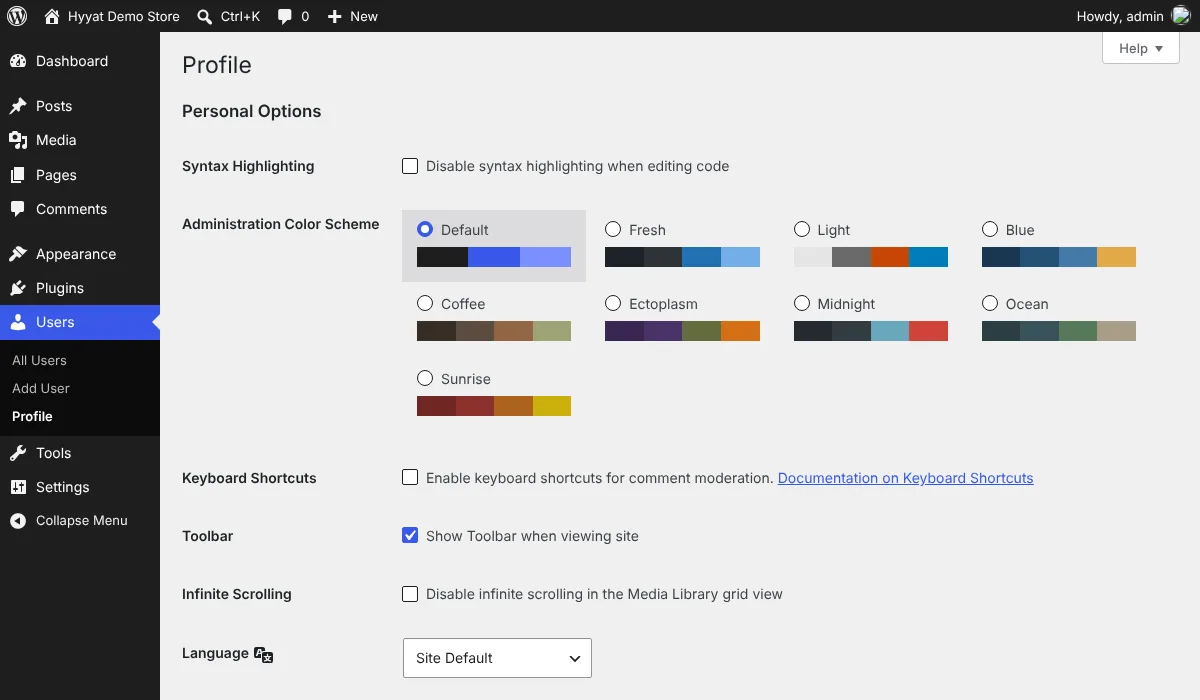
In cPanel open WordPress Management and click Log in on your site’s card to enter the WordPress dashboard without a password. Then in Users › Profile click Set New Password and save. The tool is covered in the WordPress Toolkit guide.
Method 2: phpMyAdmin #
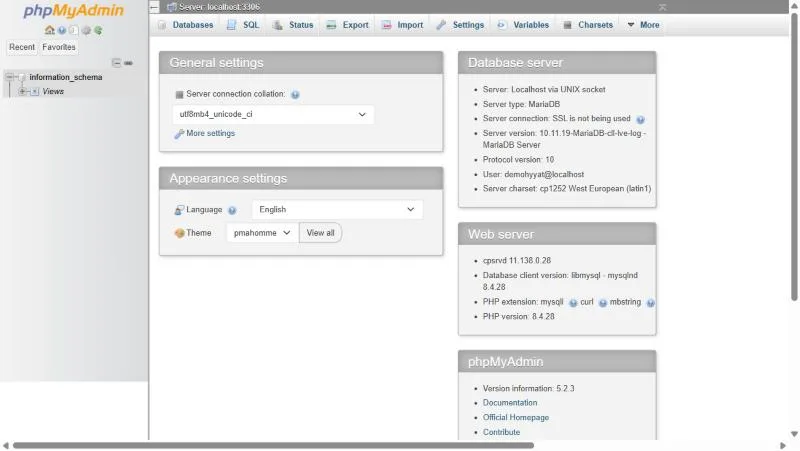
- Open phpMyAdmin from the Databases section in cPanel.
- Choose the database not sure which? Open
wp-config.phpin File Manager and look atDB_NAME. - Open the users table called
wp_users, or another prefix before_usersas set by$table_prefixin wp-config.php. - Edit the row with your login name in
user_login. - user_pass choose MD5 in the Function column, clear the old value and type the new password in Value.
- Go then log in to WordPress with the new password.
Is MD5 safe? On its own, no, but here it is only a temporary step: after the first successful login WordPress re-hashes the password with its modern method automatically. Editing the database directly calls for care, so export a copy first as shown in exporting with phpMyAdmin.
Method 3: WP-CLI or SQL #
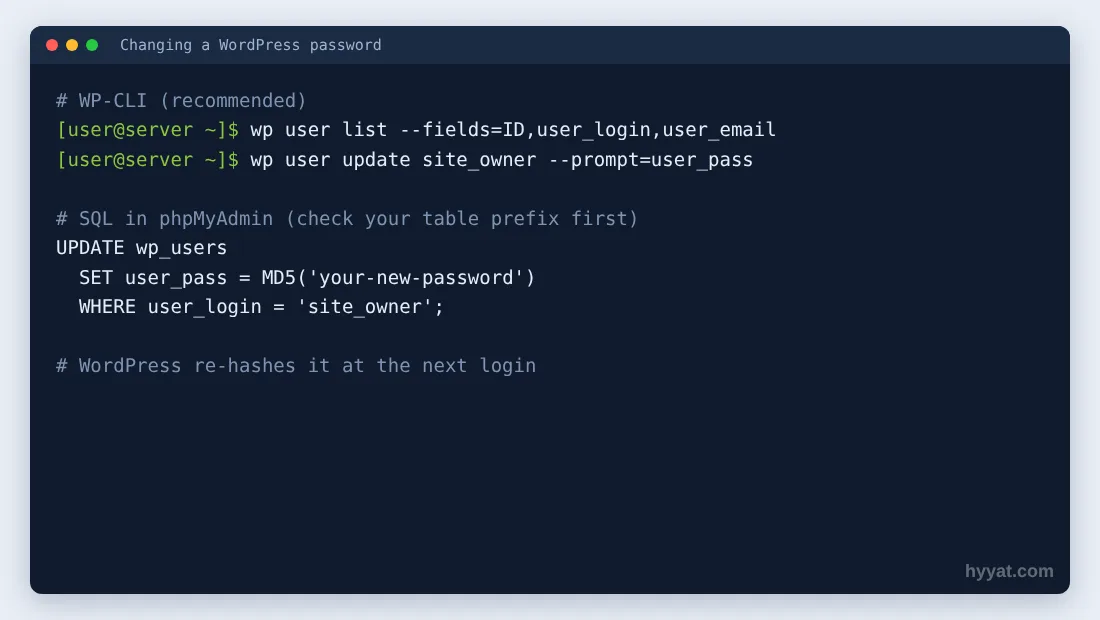
Once you are in #
- Open Users › Profile and check your email address, so future reset emails reach you.
- If you did not change the original password yourself, treat the site as suspect: review Users, delete any administrator you do not recognise, and scan the site as in cleaning a hacked site.
- Turn on two-factor authentication with a trusted plugin.
A new password that cannot be guessed #
- Long: at least twelve characters, and longer is better.
- Do not reuse your email or cPanel password.
- Keep it in a password manager rather than on paper or in a desktop file.
- The Set New Password button in WordPress suggests a strong one for you.
Our customers asked #
Why don’t I receive the password reset email?
Usually because the site sends mail with PHP without authentication, so it lands in spam or is rejected. An SMTP plugin fixes that; check your spam folder first.
I do not even know my username
In the users table in phpMyAdmin, look at the user_login column, or user_email to spot your account.
I changed the password and still cannot log in
Make sure you edited the right site and database, then clear cookies. If you get a white page or bounce back to the login page: WordPress login problems.
Can I change another user’s password?
Yes, with the same methods, or from Users › All Users › Edit if you are an administrator.


