

In short: To change your server’s time zone in WHM: go to Server Configuration, then Server Time, choose the time zone from the drop-down list and click Change TimeZone. If the clock is wrong, click Sync Time with Time Server. The correct time matters when you read system logs.
Setting the correct server time helps you know exactly when a problem happened when you read the system log files, and when someone logged in to the server.
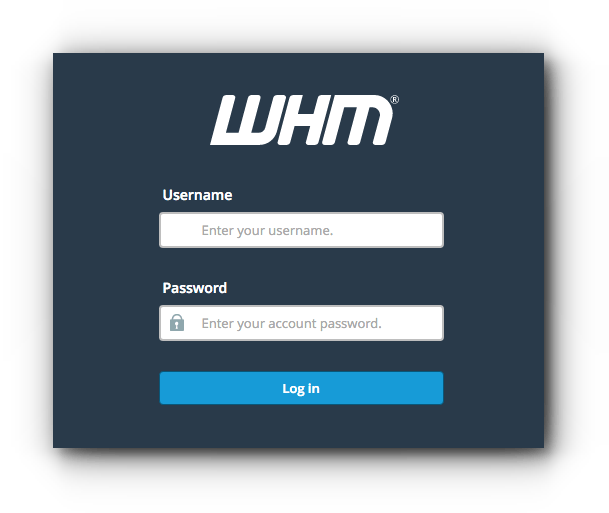
1. Log in to WHM at https://your-server-ip:2087 with your username and password.
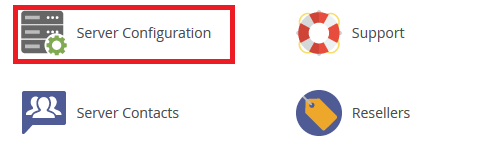
2. Click Server Configuration.
3. Click Server Time.

4. Choose the time zone you want from the drop-down list.
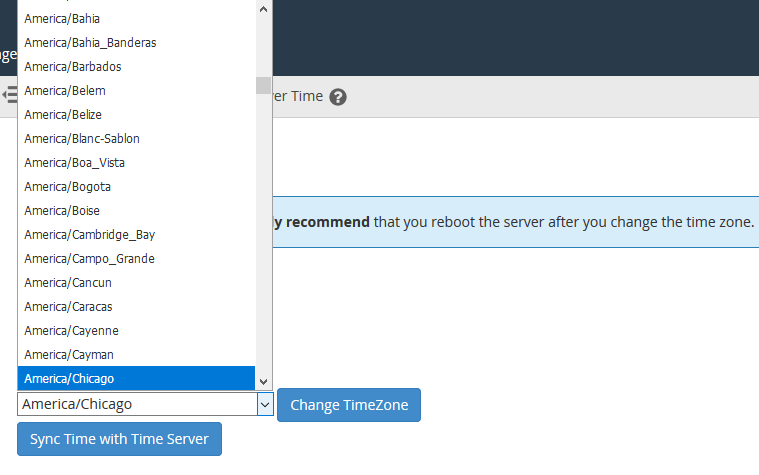
5. Click Change TimeZone.
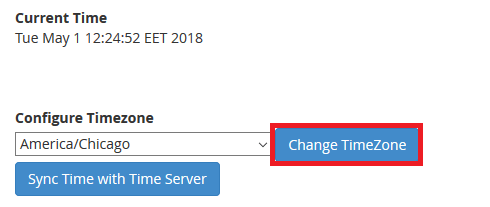
Note: if the time is still not correct, click Sync Time with Time Server.
See also where to find log files on a cPanel server.
Related service: Hyyat Host server management takes care of your server configuration, with 24/7 support.


