

In short: A business email uses your own domain, such as [email protected] instead of [email protected]. You need a domain name and a hosting plan with email; then you create the email accounts from the client area in a minute.
Why use a business email? #
- Professional image: customers and partners trust an address with your company name.
- Less spam filtering: messages from a proper company domain are less likely to be marked as spam.
- Brand awareness: every email shows your company name.
- Control: you create, remove and reset accounts for your staff.
What do you need? #
A domain name and a hosting plan that includes email. You can get both from Hyyat Host.
Step 1: Register a domain #
- Search for your domain on the domain search page.
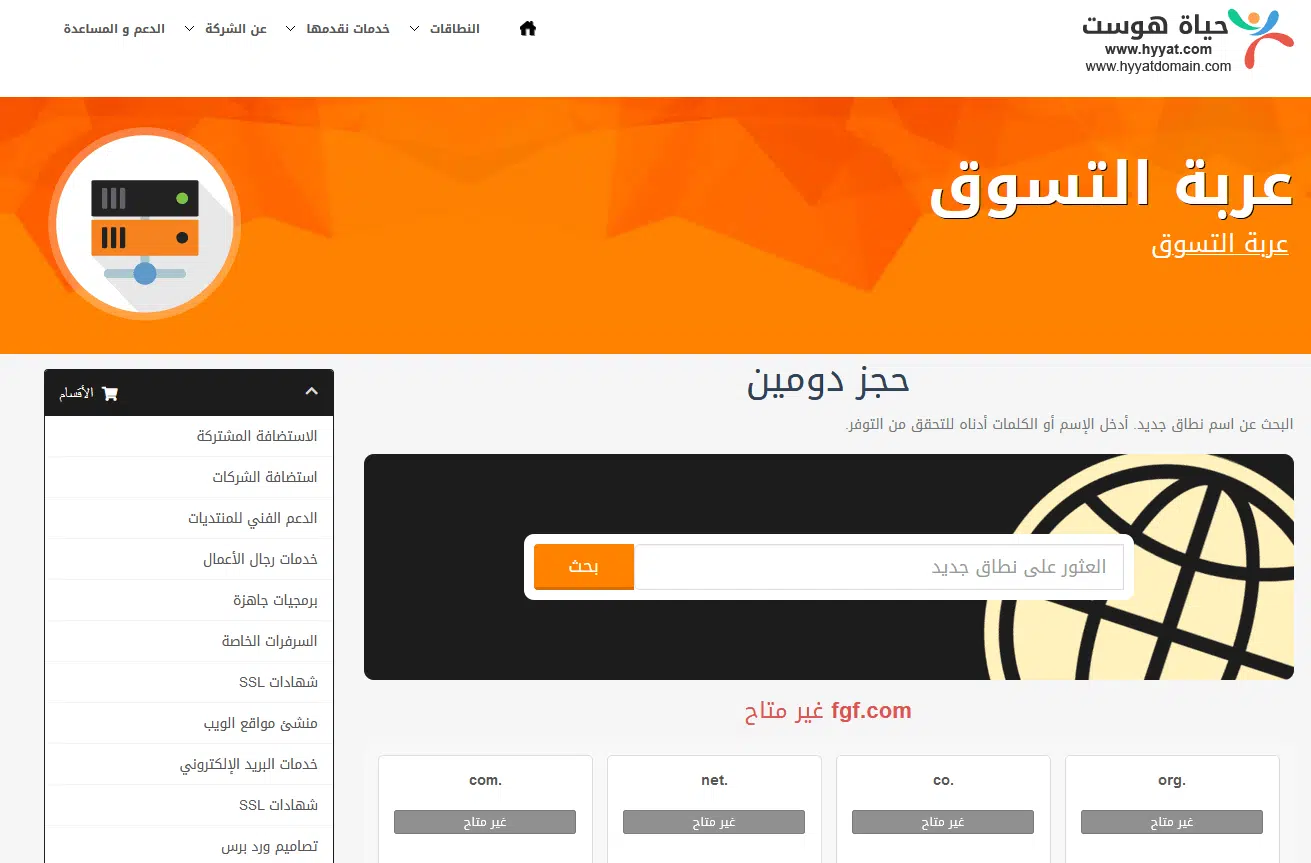
- Choose an available name and extension, add it to the cart and continue.

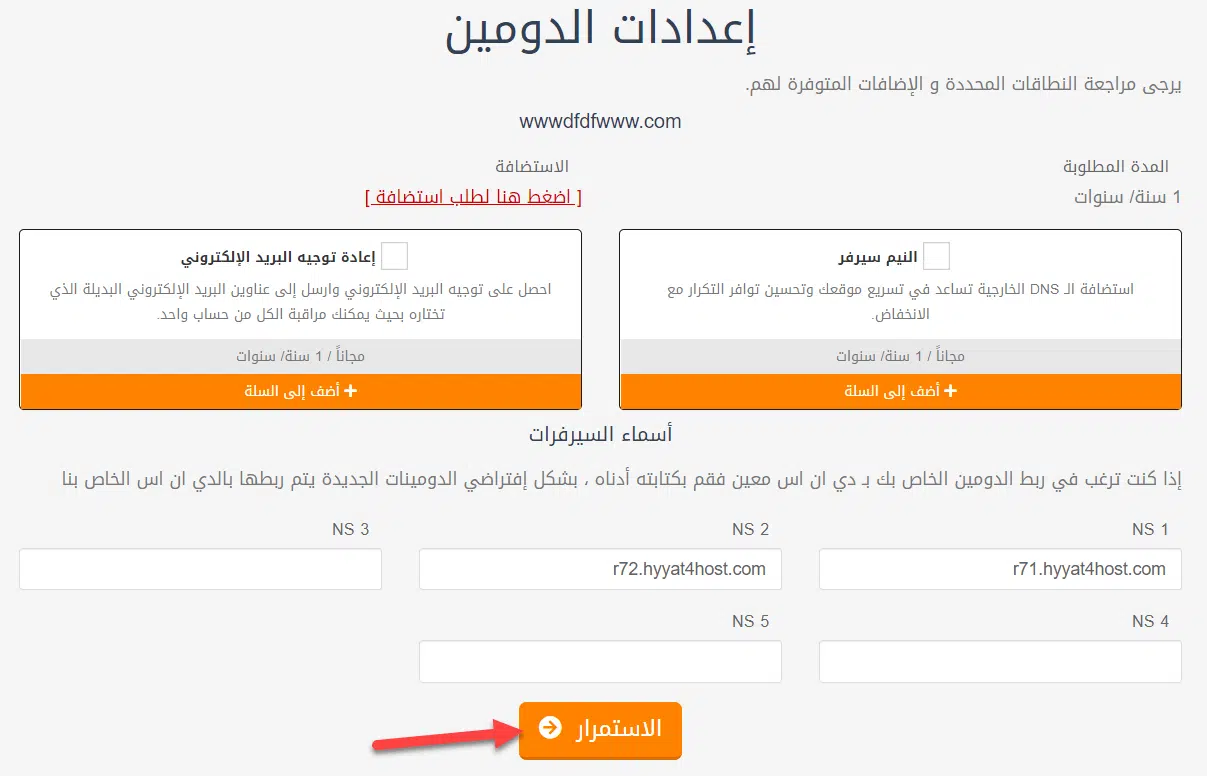
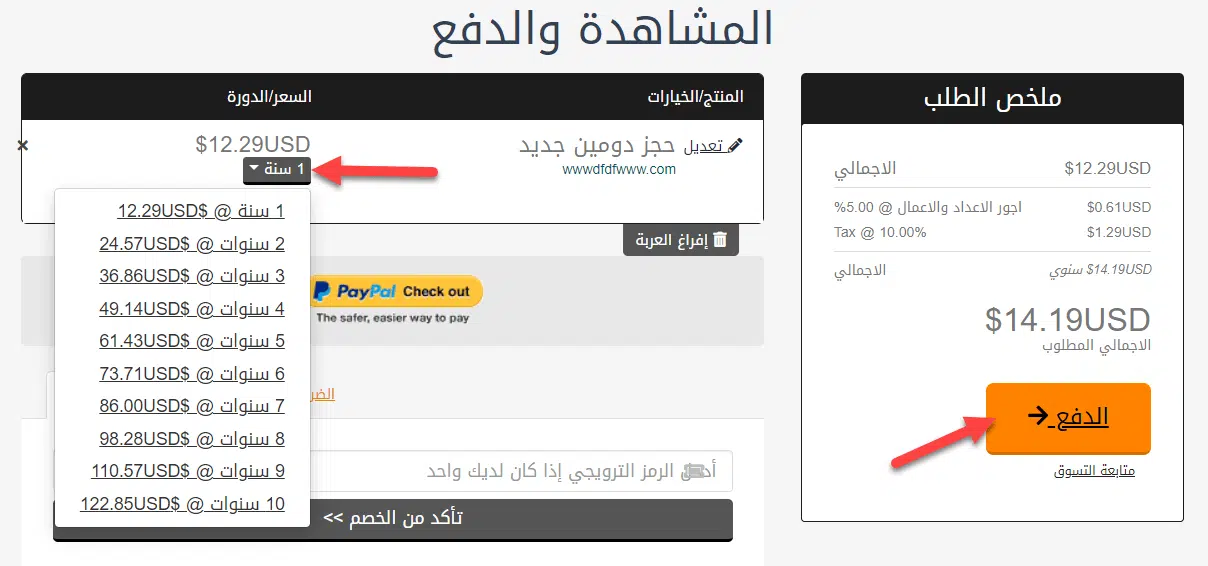
- Choose the registration period and check out. Log in or create a client account if asked.

Step 2: Choose a hosting plan #
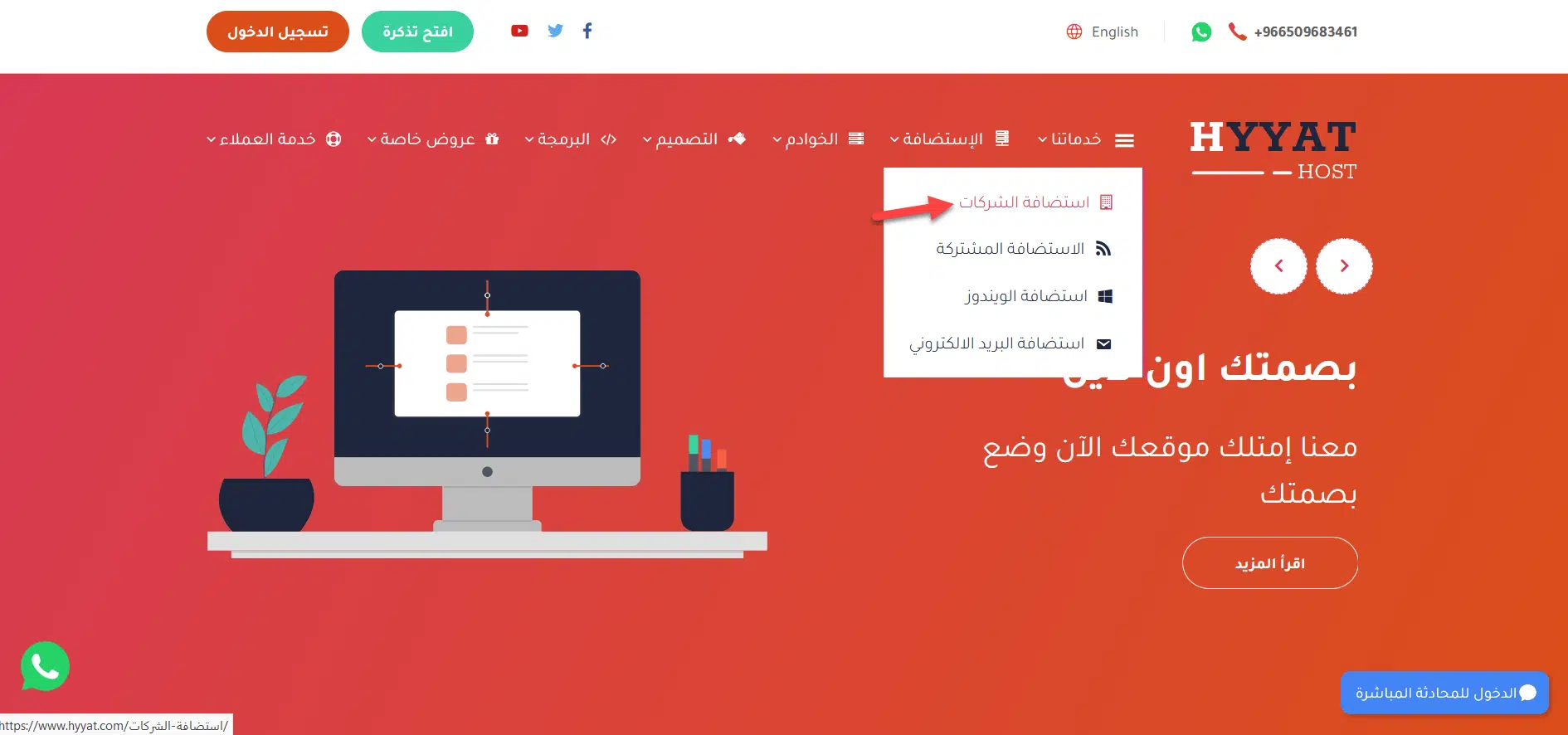
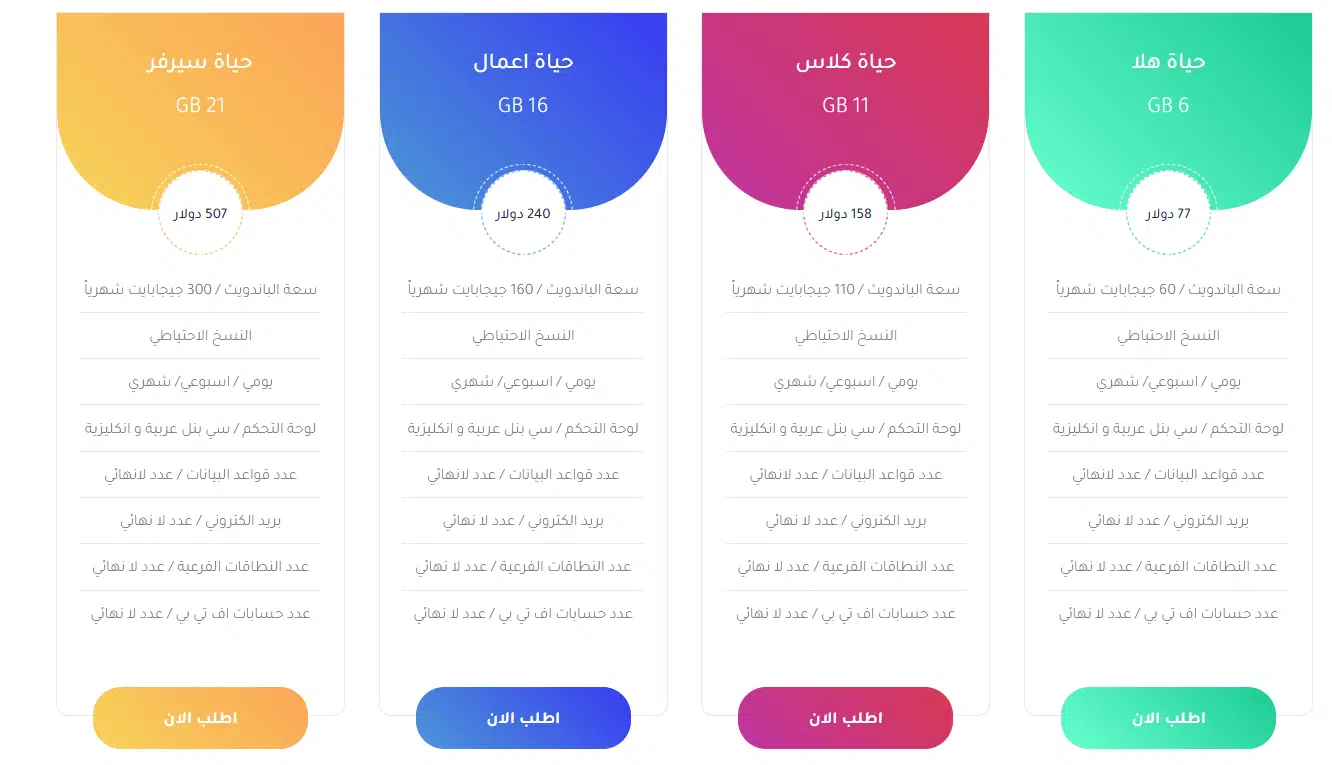
- Open our hosting plans (for example business hosting).

- Choose a plan and click Order Now.

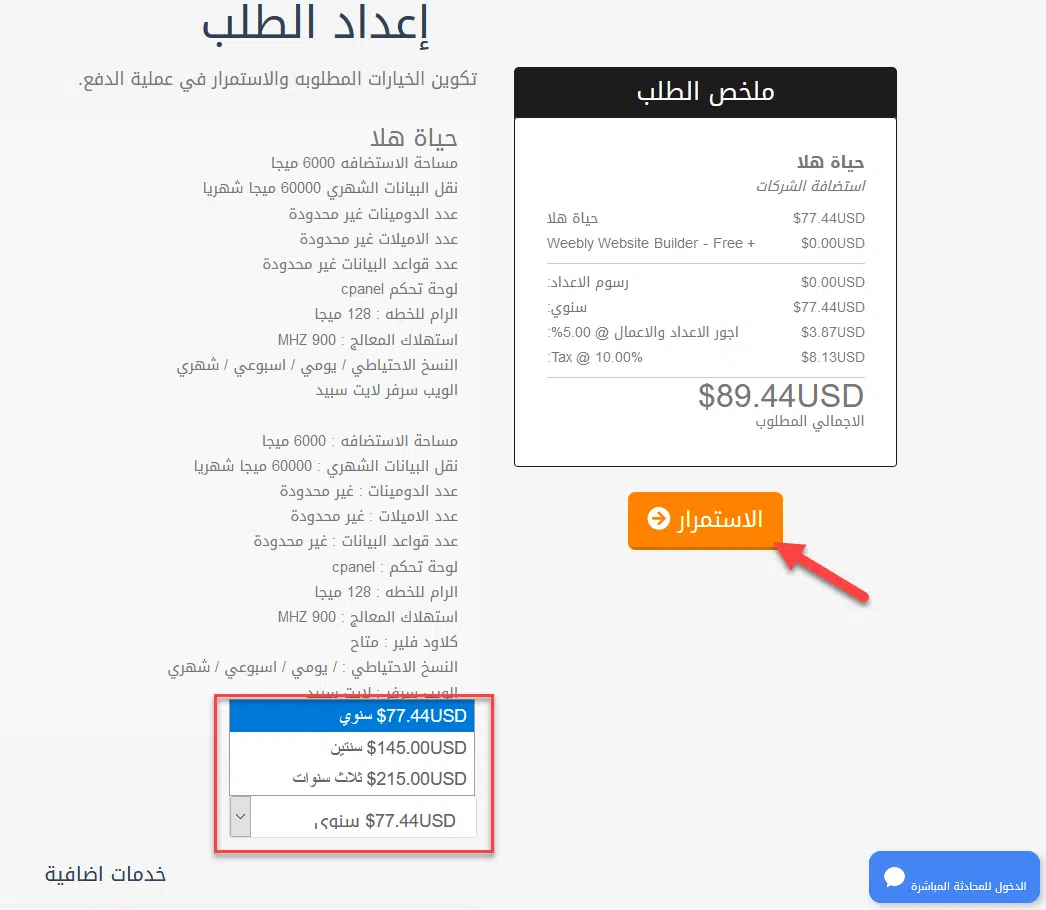
- In the cart, choose the billing period and complete the payment online by card or PayPal (see payment methods).

Step 3: Create your email accounts #
Once your hosting is active, follow how to create a new email account. Then read your mail in webmail, on your phone, or in Outlook.
Related service: professional business email from Hyyat Host, with 24/7 support.


