

You registered your domain, waited, then typed it in the browser and got an error, a default page, or nothing. This is common, and it usually comes down to one of seven known causes. Check them in order, because most problems are solved in the first steps.
1) Is the domain actually active? #
A domain is registered only after its invoice is paid. Open the client area and make sure the invoice is paid and the domain status is “Active”. If it shows “Pending”, open a ticket.
2) Are the nameservers right? #
Nameservers decide where your website runs. If your hosting is with us, they must be the Hyyat Host nameservers sent in your hosting welcome email. Read Changing nameservers, and confirm the result in WHOIS.
3) Is the domain added to your hosting? #
Registering a domain does not link it to your hosting. If it is an extra domain on hosting that already has a main domain, add it in cPanel as in Adding more than one domain to one hosting account.
4) Have you waited long enough? #
After registration or a nameserver change, DNS needs time to spread across the internet. Usually a few hours, sometimes up to 24 hours or a little more depending on the internet provider. That is why the site may open for one person and not for another. Read Moving DNS without downtime.
5) Did you verify the domain owner email? #
If you do not confirm the email within 15 days of registration, the domain is suspended and shows “pending ICANN verification”. Read Domain owner email verification.
6) Has the domain expired? #
If an older domain stopped suddenly, it may have expired. Check the expiry date in the client area, and read What happens after a domain expires.
7) Is it only your device? #
- Try on your phone using mobile data, not your home network.
- Clear your cache or use a private window, as in Clearing the cache in every browser.
- Check the domain is typed correctly, with and without www.
Still not working? #
Open a support ticket with the domain name, when it was registered or changed, exactly what you see when you open it, and a screenshot. This speeds up the fix a lot.
Quick check order #
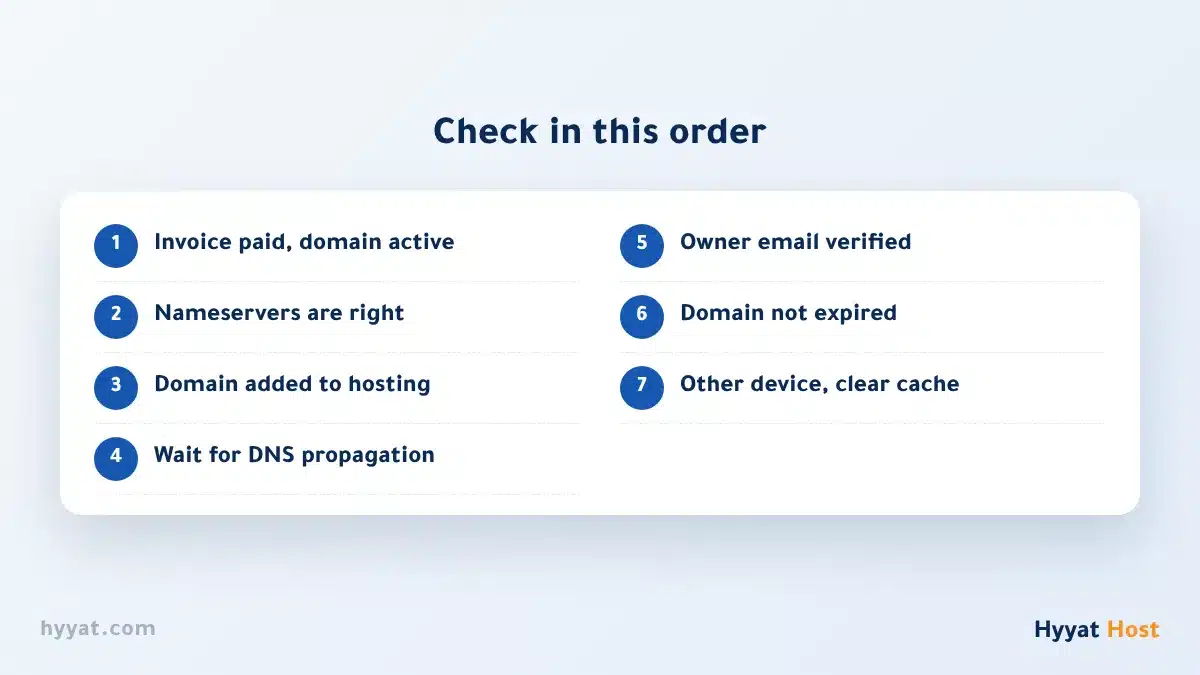
- Invoice and activation → nameservers → hosting link.
- Then propagation time → email verification → expiry date.
- Finally, your device and cache.
Looking for a new domain? Start at the Domains page.
Frequently asked questions #
How long does a domain take to work after registration?
Usually a few hours after the nameservers are set, sometimes up to 24 hours or a little more depending on the internet provider.
Why does the site open for me but not for others?
Because DNS spreads across the internet gradually, and each provider updates at a different time.
I registered the domain and hosting together and it does not work. Why?
Make sure the invoice is paid, the nameservers are right, and wait for propagation. If it continues, open a ticket.
I see “pending ICANN verification”. What do I do?
Confirm the domain owner email from the message you received, and the domain works again.


