

In short: Install Roundcube Webmail from Google Play, then enter an account name, your webmail URL, your full email address and its password, tap OK, then Open. Your messages appear in the app.
This Android app makes it easy to open your domain’s email on your phone through Roundcube webmail.
- Install Roundcube Webmail from Google Play.
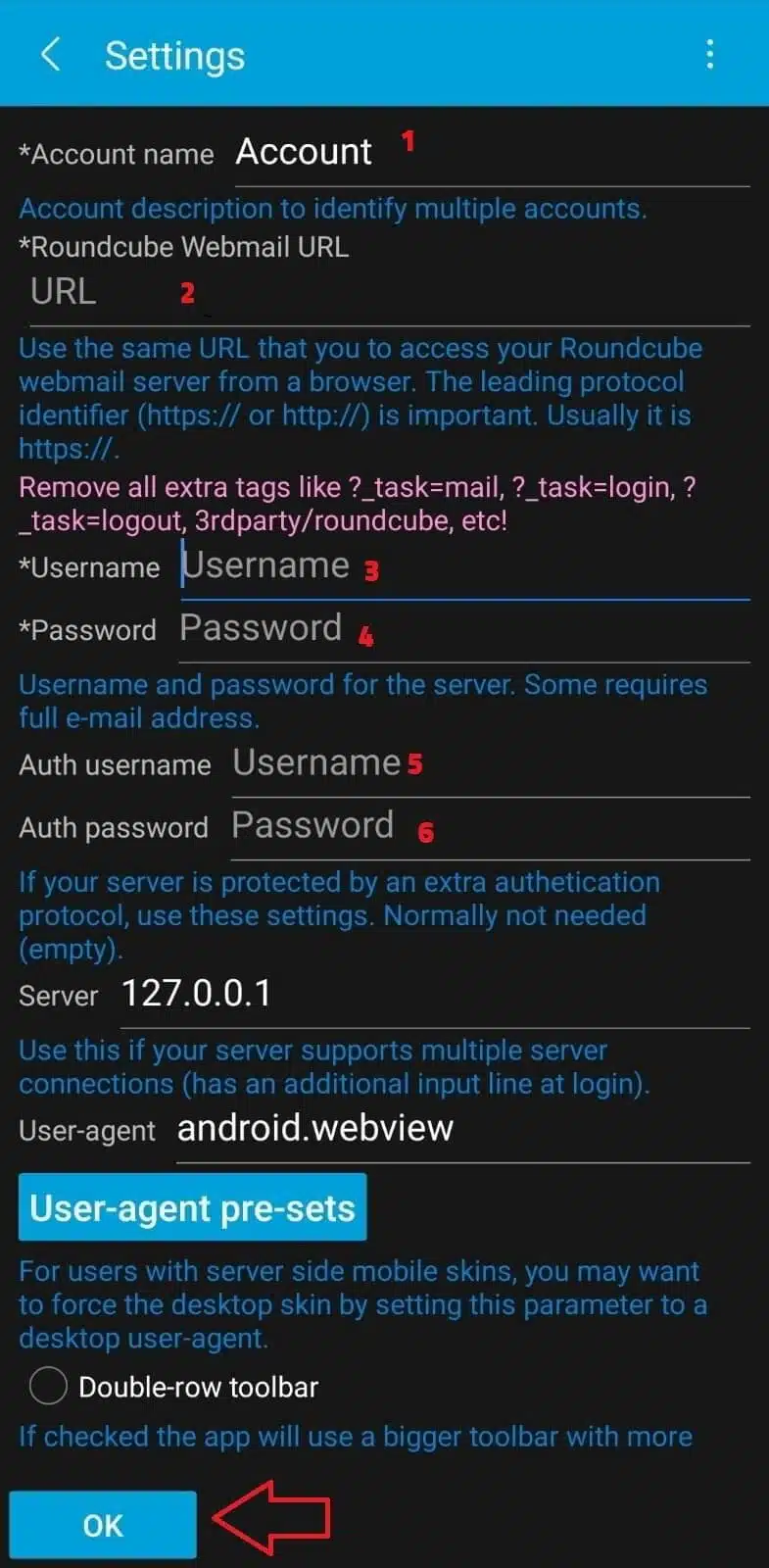
- Open the app and enter:
- Account name: any name you like.
- Webmail URL: the webmail address of your hosting, for example https://yourdomain.com:2096.
- Username: your full email address.
- Password: the email password.
- If asked again for the username and password, enter the same details.
Tap OK.
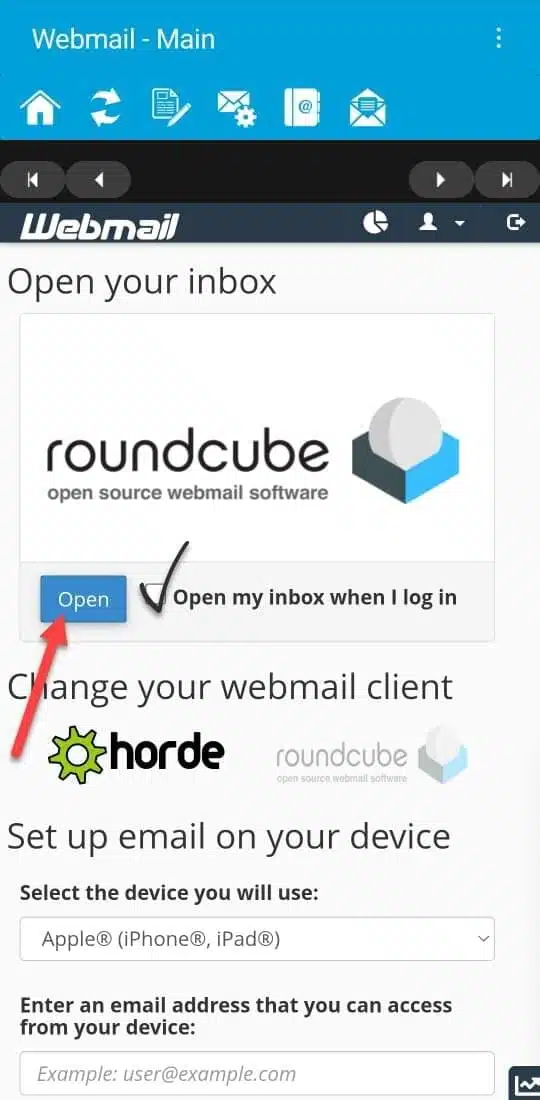
- Tap Open and tick the option as shown.

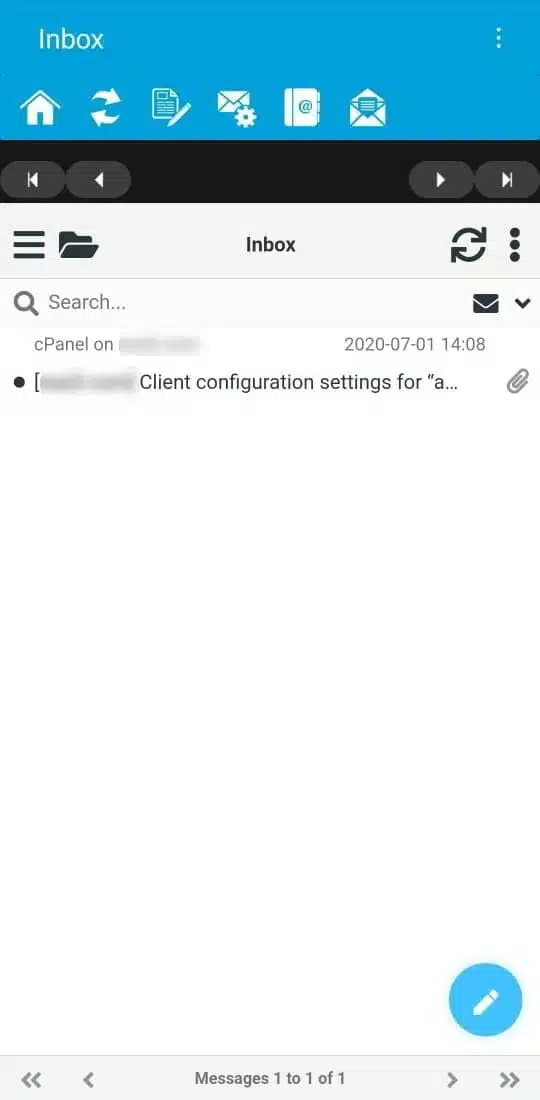
- Your messages appear.

Alternative: you can also add your email to the built-in mail app or Gmail app on your phone using IMAP (server mail.yourdomain.com, port 993, SSL). See the email settings table.
Related service: email hosting from Hyyat Host, with 24/7 support.


