

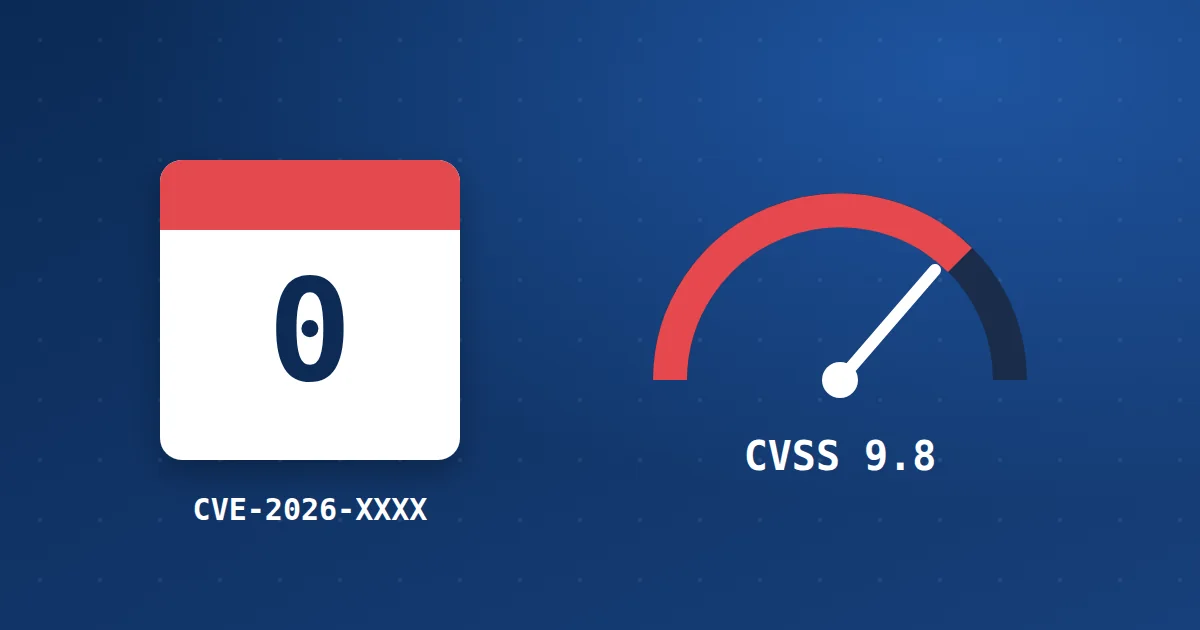
You get a message from your security tool, or read a headline: “Critical flaw in plugin X, CVE-2025-XXXXX, score 9.8”. The words may seem cryptic, but they carry everything you need to decide quickly.
What is a CVE number? #
CVE is a global identifier for each known flaw. It is the year followed by a sequence number, such as CVE-2018-6389, the WordPress load-scripts flaw. Read the explanation of that flaw. The number means every company and tool talks about the same flaw by the same name.
The CVSS severity score #
| Score | Rating | Suggested action |
|---|---|---|
| 9.0 to 10 | Critical | Update now, and apply a temporary measure if no update exists |
| 7.0 to 8.9 | High | Update within a day or two |
| 4.0 to 6.9 | Medium | Update in your weekly update cycle |
| 0.1 to 3.9 | Low | Update with regular updates |
The score alone is not enough. Also check whether exploiting the flaw needs a login. A flaw any visitor can exploit is more dangerous than one that needs an Administrator account.
What is a zero-day? #
It is a flaw that attackers discover and exploit before the developer knows about it or before a fix is released. The name comes from the developer having had “zero days” to prepare. In that case there is no update to apply, so you need a temporary measure.
What to do when a flaw is announced in something you use #
- Check whether you are affected: Compare your plugin or software version with the versions listed in the alert.
- Update if a fix exists: Back up, then update. Read updating WordPress safely.
- If there is no fix, disable or restrict: Temporarily disable the plugin if you can, or block access to the affected page.
- Rely on the web application firewall: WAF rules are updated to block exploitation of new flaws before a fix arrives. Read what a WAF is.
- Scan your site: If the flaw has been exploited for a while, make sure your site was not hit before you updated. Read the signs your website is hacked.
Where to follow vulnerabilities #
- WP Toolkit alerts in cPanel about affected plugins and themes. Read scanning WordPress for vulnerabilities.
- WordPress vulnerability databases such as WPScan.
- The plugin’s changelog page, which often mentions a “security fix”.
How Hyyat Host protects your site #
- ModSecurity and Imunify360 rules are updated continuously to block exploitation of known flaws; this is called virtual patching.
- WP Toolkit alerts you to plugins and themes with vulnerabilities.
- ImunifyAV scans files daily, catching an infection if it happened before you updated.
Learn more about our web application firewall service.
Frequently asked questions #
Does every flaw have a CVE number?
Most officially disclosed flaws get one, but some small flaws are fixed without a number.
What does “security fix” in a changelog mean?
That the new version closes a flaw. Update to it or later.
Does a firewall replace updating during a zero-day?
It protects you temporarily, but the real fix is the update when it is released.
- What Is a Web Application Firewall (WAF) and How Does It Protect Your Site?
- How to Update WordPress and Plugins Safely Without Breaking Your Site
- The WordPress load-scripts.php Vulnerability (CVE-2018-6389) and How to Protect Your Site
- How to Scan WordPress for Vulnerabilities and Secure It with WP Toolkit


