

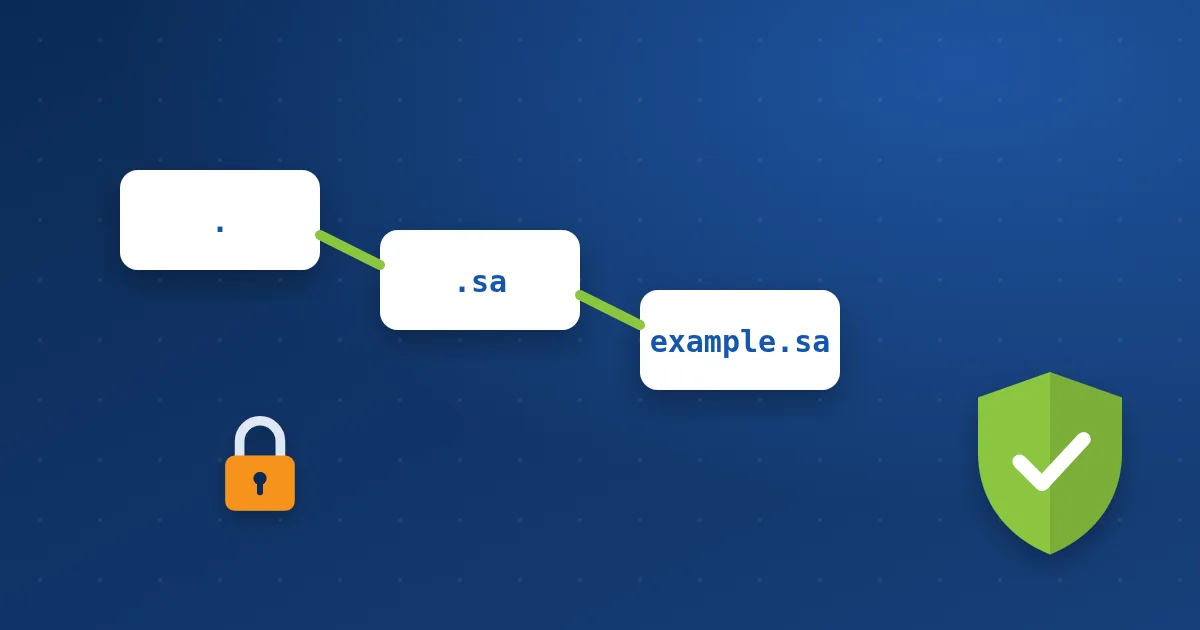
DNS is old and was built on trust: the device asks, the server answers, with no way to confirm the answer is genuine. That allows an attack called DNS cache poisoning, where the attacker injects a fake answer and sends visitors to another server while the browser still shows your correct domain. Read what DNS is.
How does DNSSEC work? #
- Your DNS provider signs your records: Every record (A, MX and others) gets a digital signature with your domain’s key.
- A DS record is registered at the registrar: It links your domain’s key to the chain of trust that starts at the DNS root.
- The resolver checks the signature: When a visitor looks up your site, their DNS resolver verifies the signature.
- Forged answers are rejected: If the signature does not match, the fake address is not returned.
Does your domain need it? #
| Type of site | Priority |
|---|---|
| Banks, financial and government bodies | High |
| Online stores and payment portals | High |
| Company sites that collect customer data | Medium |
| A blog or simple brochure site | Optional |
Before enabling: watch these points #
- The DNS provider hosting your records must support DNSSEC, and so must your extension at the registrar.
- The DS record at the registrar must match the DNS provider’s keys exactly.
- If you change DNS providers (for example moving to or from Cloudflare), disable DNSSEC first and wait, then move, then enable it again.
- A mistake does not show a clear error; the site simply stops loading for part of your visitors.
What DNSSEC does not do #
DNSSEC does not encrypt the connection to your site; that is the job of an SSL certificate. Nor does it protect your registrar account; domain lock and two-factor authentication do that. It protects one thing: that the address of your site reaching the visitor is the right one.
How to enable it #
If your records are at Cloudflare, enable it in the DNS settings, then add the DS record it gives you at your registrar. If your domain is registered with us and you want it enabled, open a ticket and we will tell you the steps available for your extension.
Your domain with Hyyat Host #
- Manage DNS records from the client area. Read managing DNS records.
- Domain lock stops your domain being transferred without your knowledge.
- If you need help with DNSSEC or a DS record, open a ticket and we will set it up with you.
Learn more about domain registration with Hyyat Host.
Frequently asked questions #
Does DNSSEC slow my site?
The difference is very small and visitors usually do not notice it.
Does DNSSEC replace an SSL certificate?
No. DNSSEC confirms the site’s address is genuine, and SSL encrypts the connection. Each protects something different.
My domain stopped working after enabling DNSSEC. What now?
Usually the DS record does not match the DNS provider’s keys. Remove the DS record at the registrar and wait for it to propagate, or open a ticket.


