

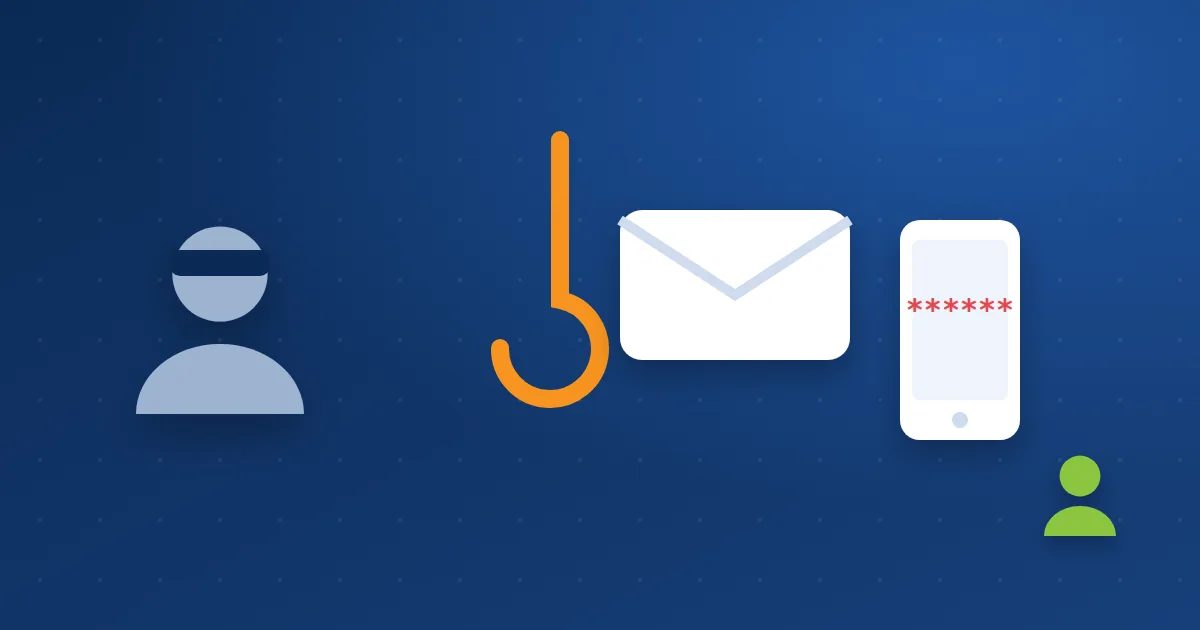
You can spend a lot on a firewall, an SSL certificate and strong passwords, and lose it all in one minute because an employee sent the dashboard password to someone claiming to be “technical support”. That is social engineering: exploiting trust, urgency and fear instead of a technical flaw.
The common tactics, with real-world examples #
1. The phishing email #
An email that looks like it comes from the bank, the hosting company or Google, with a link to a fake login page. The page looks exactly like the real one, but the address differs by a letter or two. Read phishing emails.
2. The fake call #
Someone calls claiming to be from technical support, says your site has a serious problem, and needs your password or the code that just reached your phone “to fix it now”. The urgency is deliberate, so you do not stop to think.
3. The manager’s invoice #
A message from an address that looks like the CEO’s asks the accountant to pay a new supplier “today before closing”. Usually the address is slightly different, or the real manager’s account has been hacked.
4. The fake domain renewal #
A message says your domain expires in hours and asks you to pay through an outside link. The sender is not your domain registrar at all.
Signs that give the trick away #
- Urgency and threats: “within an hour”, “will be suspended”, “strictly confidential”.
- A request for something never normally asked: a password, a code sent to your phone, or a payment to a new account.
- A sender address or link that differs, even by one letter, from the real one.
- A request to skip the usual process: “do not tell anyone”, “pay from this link instead of the invoice”.
Simple rules that protect your team #
- Nobody needs the code sent to you: The code that reaches your phone is yours alone, and no real support team asks for it.
- Verify independently: For any sensitive request, call a number you know or open the official site by typing its address. Never use the link or number in the message.
- Payments need a second confirmation: Any change to a supplier’s bank details or urgent transfer is confirmed by a call with someone you know.
- Separate accounts and limited rights: Each employee has their own account with only the access they need. Read WordPress user roles.
- Two-factor authentication everywhere: Even if a password leaks, it is not enough on its own. Read how to create a strong password.
- Make reporting easy: An employee who clicked a suspicious link should report it at once without fear of blame, because speed limits the damage.
If it happens #
If someone shared a password or clicked a suspicious link, change the password right away from another device, sign out all sessions, and review recent logins and changes. If it was an email account, follow the steps to recover a hacked mailbox.
How we deal with you at Hyyat Host #
- Our official contact is through the client area and tickets. If you doubt a message in our name, do not click its links; open a ticket yourself from the client area and ask.
- Two-factor authentication is available in the client area and cPanel.
- Hosting email filters incoming messages and reduces the phishing that reaches your team.
Frequently asked questions #
How is social engineering different from technical hacking?
Technical hacking exploits a software flaw. Social engineering exploits people, persuading them to open the door themselves.
Is security software enough to stop it?
It helps filter some messages, but the final decision is the employee’s. Training and simple rules matter most.
What should I do with a suspicious message in the hosting company’s name?
Do not click any link in it. Open the client area by typing the address yourself and open a ticket to ask.


