

In shortDMARC is a record you add to your domain’s DNS that tells mail servers such as Gmail and Outlook what to do with a message claiming to be from your domain that fails SPF or DKIM: accept it, send it to spam, or reject it. This stops fraudsters sending messages in your company’s name, and improves delivery of your real messages.
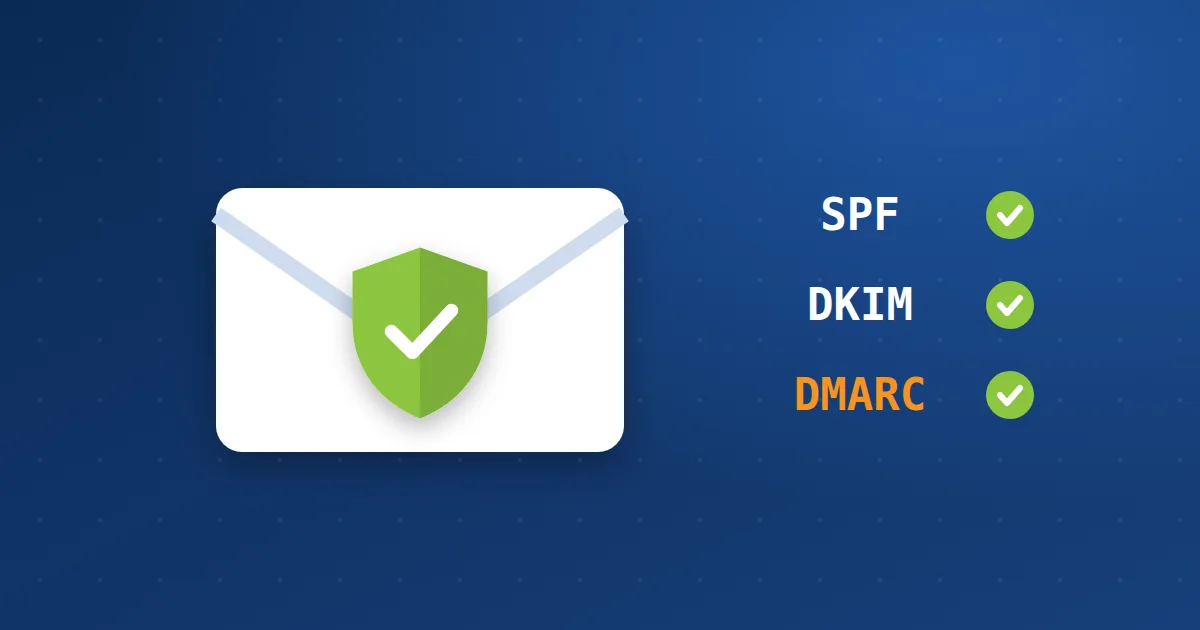
Why do you need it? #
1Stop spoofingWithout DMARC, anyone can send a message showing [email protected] as the sender.
2Better deliveryMail servers trust domains that apply SPF, DKIM and DMARC together.
3ReportsIt sends you reports on who sends mail in your domain’s name.
How does it work with SPF and DKIM? #
| Record | What it proves |
|---|---|
| SPF | That the sending server is allowed to send for your domain. |
| DKIM | That the message is digitally signed by your domain and was not altered. Read what DKIM is. |
| DMARC | What mail servers should do if the checks fail, and where to send reports. |
So enable SPF and DKIM first. Read enabling SPF and DKIM in cPanel.
Steps to add DMARC #
- Confirm SPF and DKIM: They must be enabled and correct before DMARC.
- Add a TXT record: From the Zone Editor in cPanel, or from DNS management in the client area. The name is
_dmarcand the value is like the example below. - Start with the monitoring policy p=none: No message is affected, but you receive reports for two to four weeks.
- Review the reports: Make sure every system that sends in your name (your site, billing system, marketing tools) passes the checks.
- Tighten the policy gradually: Move to
p=quarantine(spam), thenp=reject(reject) once you are sure.
_dmarc.example.com TXT "v=DMARC1; p=none; rua=mailto:[email protected]"
Do not start with reject: if a system sends in your name without correct SPF and DKIM, its real messages will be rejected. Start with none and monitor.
Major mail providers such as Gmail and Yahoo require DMARC for bulk senders. Also read about phishing emails.
Your company email with Hyyat Host #
- SPF and DKIM are enabled from cPanel in one click, and DMARC with a single record.
- Spam protection for incoming mail and monitoring of sending from accounts.
- If you need help with DNS records, open a ticket and we will set them up with you.
Learn more about email hosting.
Frequently asked questions #
Is DMARC necessary for a small business?
Yes, because it stops your company name being spoofed in scam emails to your customers, and improves delivery.
What do p=none, quarantine and reject mean?
none: monitor only. quarantine: failing messages go to spam. reject: failing messages are rejected.
Can DMARC block my real messages?
If you apply reject before setting up SPF and DKIM for all your systems, yes. That is why you start with none and watch the reports.


