

In shortxmlrpc.php in WordPress is an old interface that lets outside software talk to your site, such as the mobile app and the Jetpack plugin. Attackers exploit it because it allows hundreds of password guesses in a single request, and for pingback attacks. If you do not use a tool that needs it, disable it.
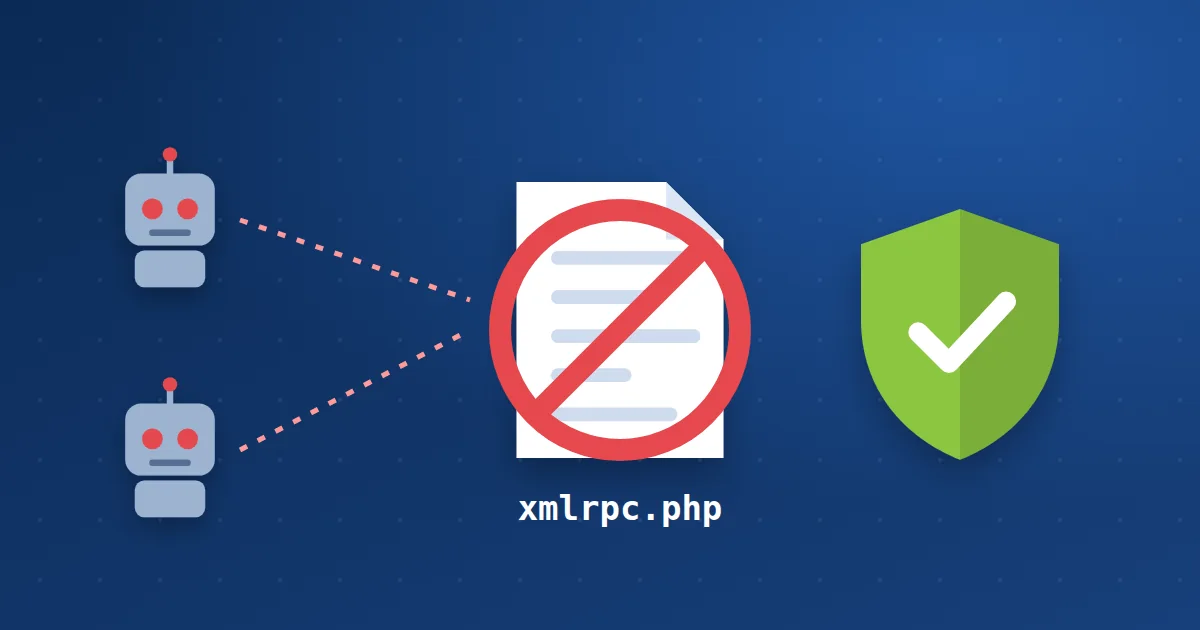
What does the file do? #
Before the modern WordPress REST API existed, xmlrpc.php was the only way to publish from an outside app or send pingbacks between blogs. It is still in every WordPress site for compatibility with older tools.
Why do attackers target it? #
1Multiplied guessingThe system.multicall method allows hundreds of password guesses in one request, bypassing normal login limits.
2Pingback attacksYour site is used to send requests to another site as part of a DDoS.
3Resource drainThousands of requests to the file slow your site even if they all fail.
Do you need it? #
| You use | Do you need xmlrpc.php? |
|---|---|
| The WordPress mobile app (older versions) | Maybe |
| The Jetpack plugin | Yes, it relies on it |
| Publishing from older outside tools | Usually yes |
| Only the normal WordPress dashboard | No |
How to disable it #
- With your security plugin: Most WordPress security plugins have a “Disable XML-RPC” option. This is the easiest way.
- Or with .htaccess: Add the rule below to your main .htaccess file from the cPanel File Manager, after backing it up.
- Check the result: Open yoursite.com/xmlrpc.php. If you see a 403 denied message, it is disabled.
<Files xmlrpc.php>
  Require all denied
</Files>
If you use Jetpack: do not block the whole file. Just disable pingbacks and limit login attempts in your security plugin.
How Hyyat Host protects your site #
- ModSecurity and Imunify360 rules block known attack requests to xmlrpc.php.
- Brute force protection blocks addresses that repeat failed logins. Read brute force protection.
- The CSF firewall limits large numbers of requests from one address.
Frequently asked questions #
Will disabling xmlrpc.php break my site?
No, the site and dashboard work normally. Only older outside tools that rely on it, such as Jetpack, may stop working.
Should I delete the file?
No, it comes back with every WordPress update. Disable it as shown in this guide.
What is the modern alternative?
The WordPress REST API, which modern WordPress apps use.


