

What is reverse DNS? #
A normal DNS lookup finds the IP address of a domain name. Reverse DNS (rDNS) does the opposite: it finds the hostname linked to an IP address, using a PTR record. Mail servers use it to check senders, so a correct reverse DNS helps your server’s emails avoid spam folders. It is also used to identify servers in logs and network tools.
Set reverse DNS #
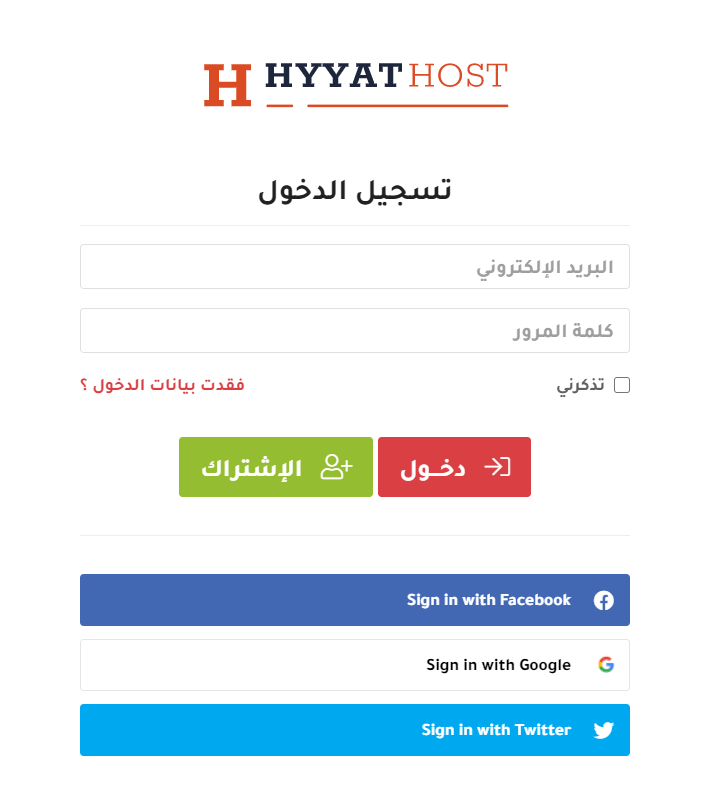
1. Log in to the client area (see how to log in to the client area).
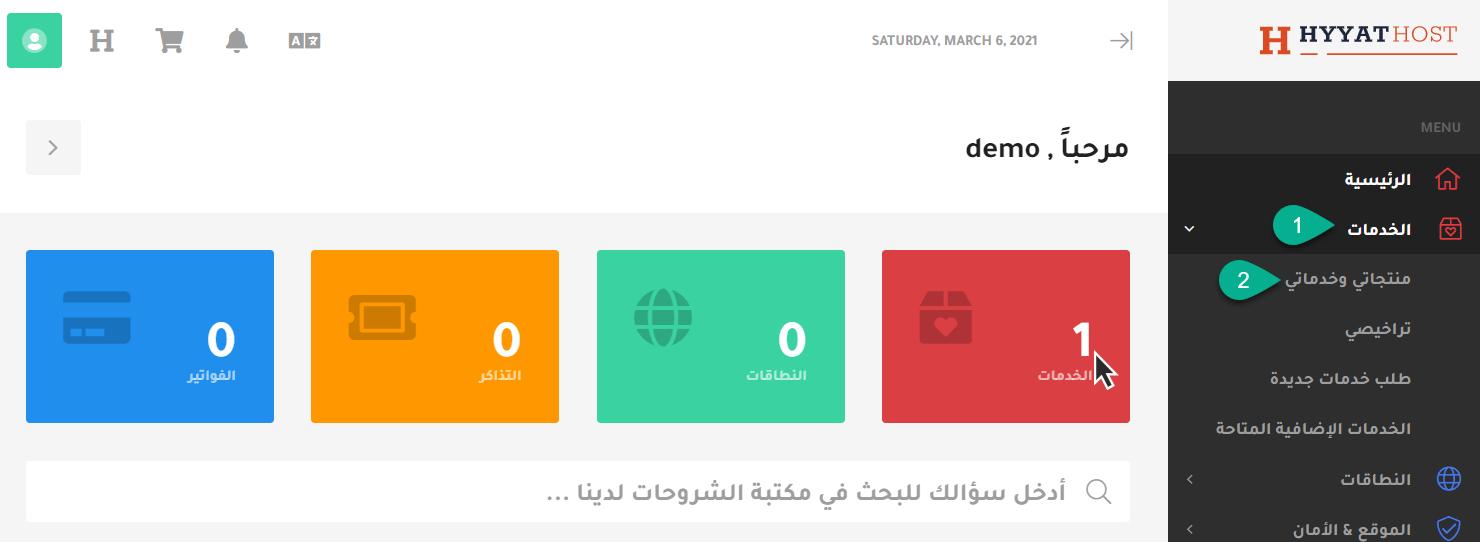
2. Click Services, then My Services.
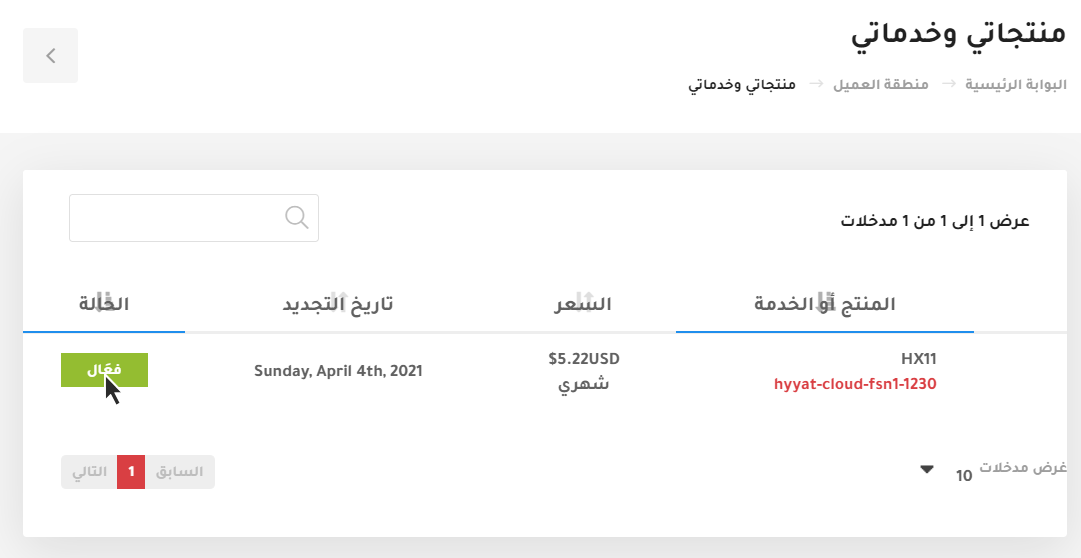
3. Choose the server you want to manage and click Active.
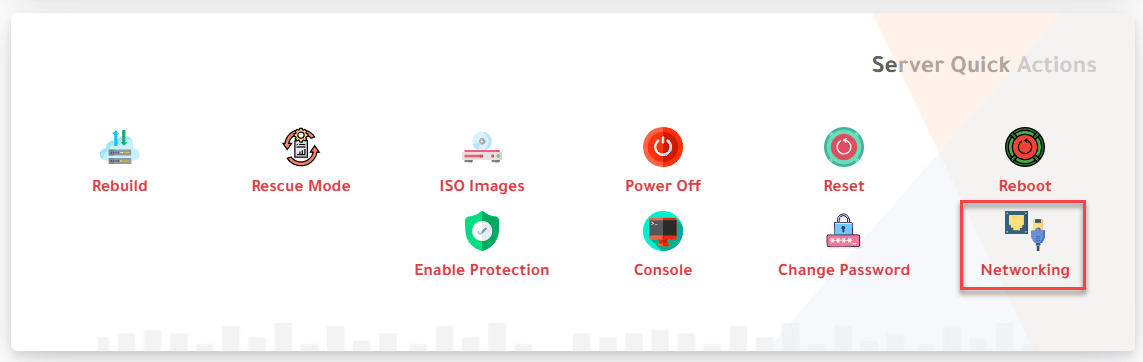
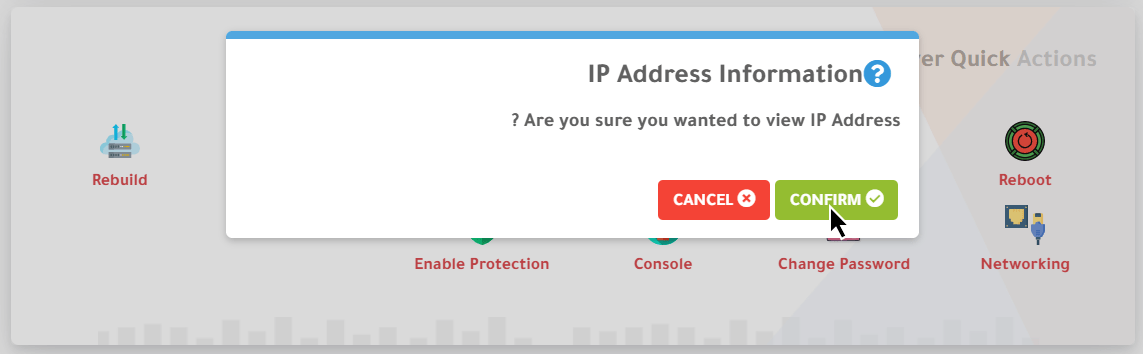
4. Scroll down to Server Quick Actions and click Networking. A message asks “Are you sure you wanted to view IP Address?”; click Confirm.
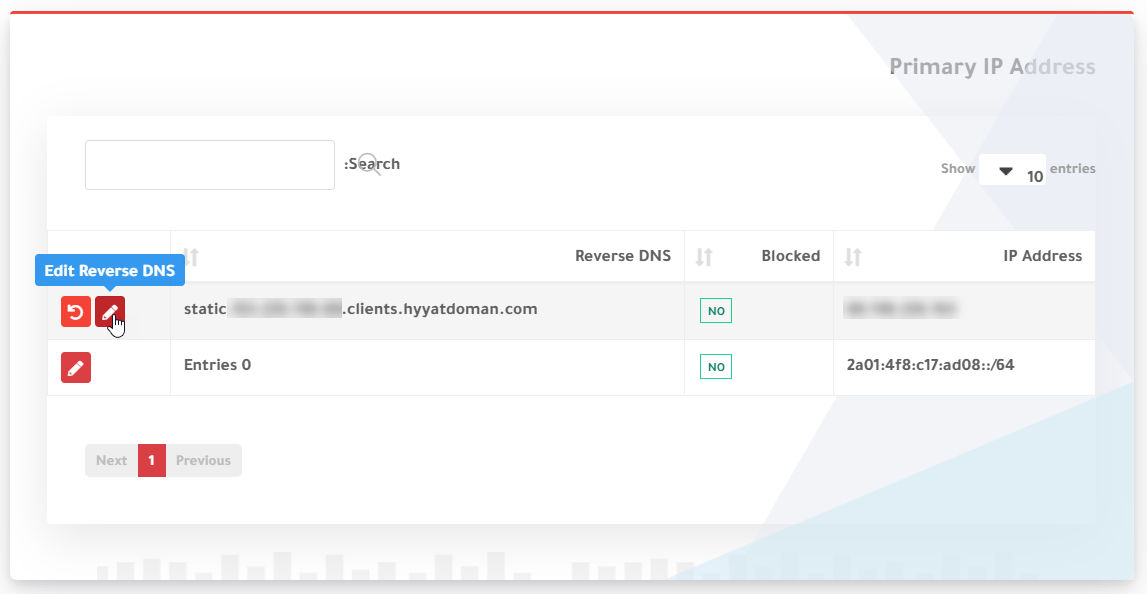
You will see the IP address, the blocked status and the current reverse DNS.
5. Click the pencil icon or Edit Reverse DNS.
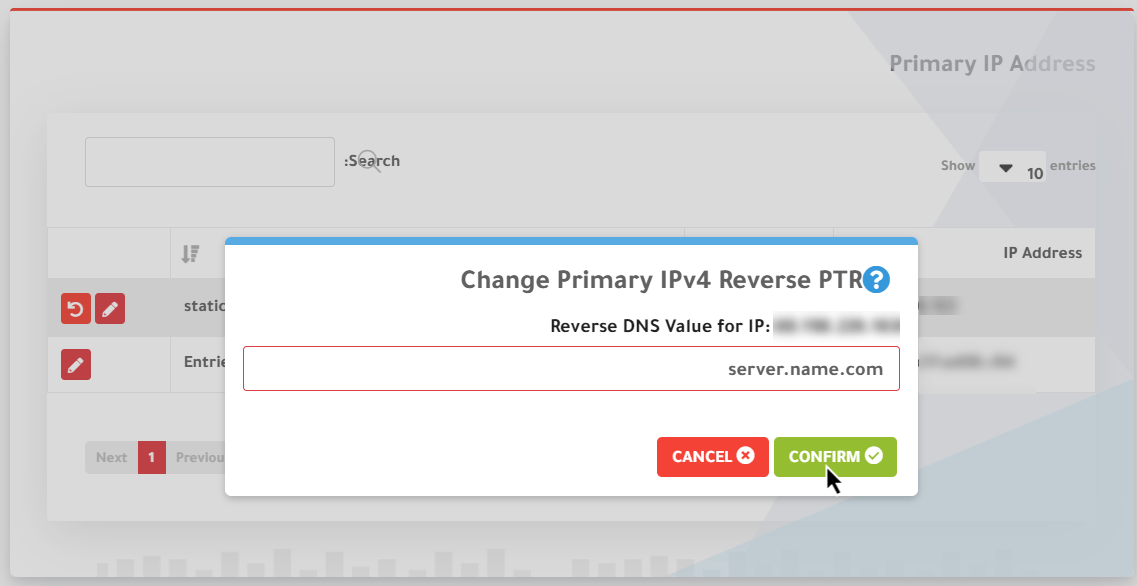
Enter the reverse DNS hostname (for example mail.yourdomain.com) and click Confirm.
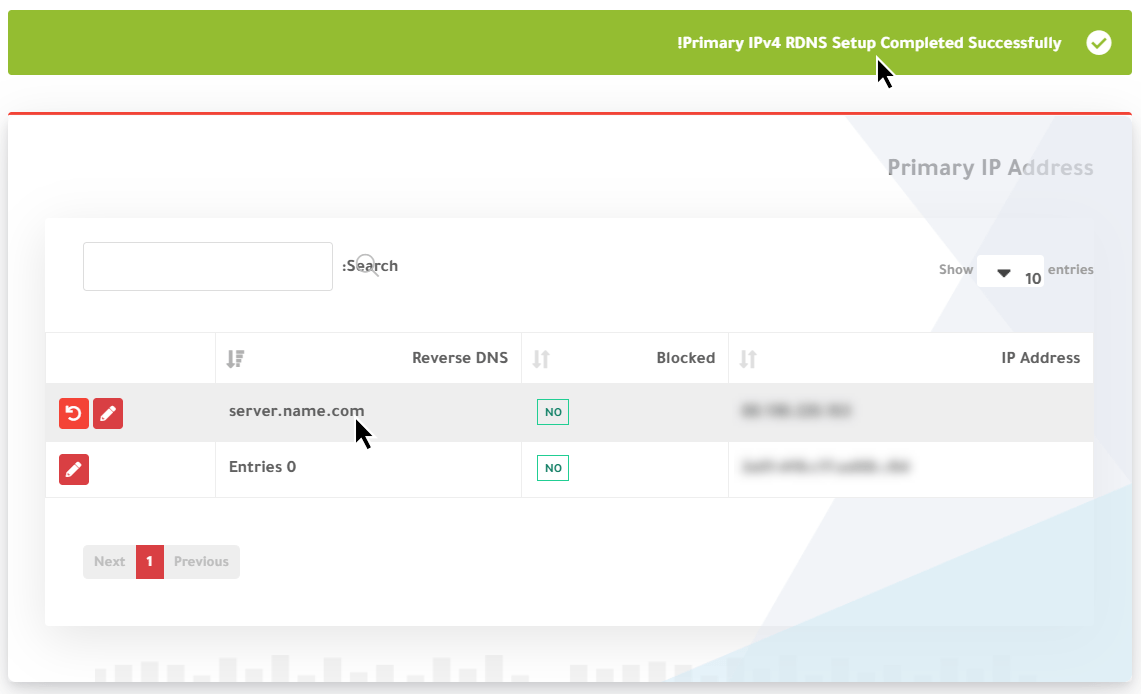
A message at the top confirms the change.
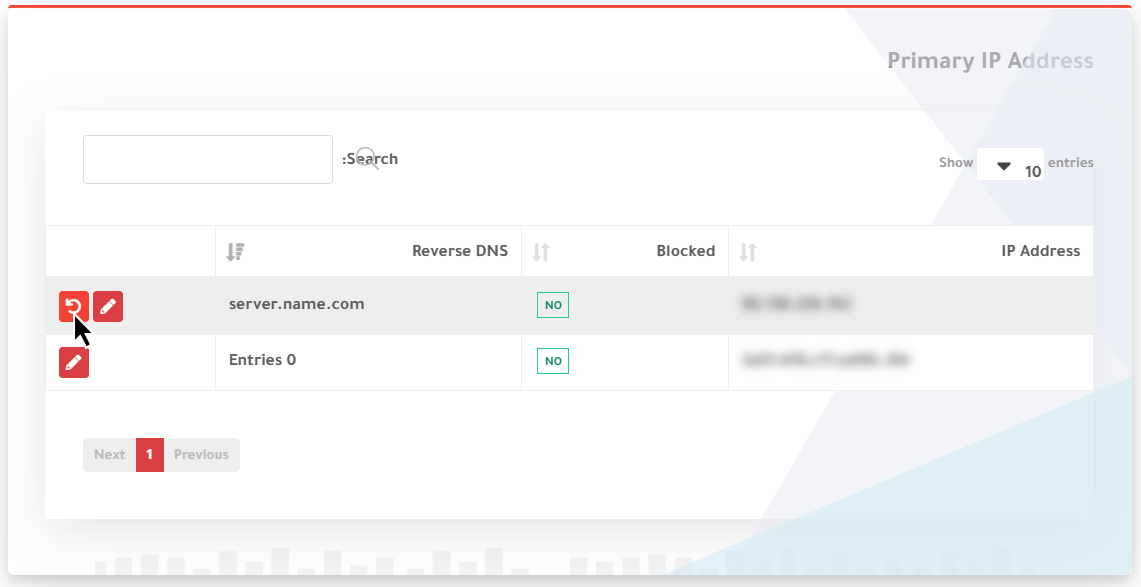
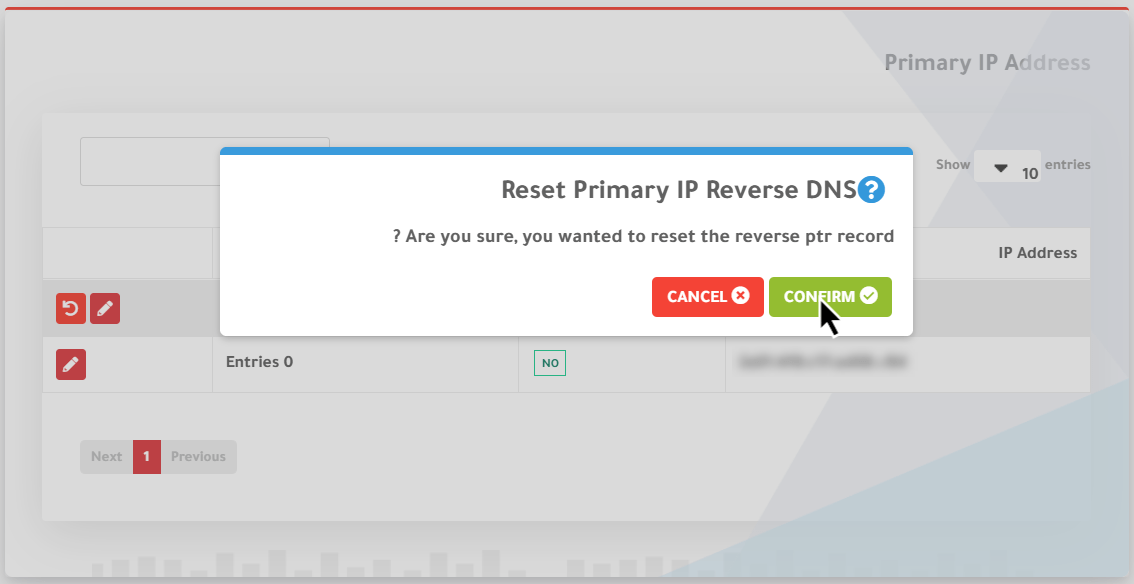
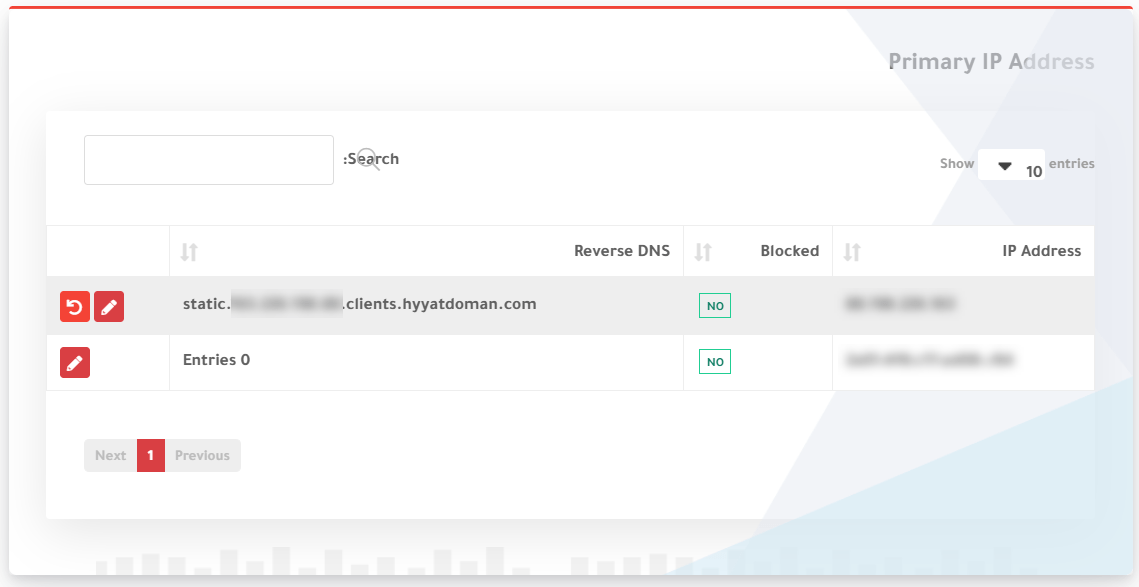
6. To return to the default setting, click Reset Reverse DNS, then Confirm.
Tip: the hostname you set should also have an A record pointing back to the same IP address.
Related service: Hyyat Host servers with full control and 24/7 support.


