

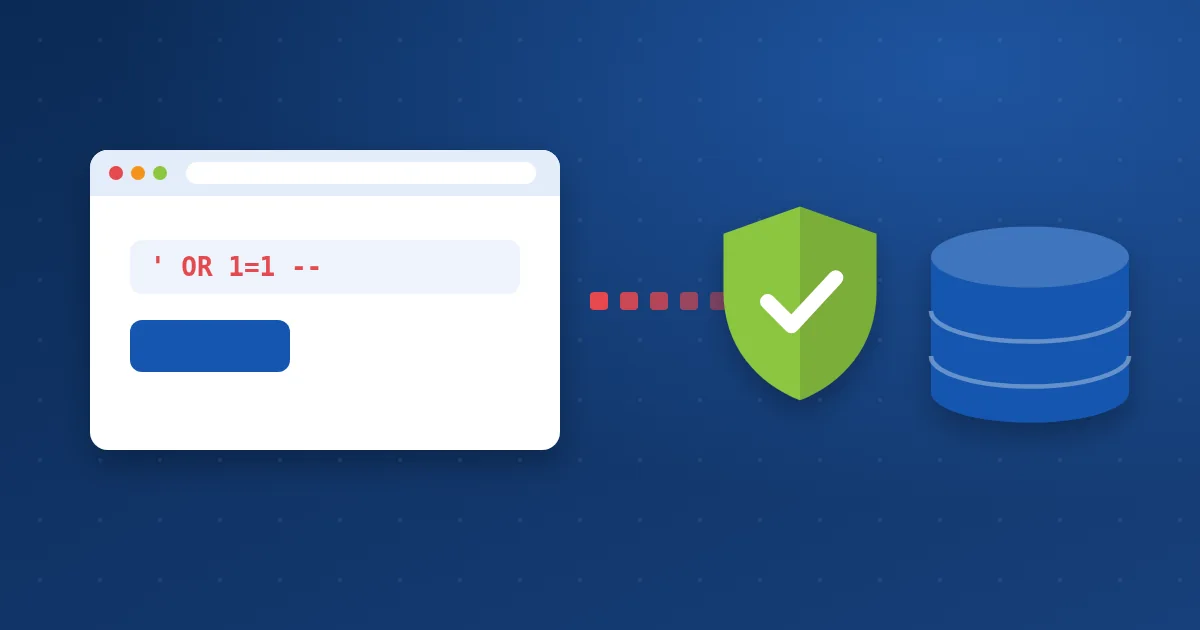
How does the attack work? #
Most sites store their content and users in a MySQL or MariaDB database. When a visitor searches for a word, the site builds a query that contains it. The trouble starts when the code drops whatever the visitor typed into the query unchecked.
Instead of a normal search term, the attacker types text that changes the meaning of the query, for example:
' OR 1=1 --
This makes the condition always true, so the site may return every record or allow a login without a password. More complex forms let the attacker read user tables and password hashes.
What can the attacker do? #
Where is the flaw usually found? #
- An outdated WordPress plugin or theme with a known injection flaw.
- Hand-written code that puts URL or form values directly into queries.
- Old, unmaintained scripts such as legacy forums or store systems.
How to protect your site #
- Update WordPress, plugins and themes: Most WordPress injection flaws live in outdated plugins, and updates close them. Scan your site with the WordPress vulnerability scan.
- Developers: use prepared statements: Never merge visitor input into query text. In WordPress use
$wpdb->prepare(), and in PHP use PDO with bound parameters. - Limit the database user: Your site’s database user needs rights to its own database only, with a separate user for each site.
- Hide database errors from visitors: Detailed errors help attackers understand your tables. Keep debug mode off on a live site.
- Use a web application firewall: ModSecurity rules recognise known injection patterns and stop the request before it reaches your site.
- Back up your database: If data is changed or deleted you need a clean copy. Read why backups matter.
// Wrong: visitor input placed directly in the query
$wpdb->get_results("SELECT * FROM wp_posts WHERE post_title = '$_GET[q]'");
// Right: a prepared statement
$wpdb->get_results($wpdb->prepare("SELECT * FROM {$wpdb->posts} WHERE post_title = %s", $_GET['q']));
How Hyyat Host protects your site #
- ModSecurity and Imunify360 rules block known SQL injection patterns at the server level.
- CloudLinux isolates every account, so a flaw in another site cannot reach your database.
- WP Toolkit in cPanel alerts you to plugins with known vulnerabilities.
Frequently asked questions #
Is WordPress itself vulnerable to SQL injection?
An up-to-date WordPress core uses safe queries. Most flaws are in outdated plugins and themes, so updating is the most important step.
How do I know my site was hit by SQL injection?
Signs include a new admin user you do not recognise, strange content or links in posts, or changed orders and prices. Read the signs your website is hacked.
Does a firewall replace fixing the code?
No. The firewall stops known patterns, but fixing the code and updating closes the flaw itself.


