

In short: To reset your cloud server (a hard reboot when it stops responding): log in to the client area, go to Services, then My Services, choose the server, then under Server Quick Actions click Reset and Confirm. It works like pressing the reset button on a computer, so unsaved data may be lost.
Use Reset when your server does not respond and a normal restart from the operating system is not possible.
1. Log in to the client area (see how to log in to the client area).

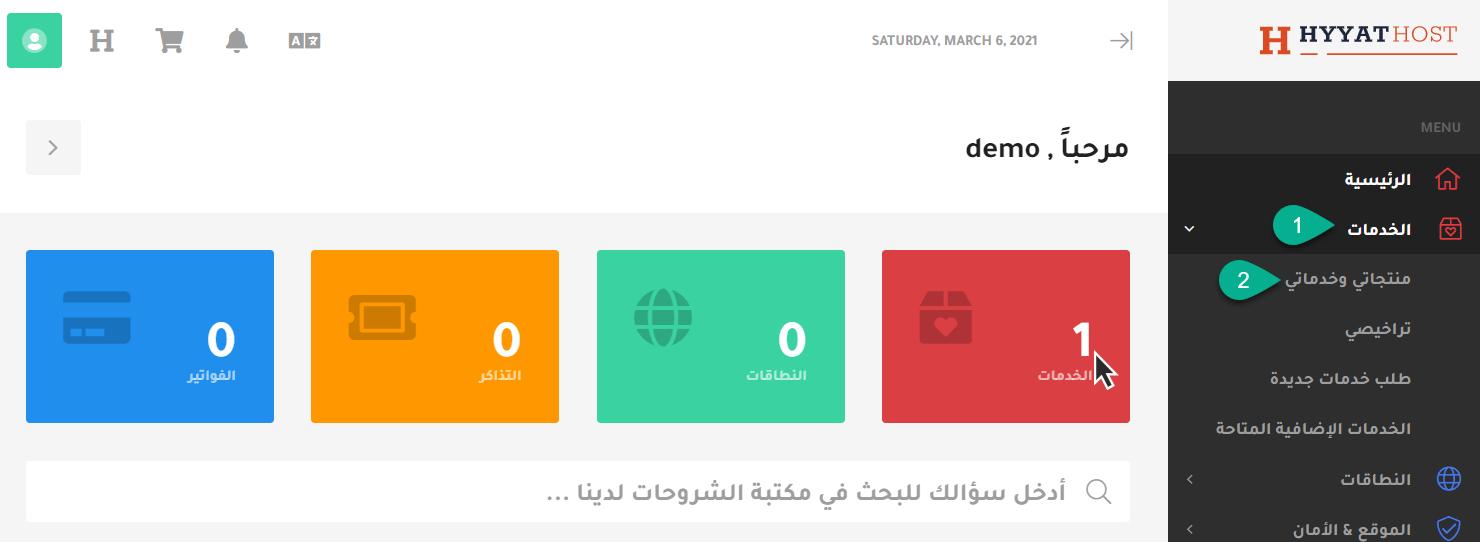
2. Click Services, then My Services.
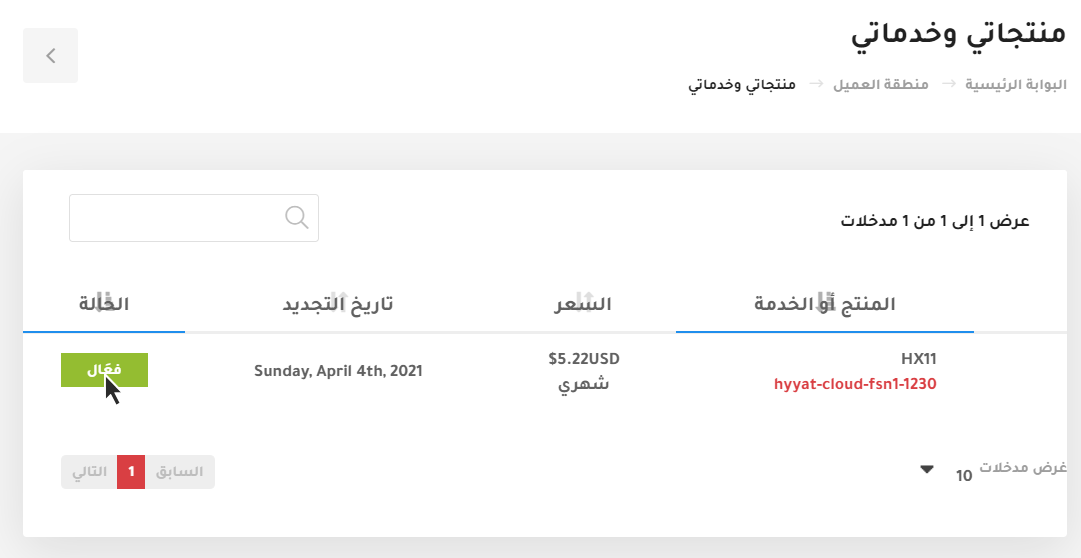
3. Choose the server and click Active.
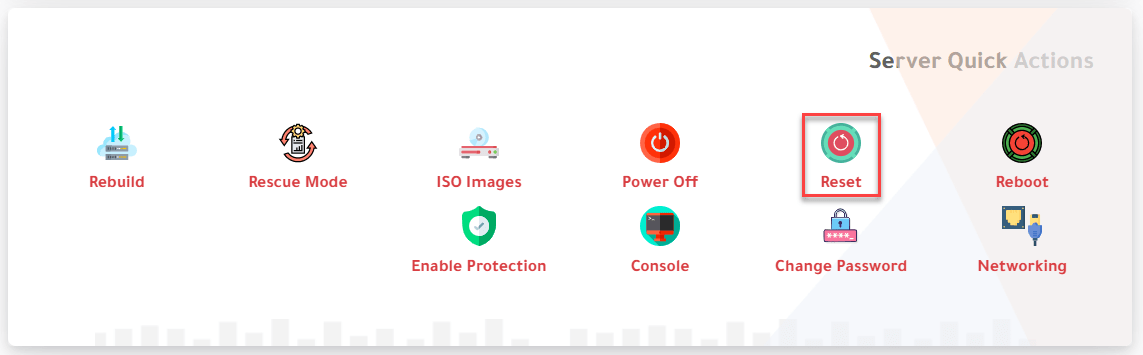
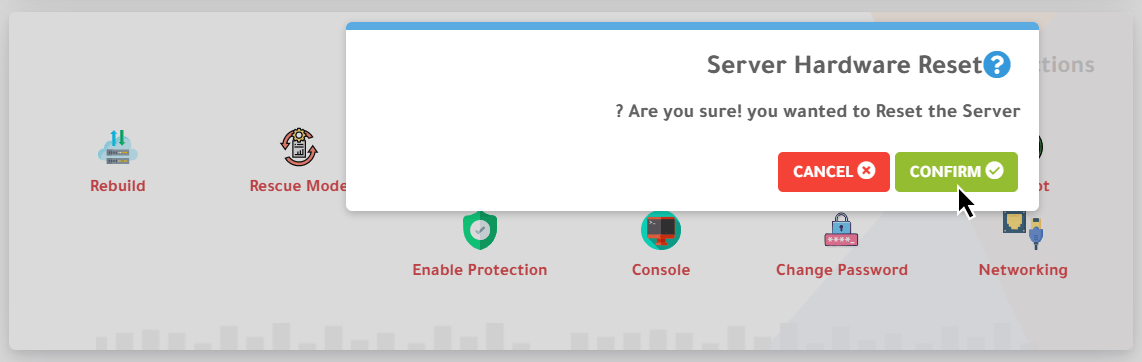
4. Scroll down to Server Quick Actions and click Reset. A warning asks “Are you sure you wanted to Reset the Server?”; click Confirm.
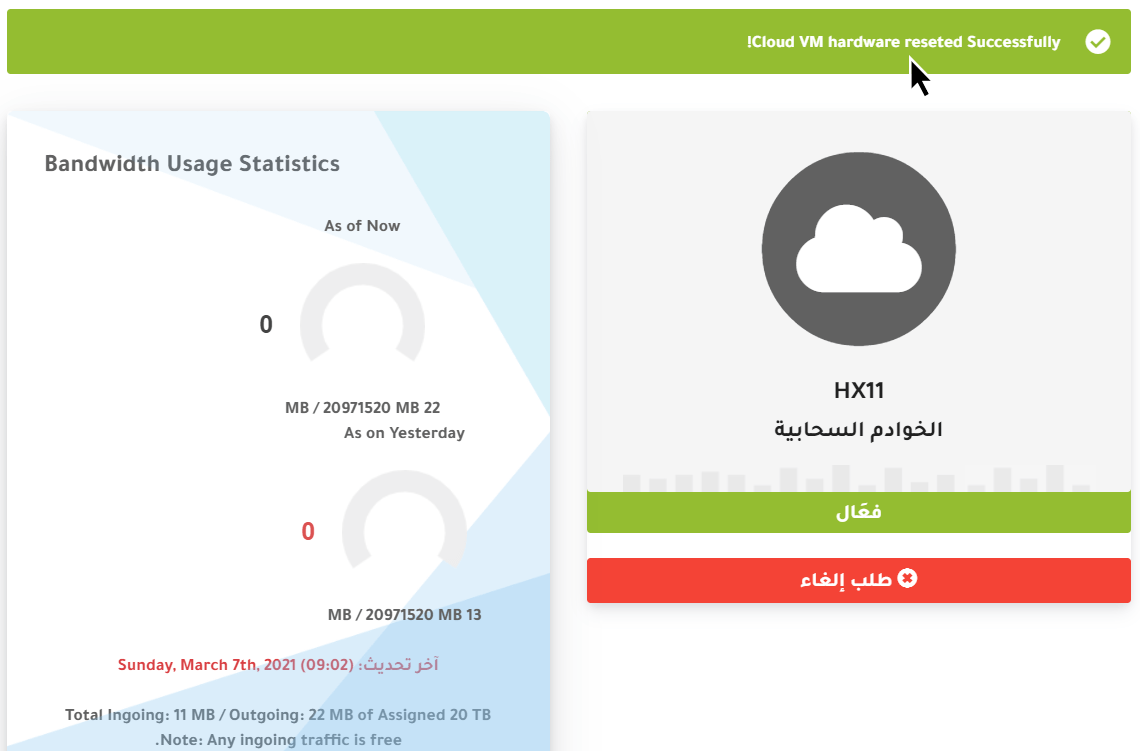
5. A message at the top confirms the server was reset.
See also how to power on your cloud server and how to power it off.
Related service: Hyyat Host servers with full control and 24/7 support.


