

By default, remote MySQL connections are disabled on cPanel servers. You need them when an application or website on another server connects to your database, or when you manage the database from a program on your computer such as MySQL Workbench or HeidiSQL. Only allow specific, trusted IP addresses, because opening databases to everyone is a serious security risk.
In WHM (server administrators) #
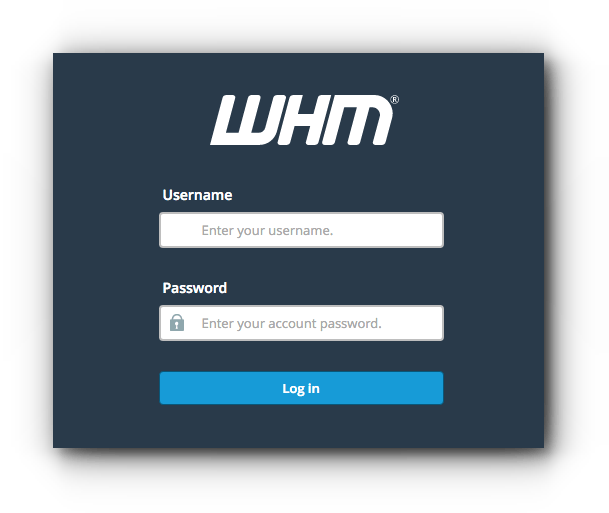
1. Log in to WHM at https://your-server-ip:2087 with your username and password.
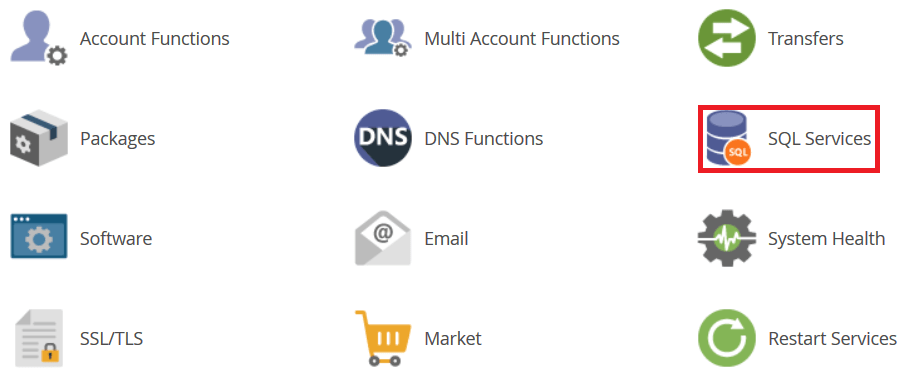
2. Go to SQL Services.
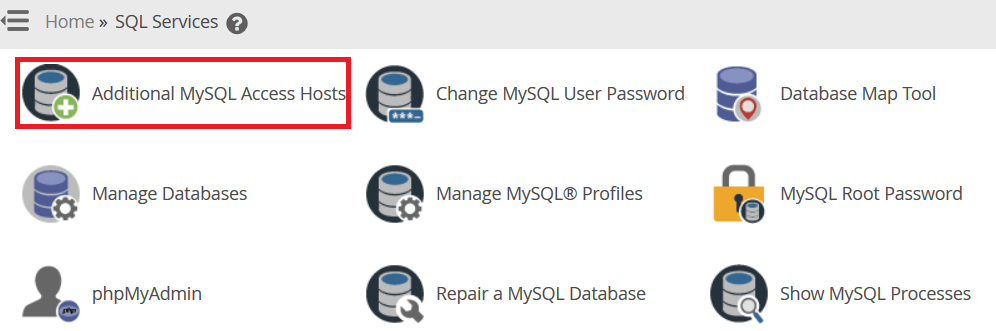
3. Click Additional MySQL Access Hosts.
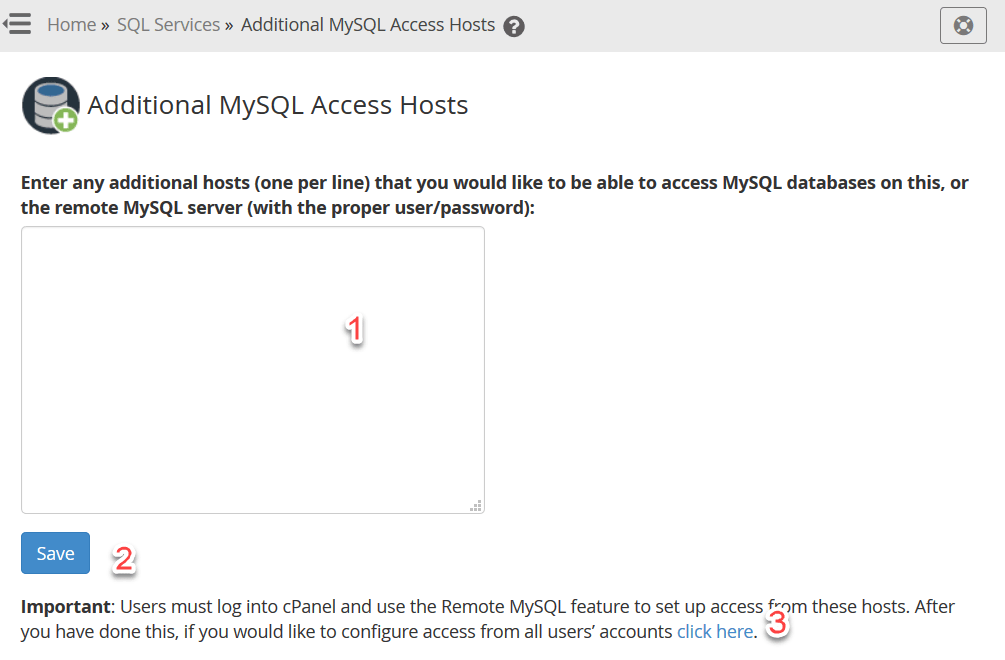
4. Enter one or more hostnames or IP addresses and click Save. To apply them to all accounts, use the link on the same page.
In cPanel (each account) #
1. Log in to cPanel (see how to log in to cPanel).
2. In the Databases section, click Remote MySQL.
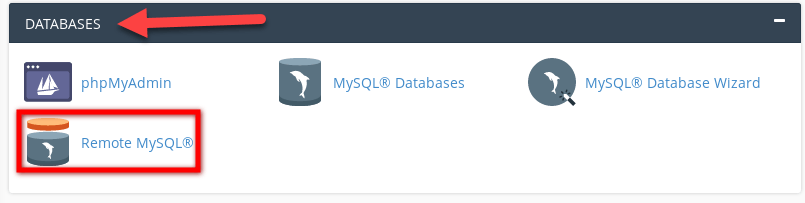
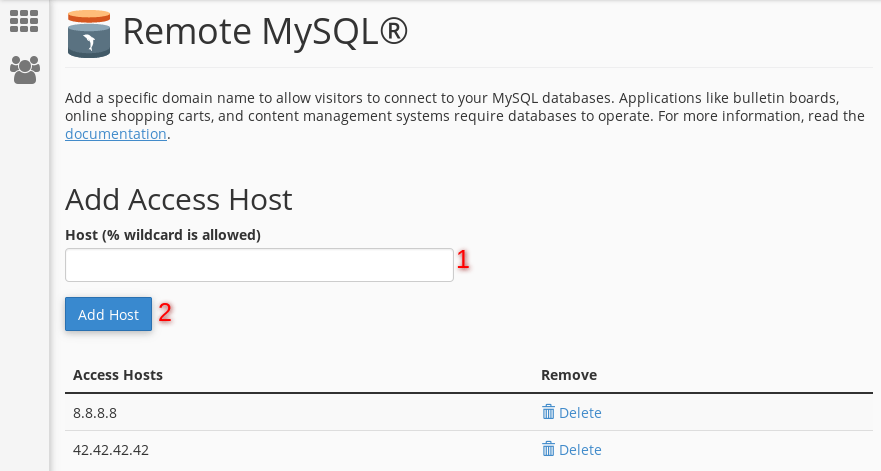
3. Add the hostname or IP address you want to allow and click Add Host. To remove one later, click Delete next to it.
Connect using your server hostname or IP as the host, port 3306, and the database user and password you created in cPanel.
Related service: Hyyat Host server management can set up secure database access for you, with 24/7 support.


