

SSL certificates create an encrypted connection between your site and the browser, shown by the lock icon next to the address. They are essential for trust, security and search rankings. See the difference between free and paid SSL certificates.
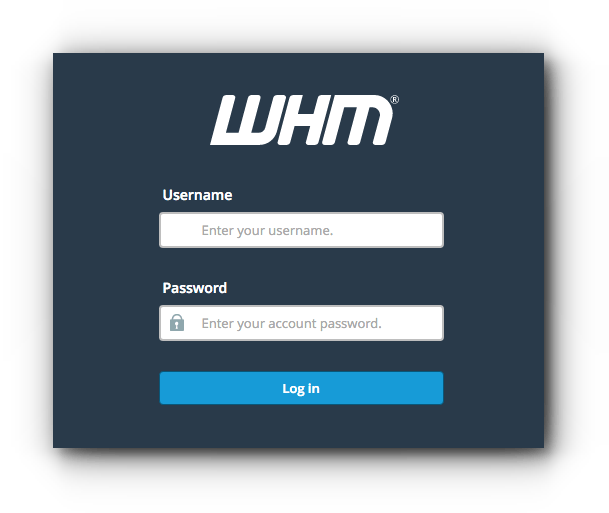
1. Log in to WHM at https://your-server-ip:2087 with your username and password.
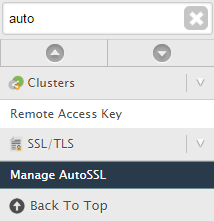
2. Search for Manage AutoSSL.
3. Choose the provider. The default is cPanel (powered by Sectigo), formerly Comodo; you can also choose Let’s Encrypt.
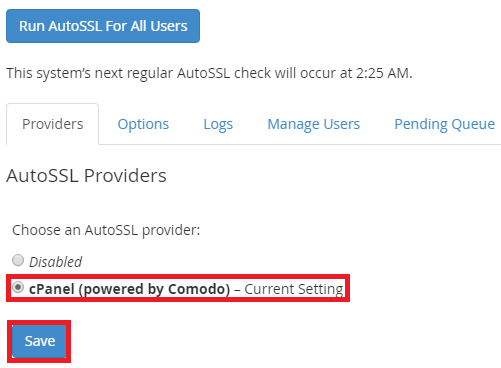
To install certificates on all domains and subdomains now, click Run AutoSSL For All Users. It can take up to an hour.

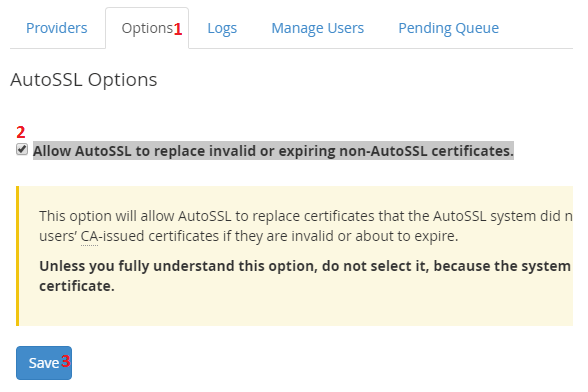
4. If some accounts have old or invalid certificates that you want replaced automatically, open Options, tick Allow AutoSSL to replace invalid or expiring non-AutoSSL certificates, and save.
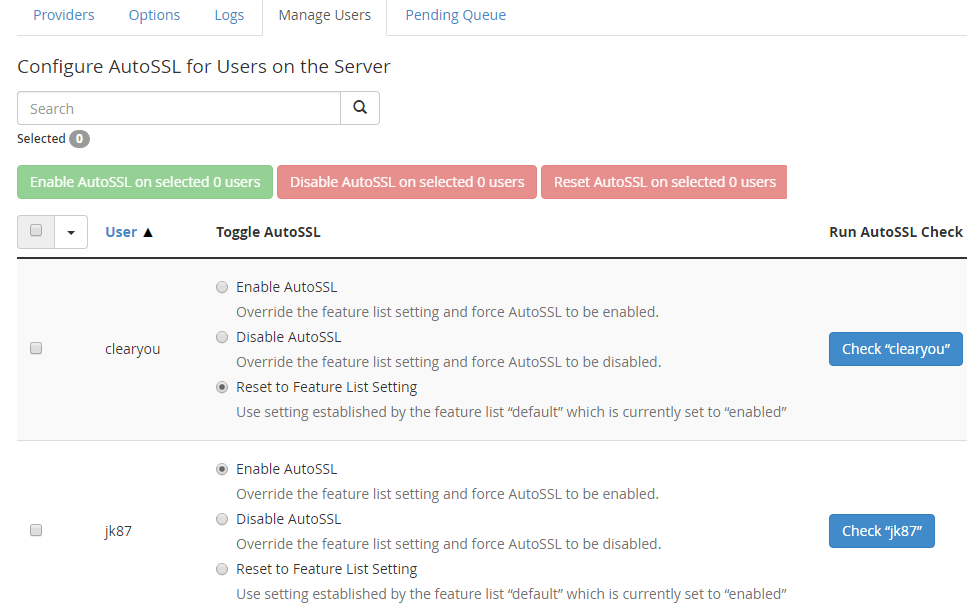
5. You can also enable or disable AutoSSL for each cPanel account from Manage Users.
Related service: Hyyat Host server management keeps SSL certificates and server security in order, with 24/7 support.


