

In short: To restart a service on a cPanel server: go to WHM, then Restart Services, choose the service (such as Apache, MySQL or Exim) and click Yes. A success message appears after the restart. Use it when a service stops working or after you change its settings.
Sometimes a service on your server stops working correctly, or you install a package that needs the service to be restarted. You can do this from WHM.
1. Log in to WHM at https://your-server-ip:2087 with your username and password.

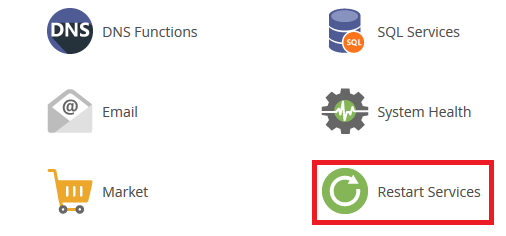
2. Go to Restart Services.
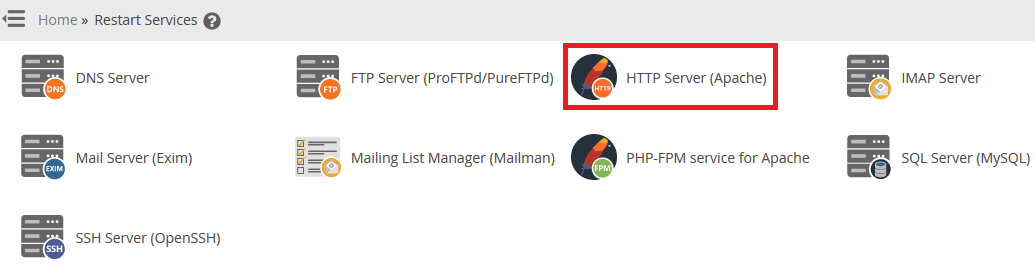
3. You will see all the services on the server. Choose the one you want, for example HTTP Server (Apache).
4. Click Yes to restart it.
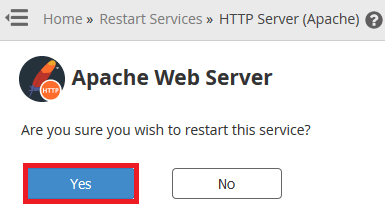
The message Apache restarted successfully confirms the restart.
See also how to create a new hosting account in WHM and how to suspend an email account in cPanel.
Related service: Hyyat Host server management handles server services and updates for you, with 24/7 support.


