

cPanel servers limit the size of a database file you can import in phpMyAdmin (by default around 50 MB). This makes it hard to import a large database. As the server administrator, you can raise this limit from WHM.
Method 1: from WHM #
1. Log in to WHM at https://your-server-ip:2087 with your username and password.
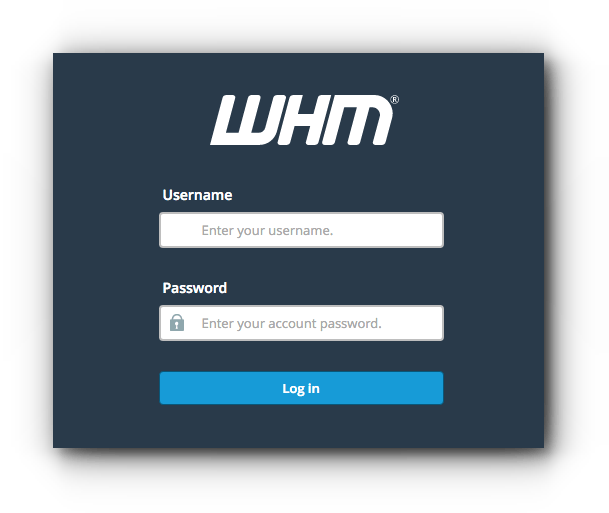
Logging in with the server hostname (https://your-server-hostname:2087) is recommended.
2. Go to Server Configuration.
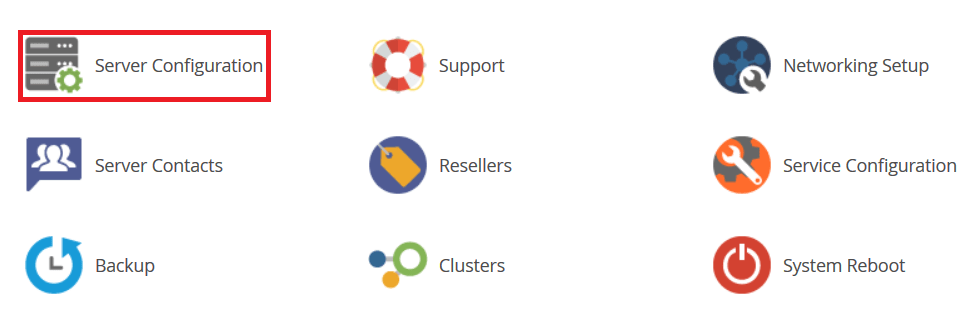
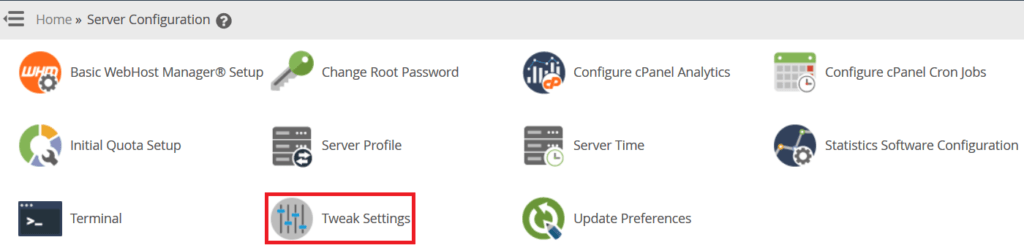
3. Click Tweak Settings.
4. Open the PHP tab.
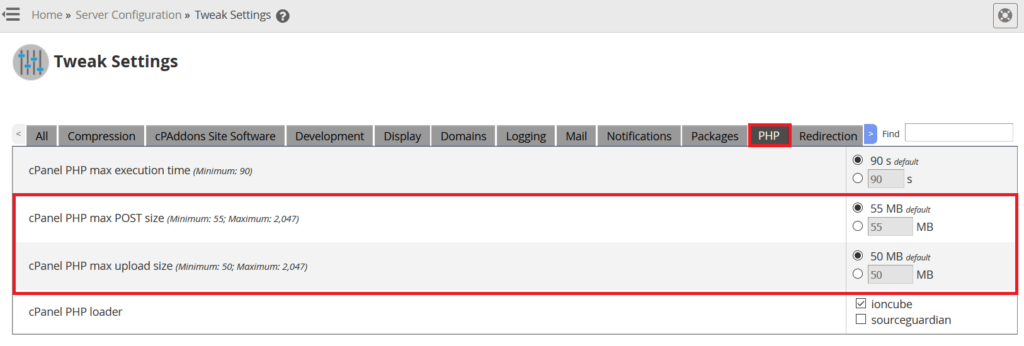
Change cPanel PHP max POST size and cPanel PHP max upload size to the values you need, and save. Log in to phpMyAdmin again and you will see the new limit on the Import page.
Method 2: from the command line #
1. Connect to your server over SSH (see how to connect to your server over SSH):
ssh root@your-server-ip
2. Find the php.ini file in use:
php --ini
3. Open it in a text editor (replace the path with the one shown):
vi /path/to/php.ini
4. Find these lines and set the values you need, then save the file:
upload_max_filesize = 256M
post_max_size = 256M
5. Restart Apache:
systemctl restart httpd
Related service: Hyyat Host server management can adjust your server settings for you, with 24/7 support.


