

Sometimes a service on your server needs a specific port that the CSF firewall blocks by default. This guide shows how to allow it.
What is CSF? #
Every Linux server needs a firewall that blocks suspicious activity and lets you block any IP address easily. One of the best free firewalls is ConfigServer Security & Firewall (CSF). It is recommended for servers running WHM/cPanel, because it automatically blocks IP addresses that try to log in with wrong details too many times. Its login failure daemon is called lfd.
Steps #
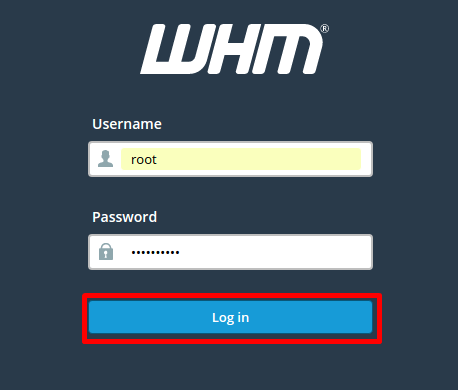
1. Log in to WHM at https://your-server-ip:2087 with your username and password.
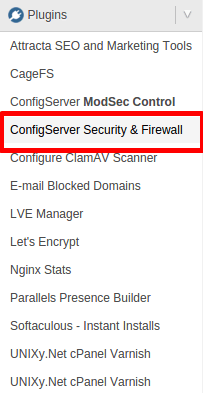
2. Go to Plugins and click ConfigServer Security & Firewall.
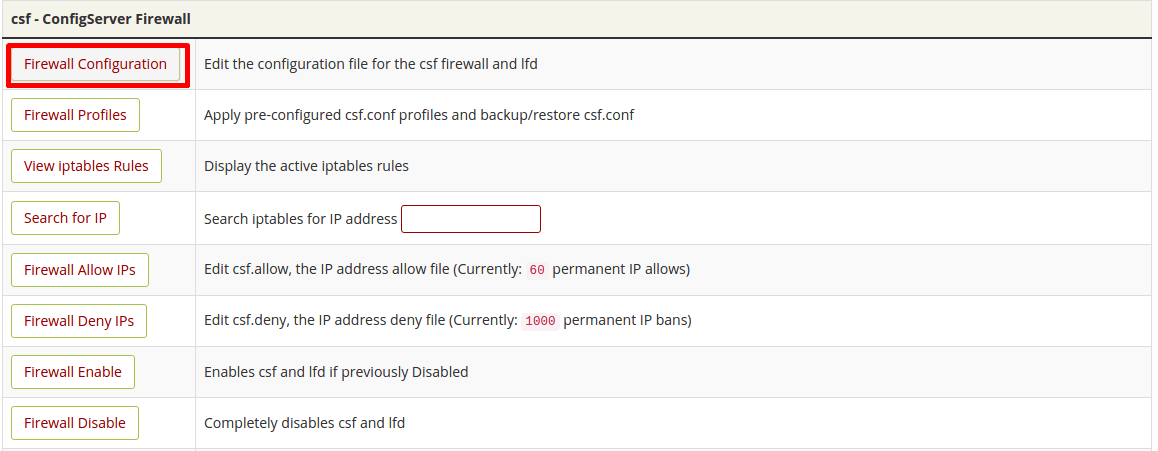
3. Click Firewall Configuration and scroll to IPv4 Port Settings.
4. Add the port to TCP_IN to allow incoming connections and to TCP_OUT to allow outgoing connections (use UDP_IN/UDP_OUT for UDP services). Separate ports with commas.

5. Save your changes by clicking Change.

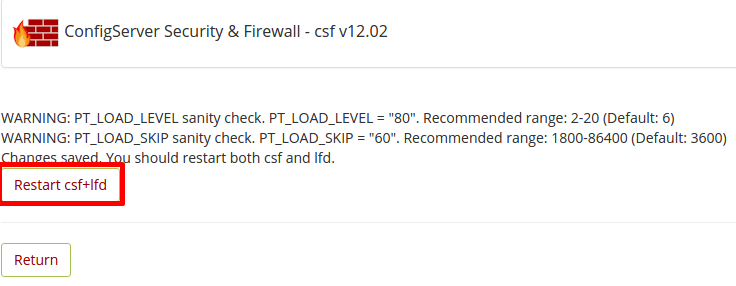
6. Restart the firewall by clicking Restart csf+lfd.
Tip: only open the ports you really need. Every open port is a possible way into your server.
Related service: Hyyat Host server management configures and secures your server firewall for you, with 24/7 support.


