

In short: To change your security question in the client area: go to My Account, then Security Settings. Enter the answer to your current question, choose a new question, type its answer twice and click Save Changes. The security question helps us verify your identity when you ask for changes to your account.
A security question and answer protect your account from unauthorized password resets and let us verify your identity when you request changes to your account.
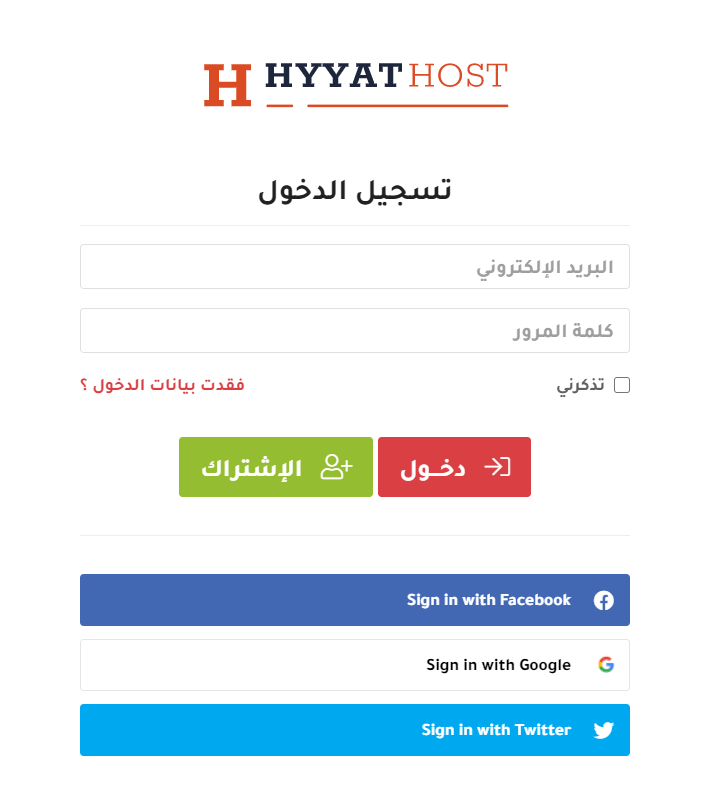
1. Log in to the client area (see how to log in to the client area).
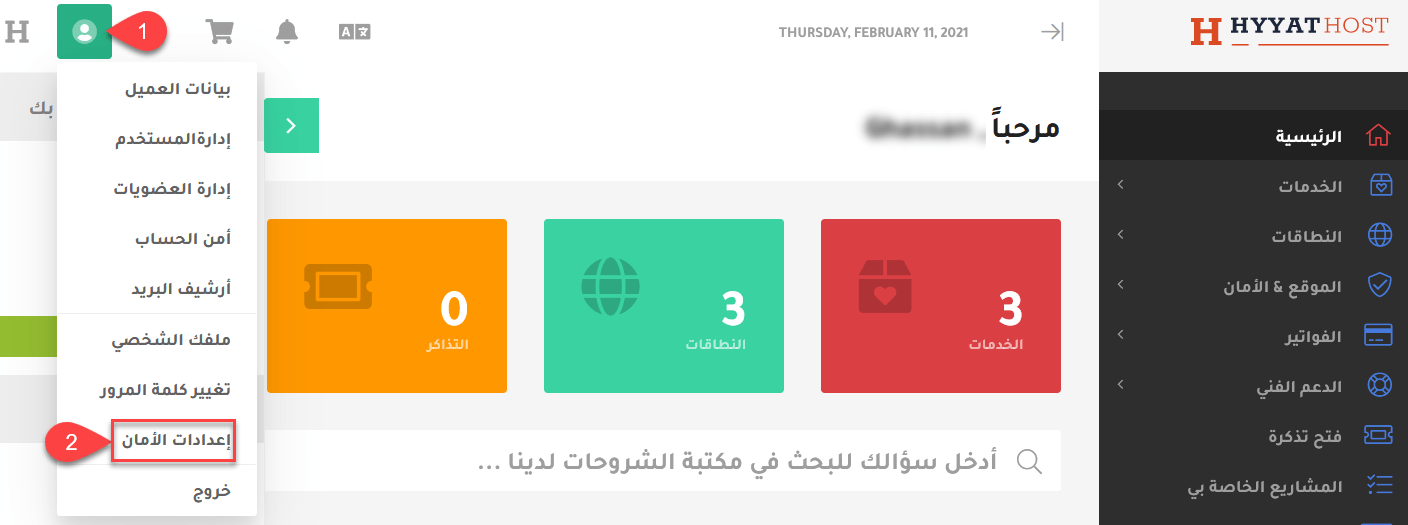
2. Open Security Settings from the account menu.
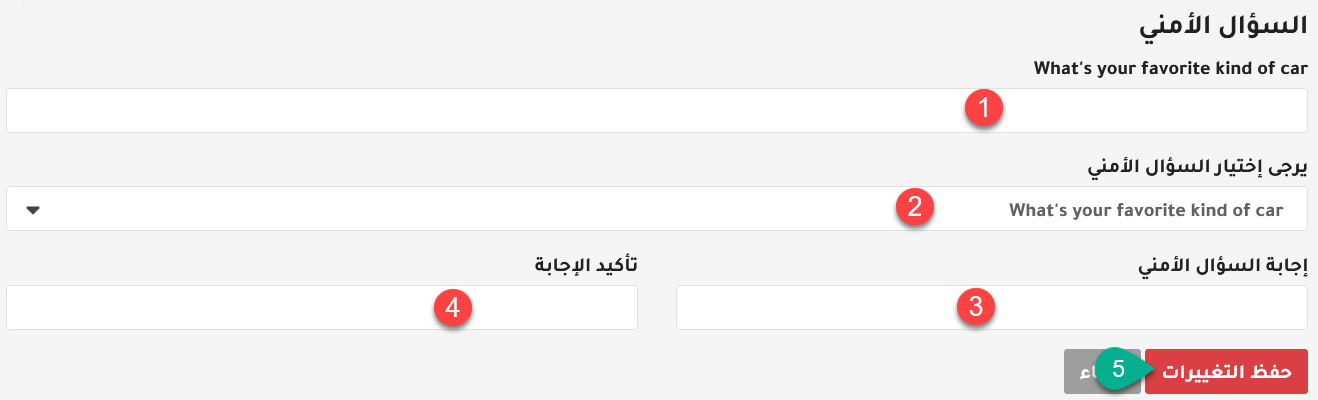
3. In the security question section:
- Enter the answer to your current security question. You must know the current answer to change it.
- Choose the new security question.
- Enter the answer.
- Enter the answer again.
- Click Save Changes.
For stronger protection, also turn on two-factor authentication for your client area.
Related service: Hyyat Host hosting comes with Arabic and English support 24/7.


