

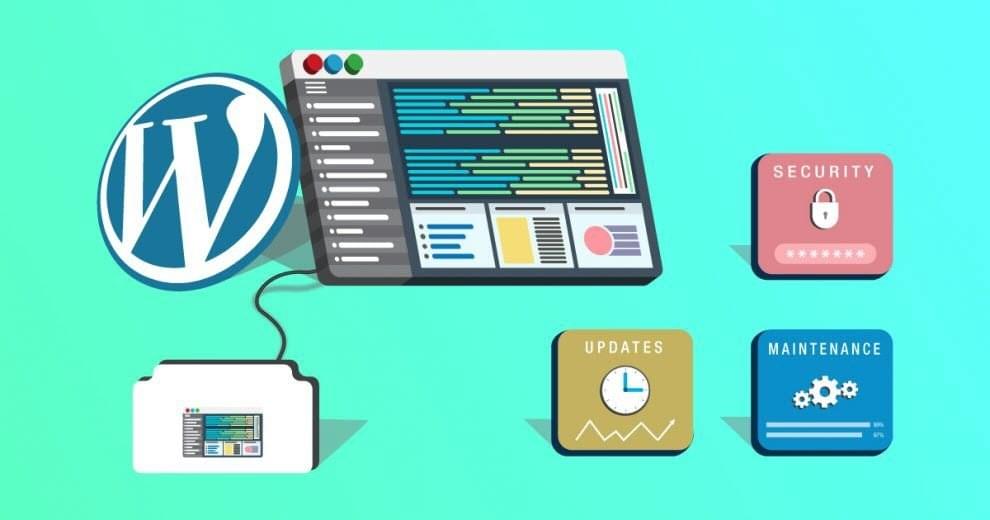
WordPress is the most widely used content management system on the web, and that popularity makes it the most attacked. Not because it is insecure, but because attackers know that a WordPress vulnerability is a gateway to millions of websites. As soon as a WordPress site goes online, automated bots start probing it. That is why hardening WordPress sites matters.
Common attacks on WordPress #
- Brute-force and dictionary attacks: bots try to guess usernames and passwords with a flood of login attempts.
- DoS and DDoS attacks: sites are flooded with requests to use up resources and take them offline. WordPress XML-RPC is often used for this.
- Core, plugin and theme vulnerabilities: bugs in the code are exploited to bypass logins, upload malicious code or gain extra privileges.
- Code injection: attackers look for weaknesses that let them inject PHP, JavaScript or SQL.
What WordPress Toolkit does #
WordPress Toolkit is a complete WordPress management solution with an easy interface; think of it as one control panel for all your WordPress sites. It automates installation, updates and backups, and exposes settings you would otherwise have to find in the admin area or configuration files.
Security hardening is where it really shines. It applies fixes for critical weaknesses during installation, so sites are protected before they go online, and it scans existing sites for weak security settings that you can fix with one click.
WordPress Toolkit is available on all Hyyat Host hosting servers. See also how to debug WordPress with WordPress Toolkit and how to install WordPress plugins.
Related service: Hyyat Host WordPress hosting includes WordPress Toolkit, fast NVMe storage and 24/7 support.


