

In short: To see your latest website visitors: go to cPanel, then Metrics, then Visitors, choose the domain and click View. You will see the latest visits with the IP address, requested page, time and browser.
1. Log in to cPanel (see how to log in to cPanel).
2. In the Metrics section, click Visitors.

3. Choose the domain and click the view icon.
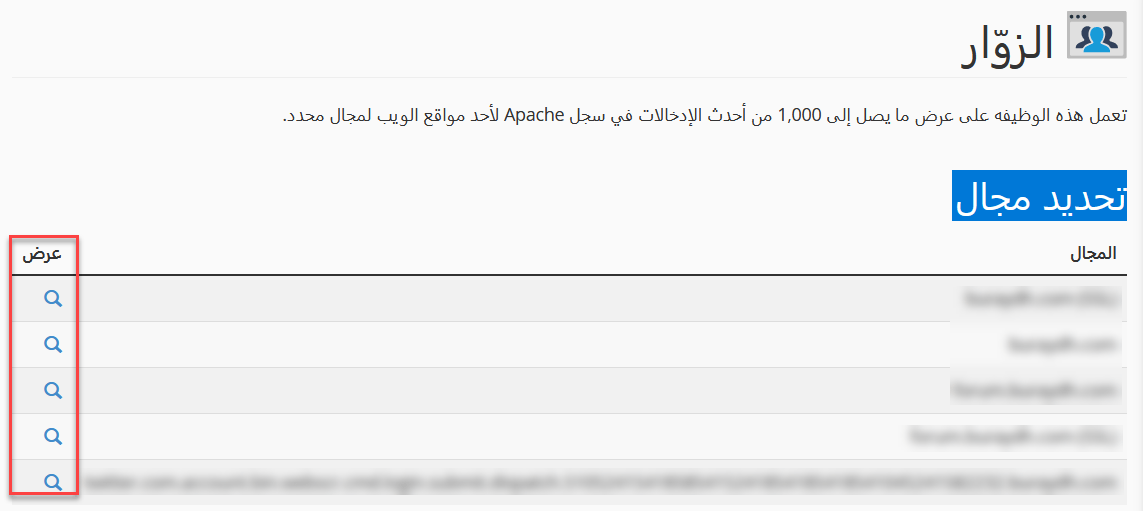
4. You will see details of the latest visitors to your site: IP address, URL, time, response size, referrer and browser.
See also how to view detailed visitor logs and how to check your bandwidth usage.
Related service: Hyyat Host shared hosting includes cPanel and 24/7 support.


