

If you built your site with WordPress, its dashboard is where you control and manage everything. It may look complex at first, but it is easy once you know its parts.
How to log in #
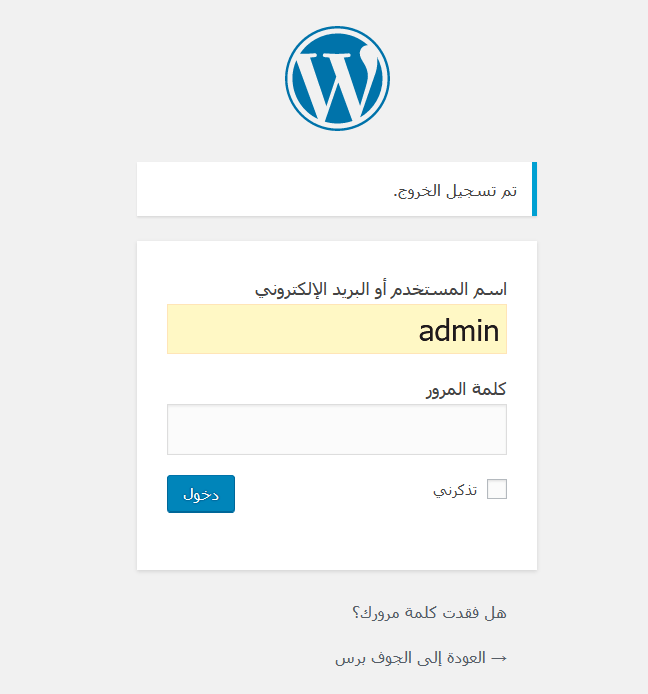
Add /wp-admin to your site address, for example www.yourdomain.com/wp-admin. Enter your username (or email) and password and click Log In.
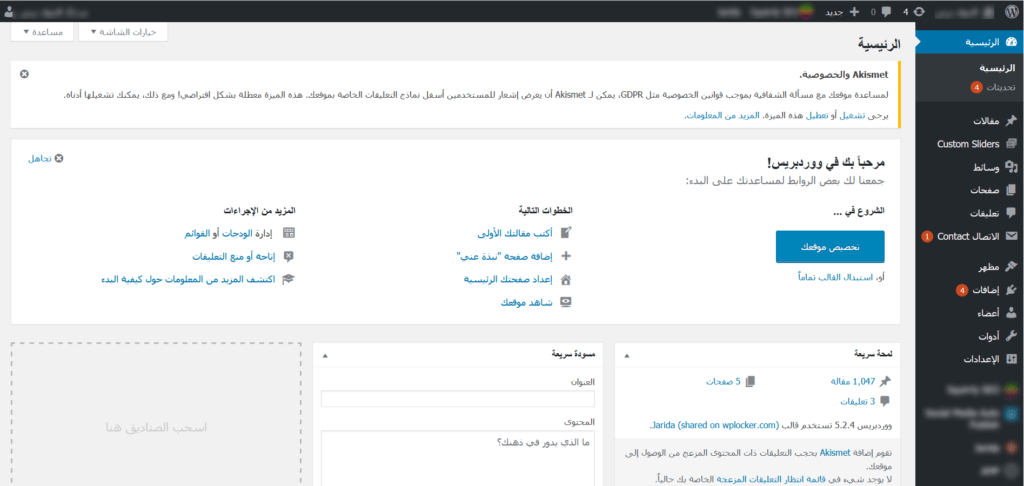
After logging in you see the dashboard home, with WordPress news and events, recent activity and an overview of your site.
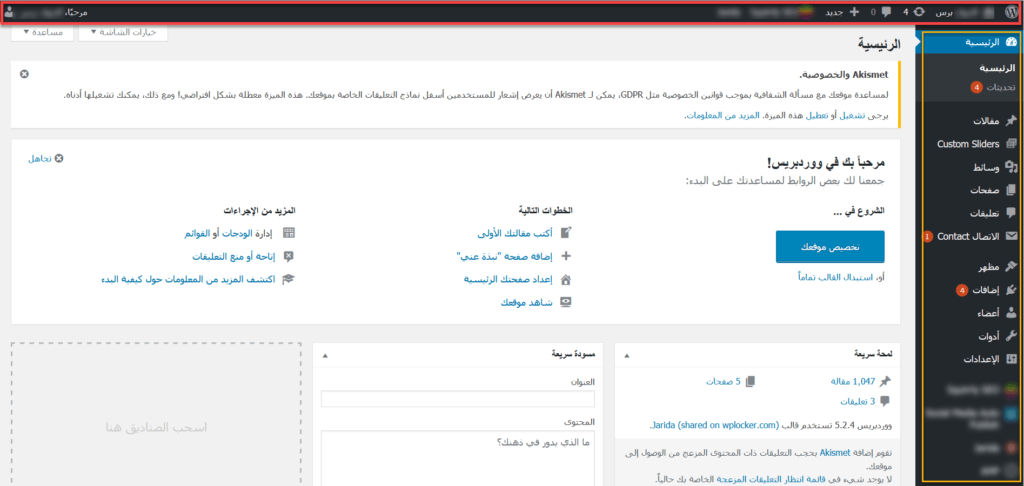
The three parts of the dashboard #
- Toolbar at the top, with quick links.
- Main work area, which changes depending on the item you open in the menu.
- Navigation menu on the side, with links to every part of your site.
The toolbar #
The toolbar has quick links that may differ depending on your theme and plugins: the WordPress logo menu (version info and WordPress.org links), a link to view your site, comments, the + New menu to create a post, page or media, theme or plugin items, and your user menu to edit your profile or log out.

The navigation menu #
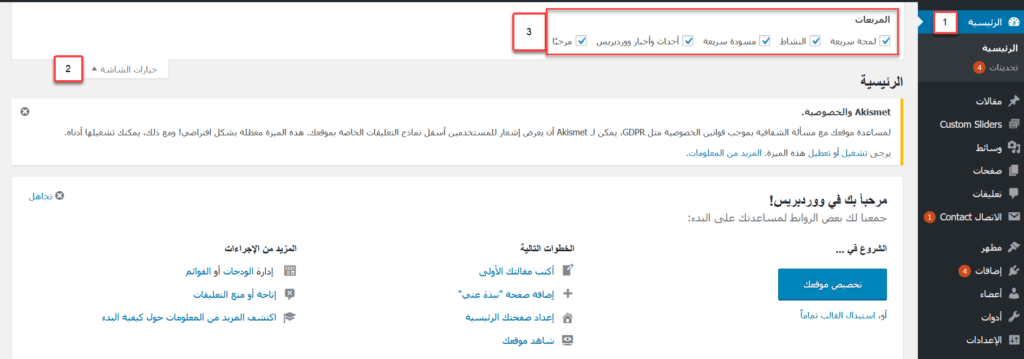
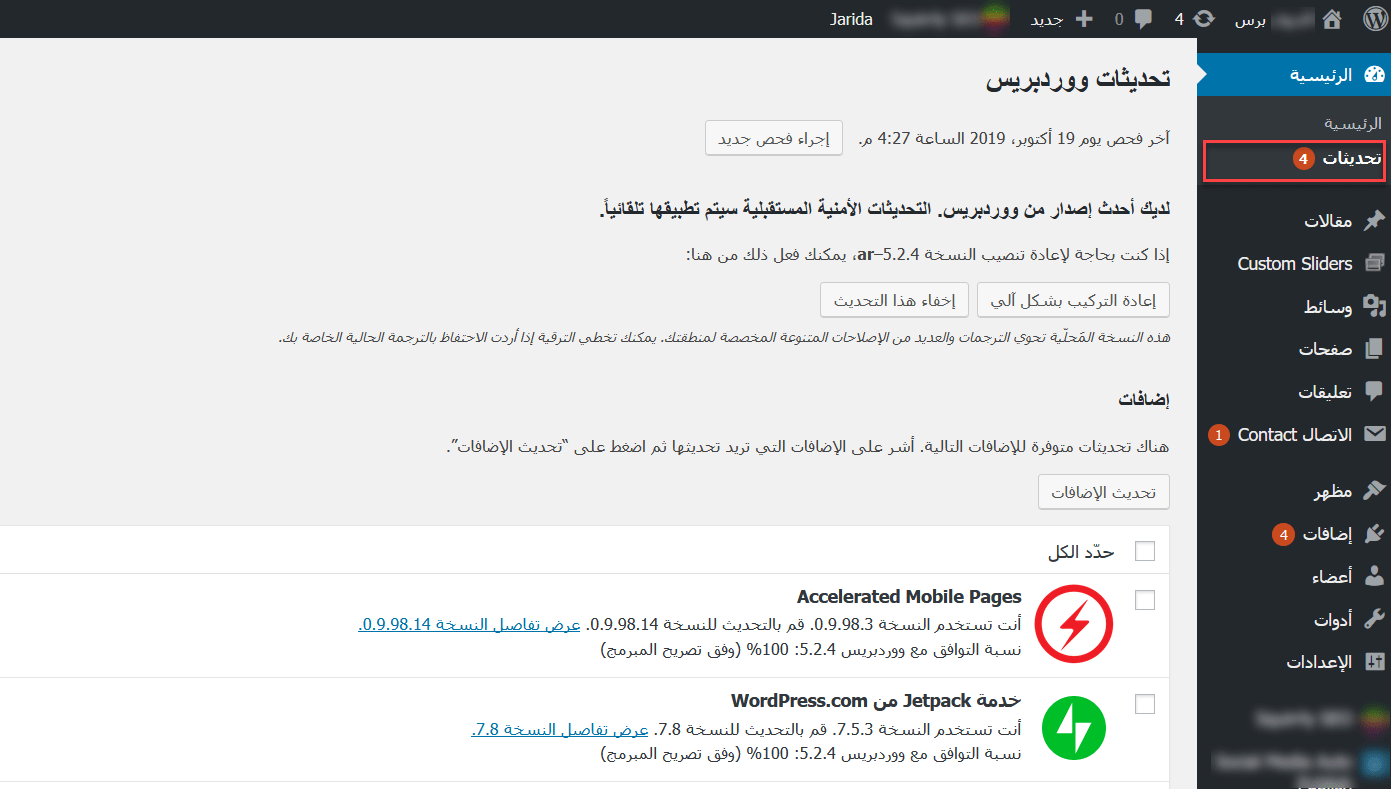
Dashboard: Home shows the overview (you can choose what appears with Screen Options), and Updates shows what needs updating: WordPress itself, themes and plugins.
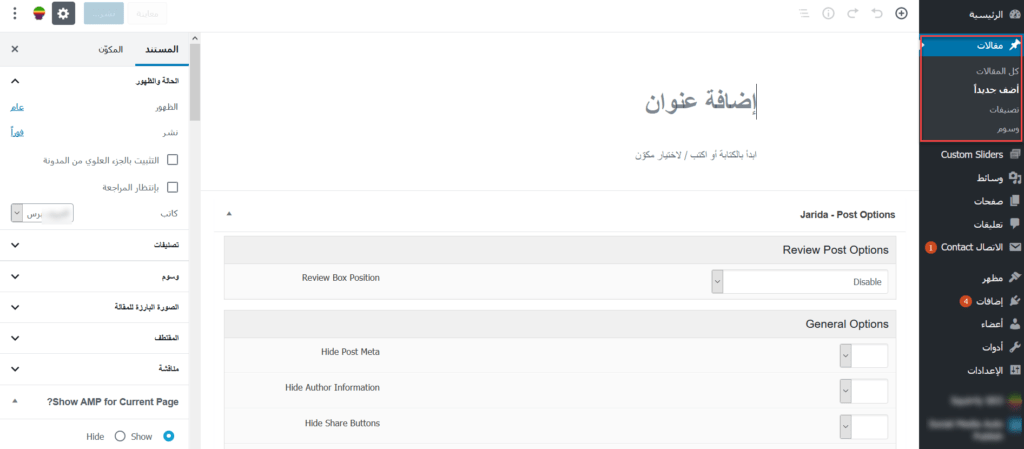
Posts: view all posts, add new ones, and manage categories and tags.
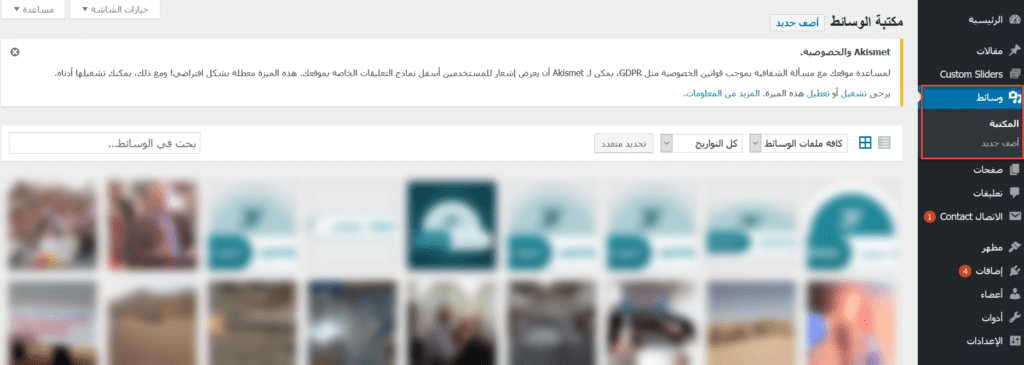
Media: upload images and files and browse the media library.
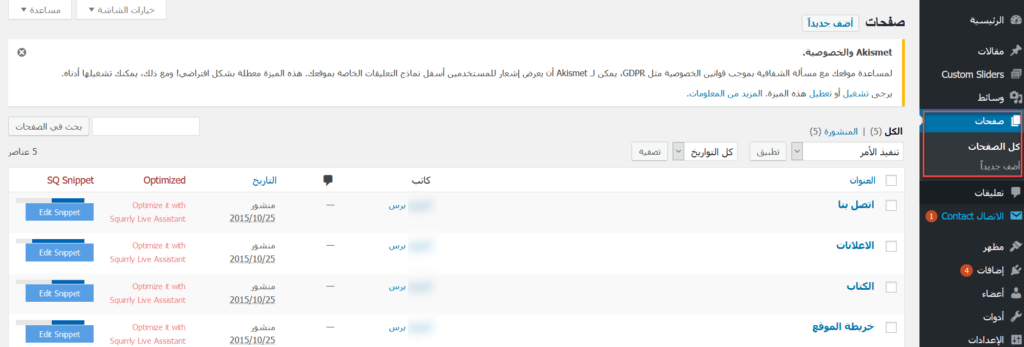
Pages: view and manage all pages and add new ones.
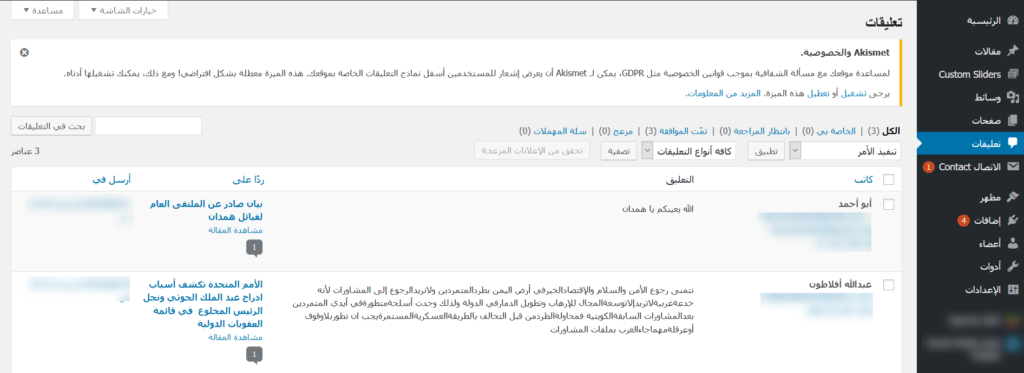
Comments: read, approve, reply to or delete visitors’ comments.
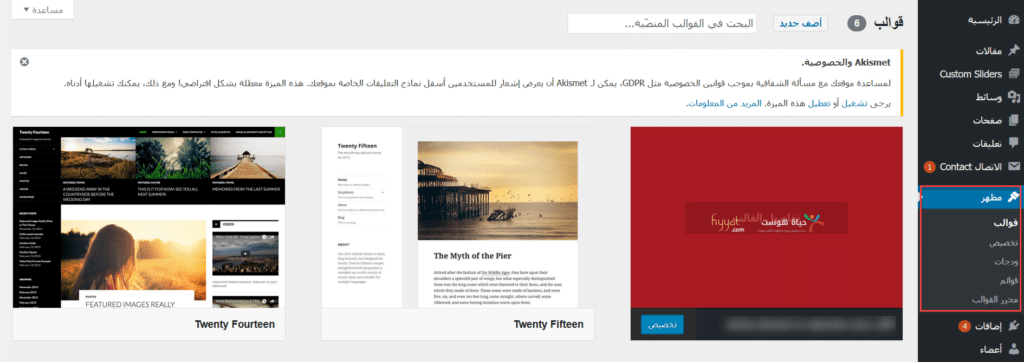
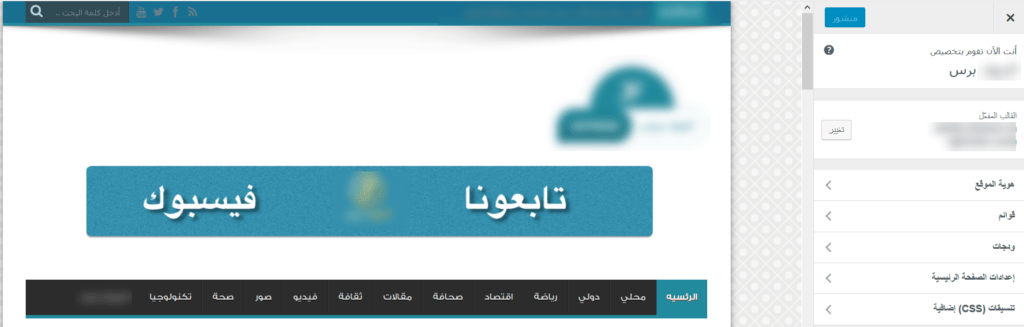
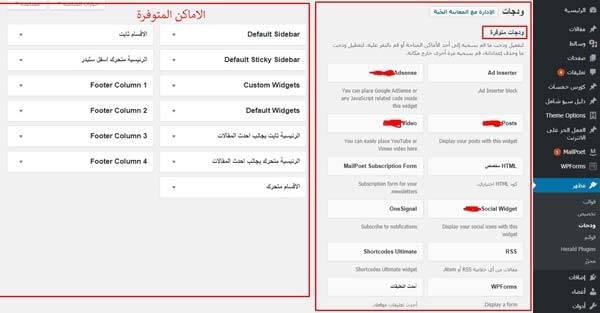
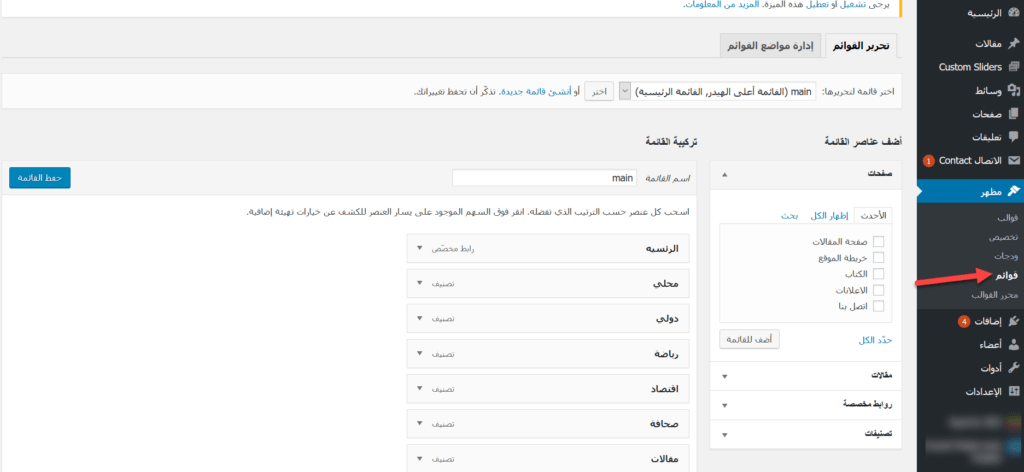
Appearance: Themes (install and switch themes), Customize (edit your theme’s settings, site title and more with a live preview), Widgets (add blocks to sidebars and footer) and Menus (build your site menus). Block themes use the Site Editor instead.
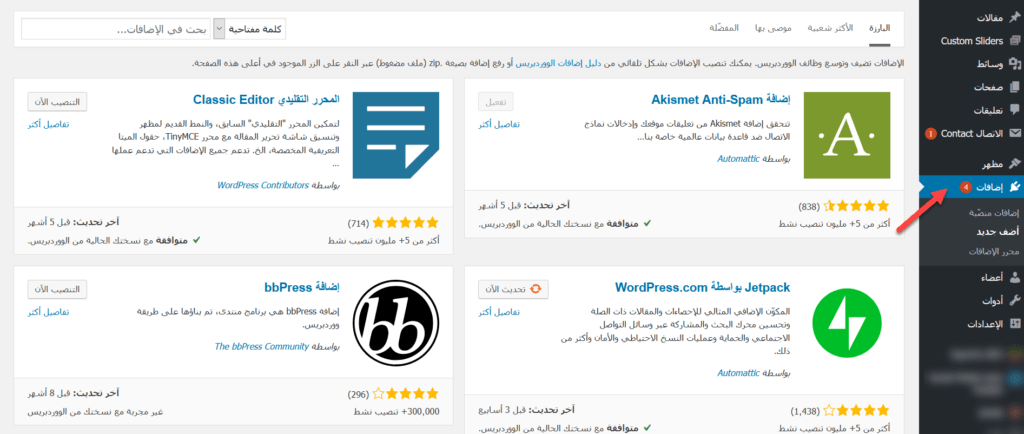
Plugins: install and manage plugins that add features to your site. See how to install WordPress plugins.
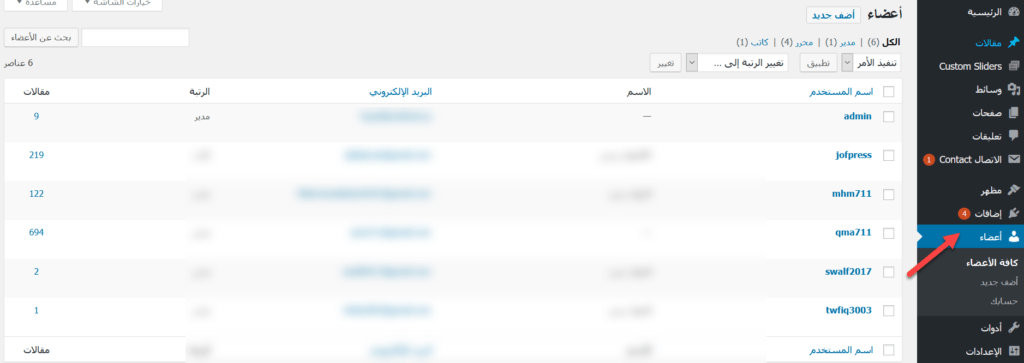
Users: add, edit or remove the people who can log in to your dashboard, each with their own role.
Tools: import and export content and run less common admin tasks.
Settings: General (site title, tagline, address, email, time zone), Writing, Reading (what your home page shows), Discussion (comments), Media (image sizes), Permalinks (URL structure) and Privacy (privacy policy page). Plugin settings also appear here or as their own menu items.
Related service: Hyyat Host WordPress hosting from $1.93/month with free SSL and free migration.


