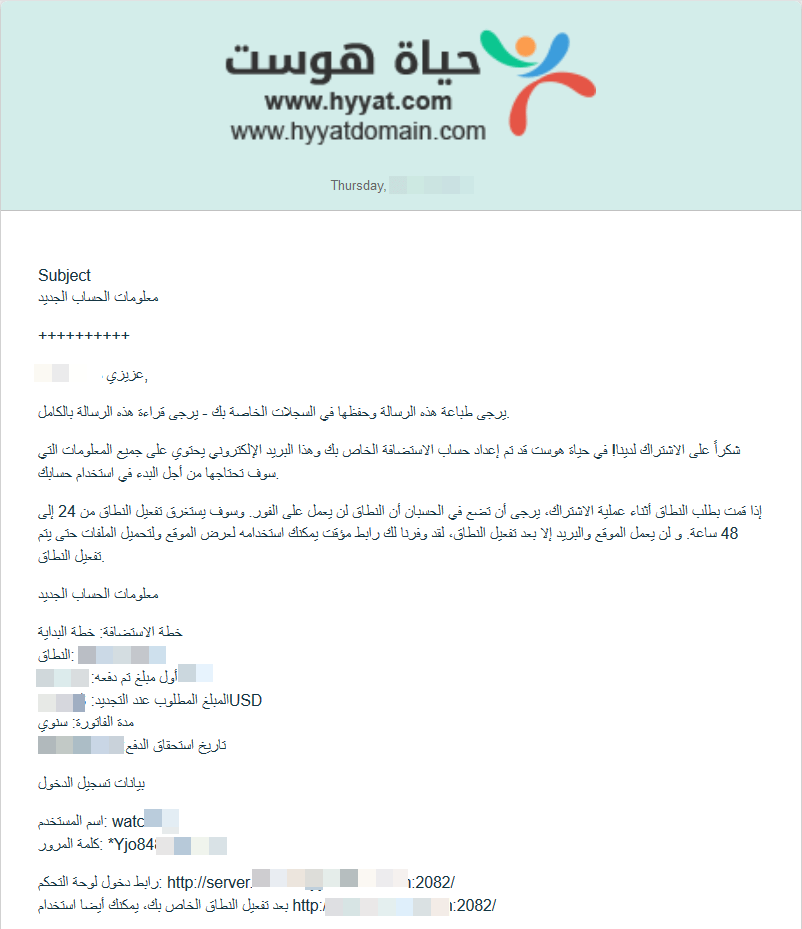
In short: Every email we send you, including the New Account Information email with your cPanel login and nameservers, is saved in the client area: open your account menu, then Email History. Click View Message next to any email to read it.
All messages sent to you from the client area are saved there, including the email with your hosting account details.
How to view your emails #
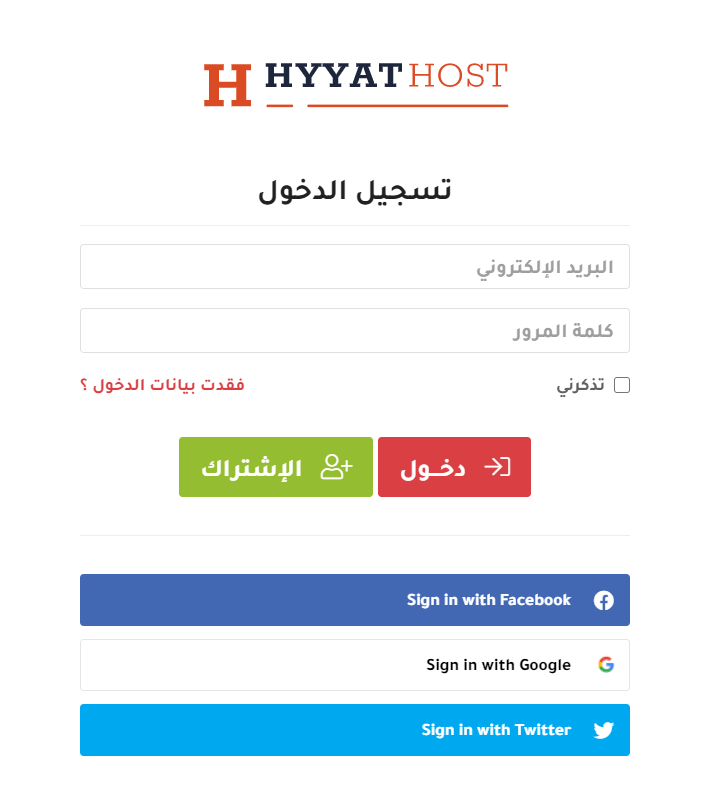
1. Log in to the client area with your email and password. See how to log in to the client area or log in with Google or Facebook.
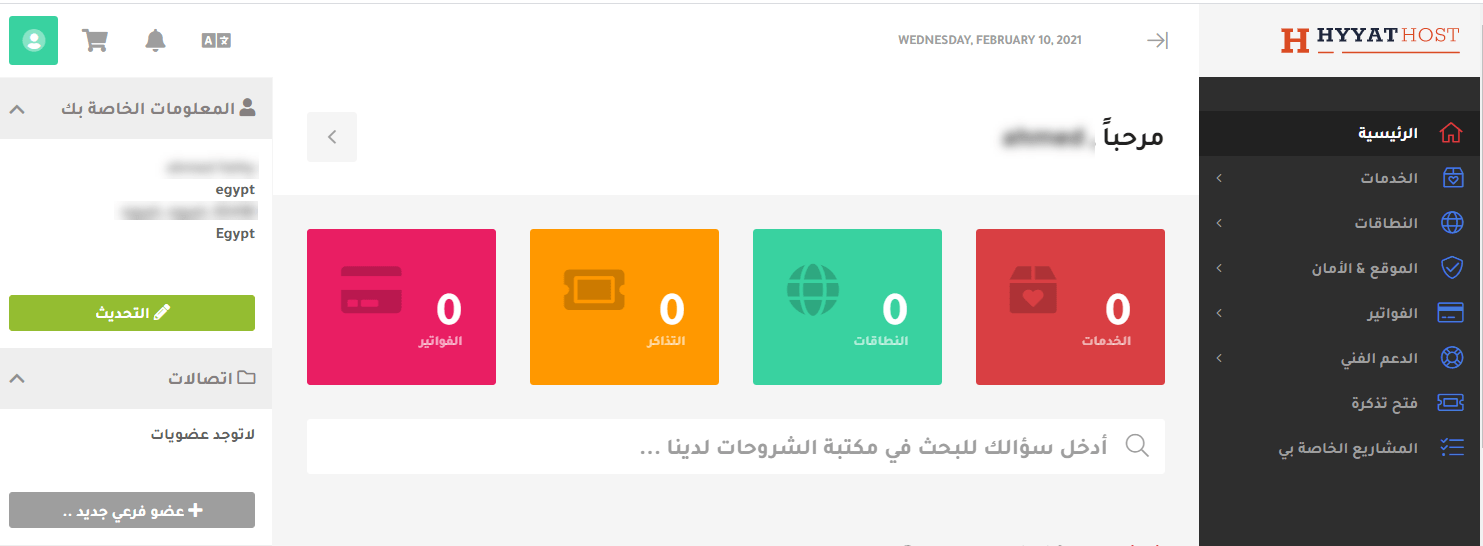
2. From the top menu, open your account (Your Profile / account details).
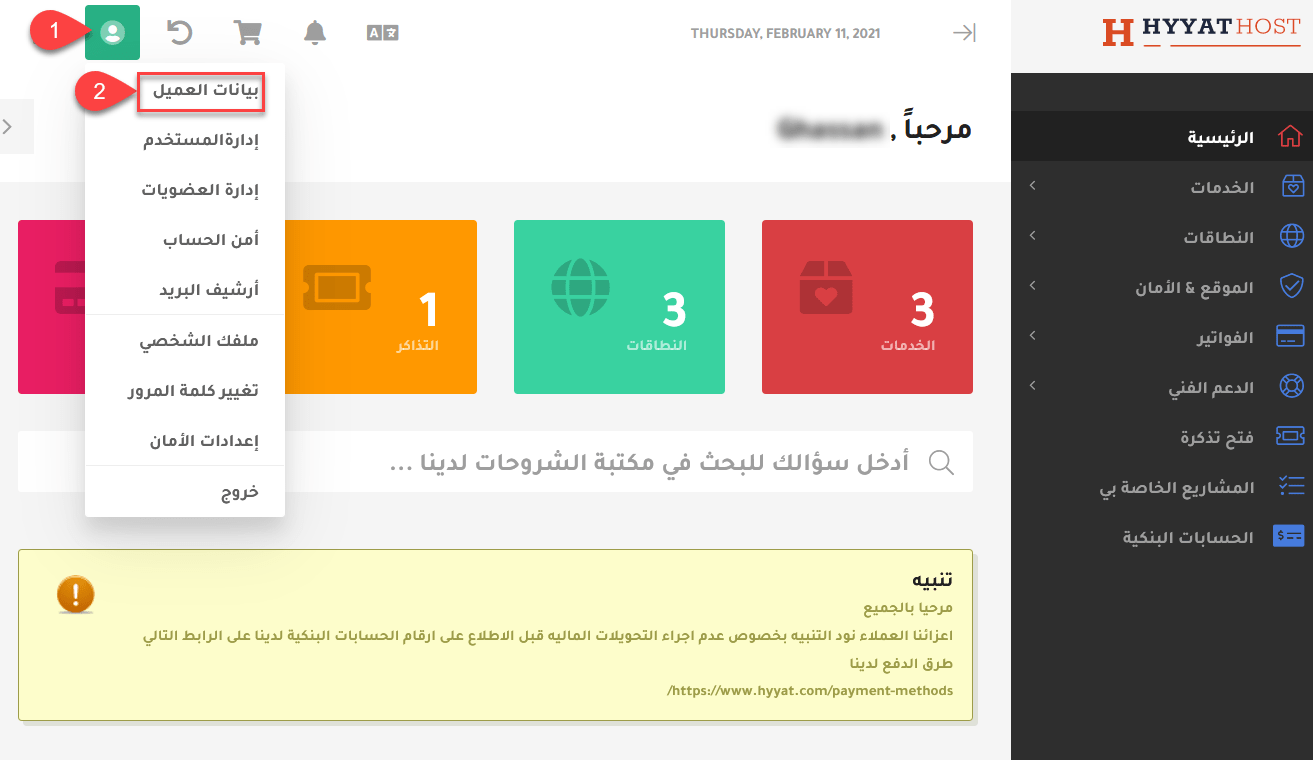
3. From the menu on the side, choose Email History. You will see all emails sent to you.
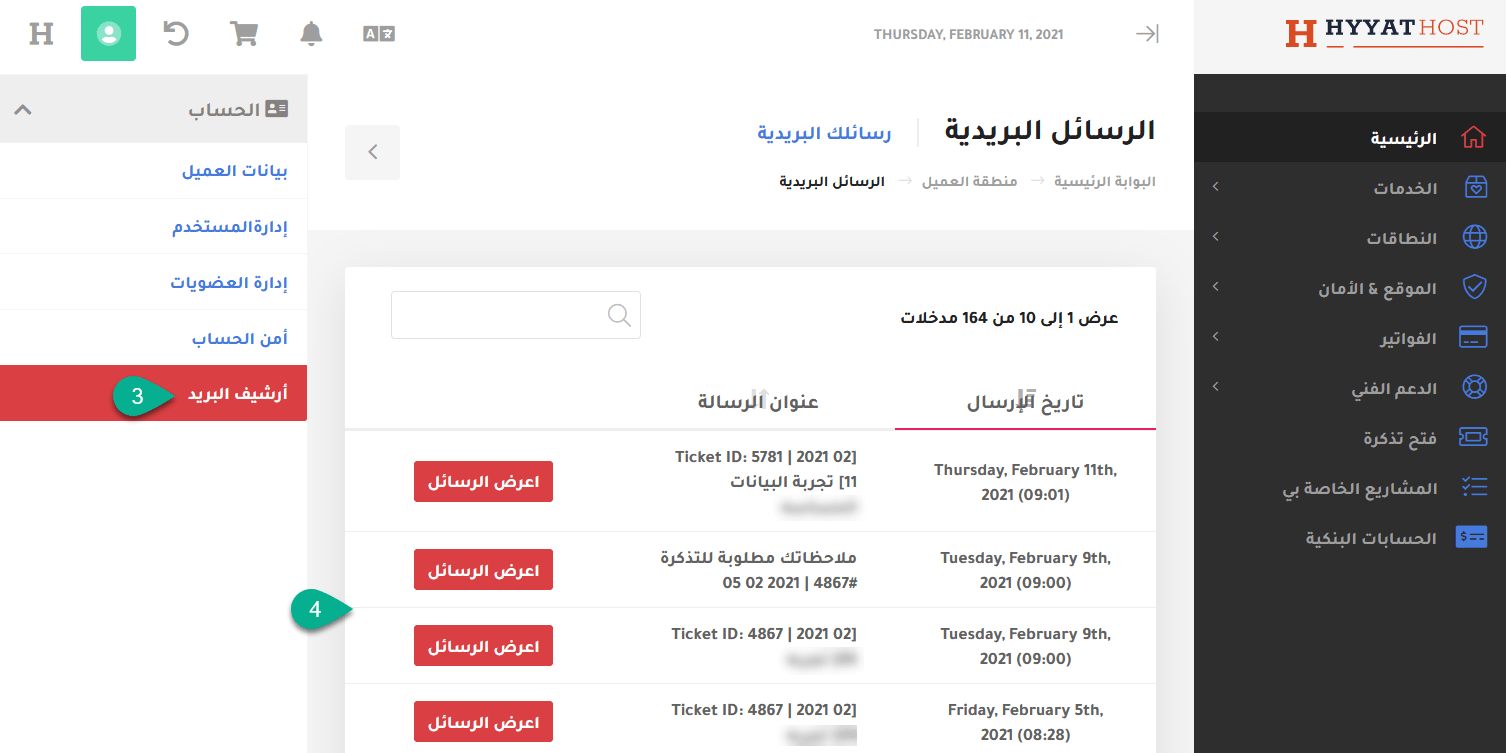
4. Click View Message next to the email you want to read.
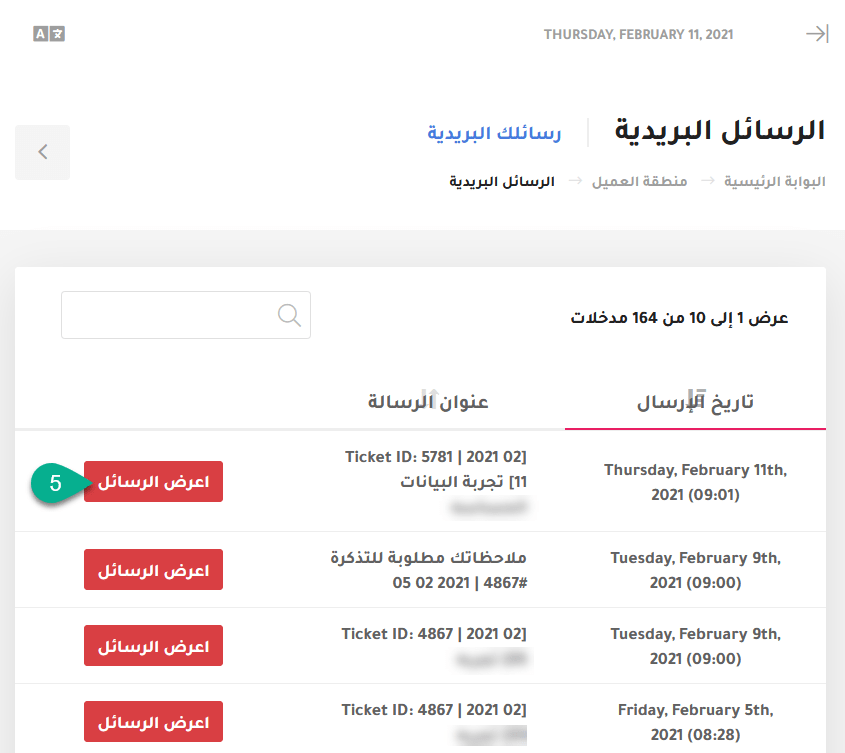
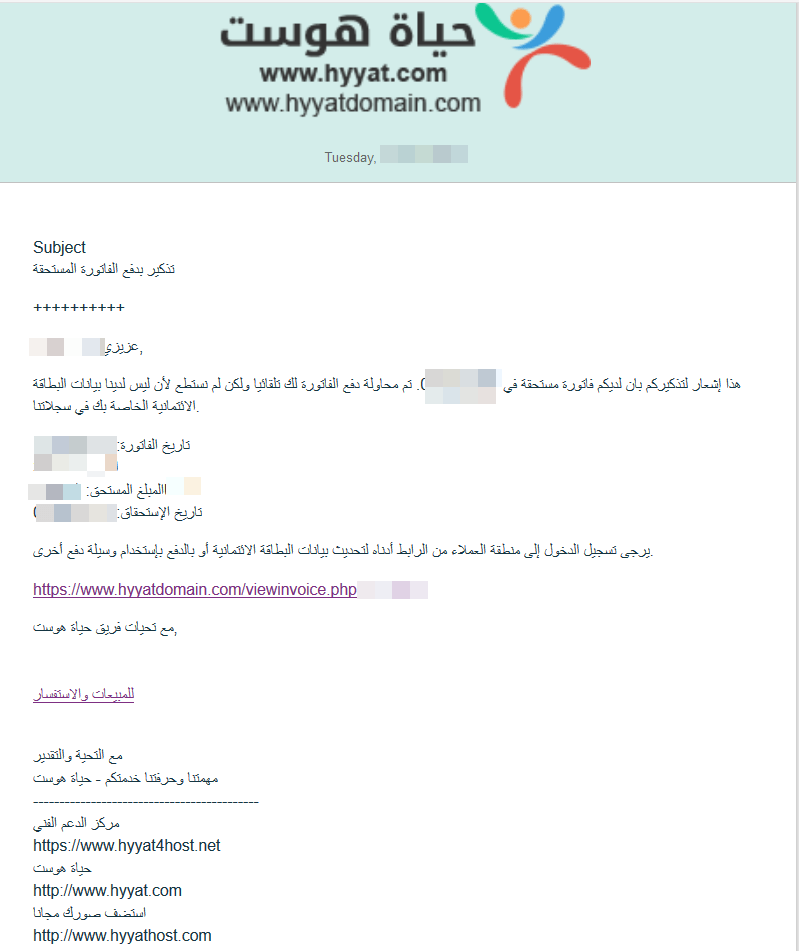
5. Your hosting details are in the email titled New Account Information. Open it to see your cPanel login, nameservers and other details.