How Much Hosting Does a WooCommerce Store Need? A Guide by Store Size and Traffic
Updated: 27 Nov 20265 min readChoosing hosting
In short: A WooCommerce store uses more than an ordinary WordPress site, because the cart, checkout and account pages cannot be cached and run separately for every visitor. The real measure is not the number of products but how many customers browse and pay at the same moment. Start on a suitable plan, watch your usage, and add resources when the signs of strain appear.
“How many products can my hosting handle?” We hear it often, but it is the wrong question. A store with a thousand products and calm traffic can run lightly, while a store with fifty products on a sale day can strain a much bigger server.
This guide explains what uses resources in WooCommerce specifically, how to estimate what you need, and the signs that your store has outgrown its plan.
Want a rough figure for your store? Try the WordPress resource calculator: enter your visitors, products and plugins, and it estimates memory and space.
Why does a store use more than an ordinary site?
On a typical company site most pages are static: built once, stored in the cache, then served quickly to every visitor without running PHP or the database again. A store is different:
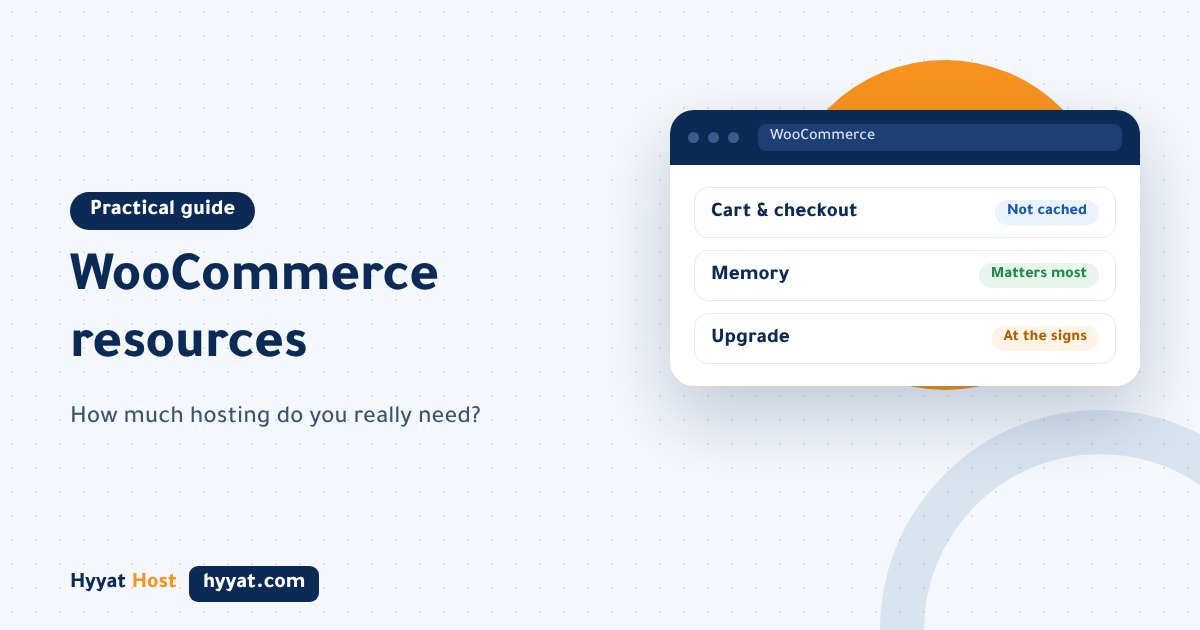
Cart, checkout and account pages are personal to each visitor, so they cannot be cached, and every request runs WordPress and the database in full.
Placing an order writes to the database, talks to the payment gateway and sends emails, all at once.
Search and filters turn every combination into a new page calculated from scratch.
Background tasks such as stock updates, emails and session clean-up run through WooCommerce’s scheduler (Action Scheduler) and use resources even with no visitors.
What really decides what you need?
Factor
Effect on resources
How to measure it
Simultaneous visitors in cart and checkout
The biggest: each one runs PHP in full
Analytics reports at peak times
Number and weight of plugins
Each adds work to every uncached page
Count active plugins and try disabling non-essential ones
Search and filters
Heavy database queries
PHP X-Ray or the slow query log
Products and images
Disk space more than CPU
Disk usage in cPanel
Accumulated orders
Database size and admin speed
Database size in phpMyAdmin
Note that the number of products mostly affects space, not speed. What strains the server is what happens at the same moment.
Memory, CPU and space: what each means for your store
Memory (RAM): every PHP request reserves some. The WooCommerce documentation recommends a WordPress memory limit of at least 256 MB, and stores with many plugins need more. Low memory shows up as errors or blank pages at checkout.
CPU and concurrent processes: these decide how many requests are handled at once. When they fill up, visitors wait or see a 508 error.
Space and file count: images in their many sizes take the most space, and backups need about as much again.
Disk speed: NVMe disks cut database read time, which shows directly on cart and checkout pages.
How to lighten the load before adding resources
Cache public pages and exclude only cart, checkout and account, which the well-known caching plugins do automatically with WooCommerce.
Compress images and use WebP; they are the largest thing visitors download.
Delete unused plugins rather than just deactivating them, and avoid two plugins that do the same job.
Run scheduled tasks from a real cron job in cPanel instead of on visitor traffic.
Clean the database of expired sessions and old drafts regularly.
Update PHP to a supported version; newer versions run the same code faster.
Usage in cPanel’s Resource Usage page hitting the limit repeatedly.
A slow admin when opening orders or products.
Orders that fail or duplicate at checkout.
If these signs appear after you have lightened the load, move up a plan. And if your store outgrows the largest shared plan, that is when moving to a VPS makes sense.
Before peak season: test before you need it
Do not wait for sale day to find your store’s limits. Review your usage in normal weeks, and arrange the upgrade before the season, not during it. We put together a full plan in getting your store ready for peak season.
Looking for hosting for your store?Hyyat Host WordPress hosting runs on NVMe disks with daily backups, you can move between plans from the client area at any time, and we migrate your store from your current host for free.
Product count alone does not decide it; what matters is how many visitors browse and pay at the same time, and how many plugins you run. A store with many products and moderate traffic runs well on a suitable plan.
What memory limit does WooCommerce need?
The WooCommerce documentation recommends a WordPress memory limit of at least 256 MB. With many plugins you may need more.
Why is checkout slow when caching is on?
Because cart and checkout pages are never cached, so every request runs WordPress and all plugins. Trim the plugins that run there and watch resources at peak times.
When should I move from shared hosting to a VPS?
When you keep hitting the limits of the largest shared plan despite optimising, or you need server-level settings.
H
The Hyyat Host team
These articles are written by the Hyyat Host hosting, domains and email team, managing customer servers and services since 2002. We review and update them when prices or services change.
We use necessary cookies to run the site, and Google Analytics to measure visits only if you agree. You can change your choice at any time from “Cookie settings”. Privacy policy