The 3-2-1 Backup Rule: Why Your Host’s Backup Alone Is Not Enough
Updated: 25 Nov 20265 min readSecurity and tech basics
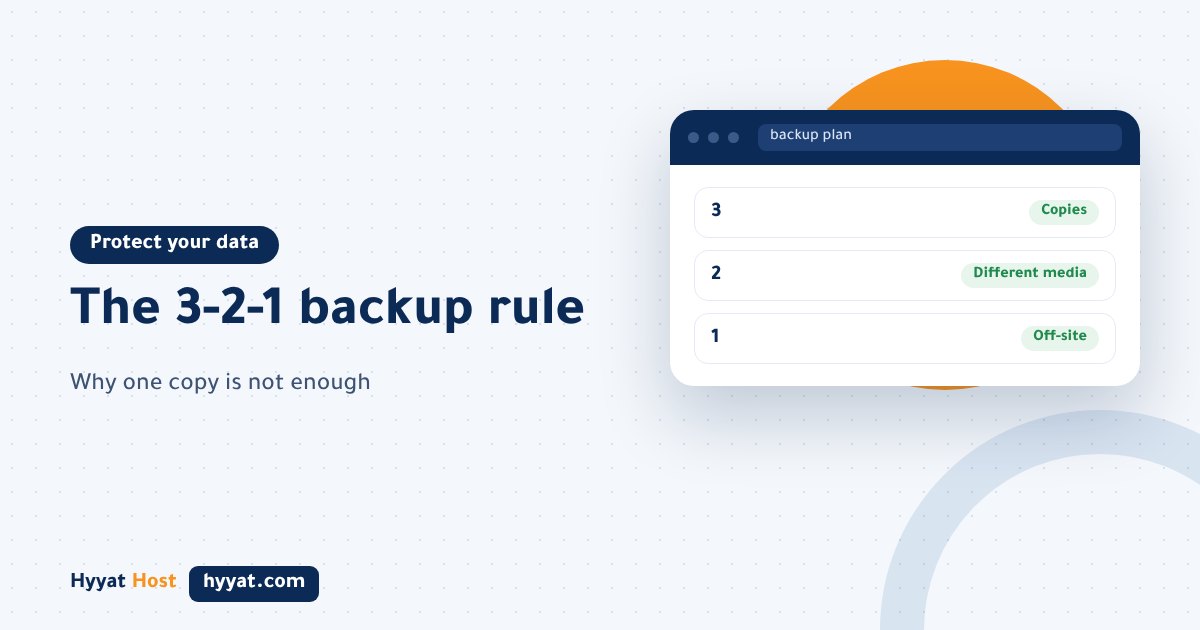
In short: The 3-2-1 rule means: 3 copies of your data, on 2 different media, with 1 off-site. Your host’s backup is excellent, but it usually sits with the same operator, and hosts do not guarantee it by contract. Add a copy you keep yourself, and test a restore at least once; an untested backup is not a backup.
We hear the same line every time: “I assumed the host kept a copy.” Usually that is true, but the copy may be older than the change you need, contain the same hack, or disappear with the account if the subscription ends or is closed.
The 3-2-1 rule is not new; businesses have used it for years to protect their data. And it is simple enough to apply to your company site and email today.
Want regular backups without manual work?Business hosting plans include daily, weekly and monthly backups plus a monthly off-site copy. Service details are on Backups.
The rule in detail
Number
Meaning
Example for a company site
3
Three copies of the data: the original plus two
The live site, the host backup, and a copy you keep
2
On two different media
The hosting server, and cloud storage or an external drive
1
At least one copy off-site
A separate cloud storage account not linked to your hosting panel
The idea is that no single incident, whether a server fault, human error, a hack or an account problem, can reach every copy at once.
What your host’s backup covers, and what it does not
Usually covers: a disk or server failure, or an accidental deletion you noticed quickly.
May not cover: a hack that stayed hidden for weeks, so every available copy is infected.
A wrong edit discovered after the backups rotated and the old ones were replaced.
An account being closed, a lapsed subscription or a dispute over the account.
Data outside the hosting, such as email stored only on staff devices.
That is why hosting agreements, ours included, usually describe backups as a helpful service rather than a guarantee, and leave keeping a copy to the site owner.
An untested backup is not a backup; it is a hope. Every few months:
Restore the latest copy to a test subdomain or a separate account.
Open the site and check pages, images and logging in.
For a store, check the latest orders are there.
Note how long the restore took. That is your real downtime if something goes wrong.
How many copies, and for how long?
Taking a backup is not enough; you need several copies from different dates. With one copy replaced every night, a hack that began a week ago means your only copy is infected.
Keep daily copies for the last week.
Weekly copies for the last month.
A monthly copy for several months.
That way you can go back to before the problem, however late you find it.
Where should you keep your own copy?
A separate cloud storage account: the easiest, as long as it does not share the email or password you use for your hosting panel.
An external drive in the office: good as a third copy, but remember to refresh it, and do not leave it plugged in all the time.
A second server: for larger stores, automatic copies to a server in a different location.
Wherever it is, keep the copy encrypted or password-protected, since it holds your full customer database, and write down somewhere safe who has access.
And company email?
Email is often more important than the site itself: contracts, correspondence and invoices. If messages are kept on the server (IMAP), the host backup includes them. But if staff download messages to their devices and delete them from the server (POP3), they are in no backup of ours and are lost with the device.
Common mistakes
Keeping backups in the site folder on the same server, so they go down with it.
Copying files without the database, or the other way round.
Backups nobody in the company can find, or whose account password nobody knows.
Relying on automatic backups with no review for years.
Want this off your mind?Business hosting includes daily, weekly and monthly backups with a monthly off-site copy, and we move your site and email to us for free if they are on cPanel. Our advice still stands: keep a copy of your own too.
Three copies of your data, on two different media, with at least one off-site, so that no single incident reaches every copy.
Is my host’s backup not enough?
It covers many failures, but it may hold an old infection, disappear with the account, and hosts do not guarantee it by contract. Keep an extra copy yourself.
How often should I back up my store?
The database daily, since orders change every day, and files weekly or after each big update.
How do I know a backup is good?
Restore it to a test subdomain every few months and check the pages, images and latest orders.
H
The Hyyat Host team
These articles are written by the Hyyat Host hosting, domains and email team, managing customer servers and services since 2002. We review and update them when prices or services change.
We use necessary cookies to run the site, and Google Analytics to measure visits only if you agree. You can change your choice at any time from “Cookie settings”. Privacy policy