Why Isn’t Your Page Showing on Google? 10 Common Reasons and How to Fix Each
Updated: 27 Nov 20266 min readCompany websites
In short: Start with one question: is the page indexed at all? If not, the cause is usually technical: a noindex tag, a robots.txt block, or a new page Google has not crawled yet. If it is indexed but ranks poorly, the cause is content, competition and links: content that does not match searcher intent, pages on your own site competing for the same query, or a keyword that is stronger than your site for now.
You wrote a good page, picked a keyword, waited weeks, then searched Google and could not find it. It is one of the most frustrating things for site owners, and the cause is rarely mysterious if you check things in the right order.
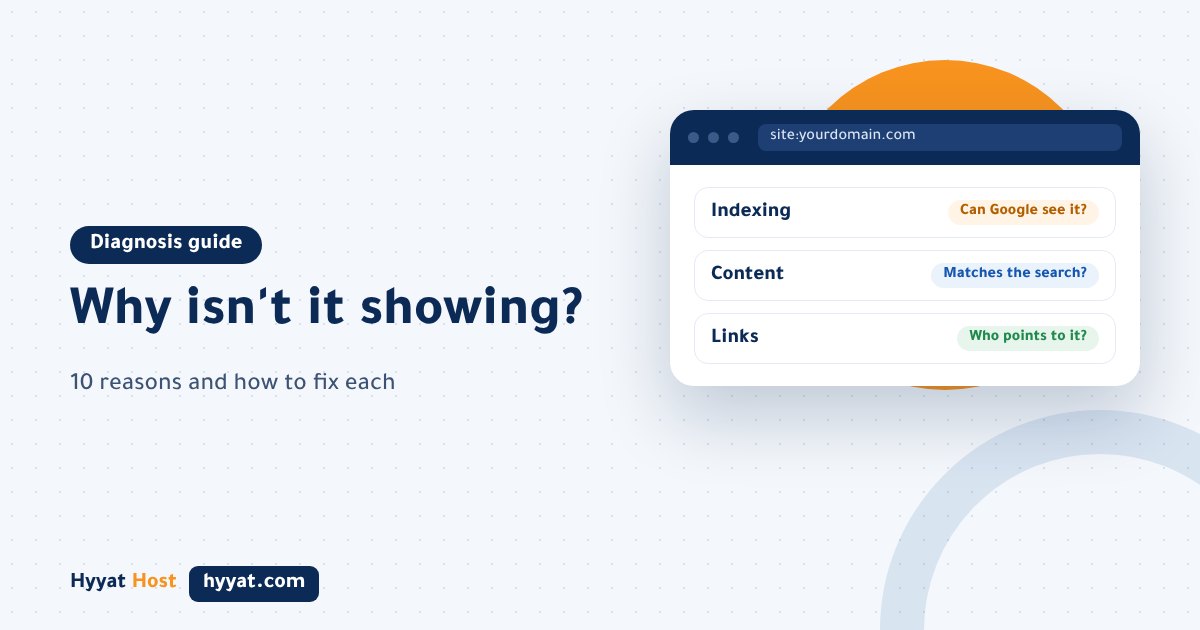
This guide covers ten common reasons in three groups: indexing, technical issues, then content and links. For each: how to confirm it, and how to fix it.
The first diagnostic tool is free: most steps here rely on Google Search Console. If you have not added your site yet, start with Search Console for beginners.
First: check whether the page is indexed
Search Google for site: followed by the full page address. If it appears, it is in the index; if not, go to the first four reasons. The more precise way is to paste the address into the URL Inspection tool in Search Console, which tells you plainly whether the page is indexed, and why not if it is not.
1. The page is new and Google has not crawled it yet
New pages, especially on new sites or sites with few links, can take days or weeks to be discovered.
Fix: make sure it is in your sitemap, link to it from an important page such as the homepage or a section page, and request indexing in Search Console.
2. A noindex tag is blocking it
A noindex tag explicitly asks Google not to index the page. It often happens by mistake: WordPress’s “Discourage search engines from indexing this site” setting left on after launch, or an SEO plugin setting on a page or a whole content type.
Fix: check the page with URL Inspection, and review WordPress Reading settings and your SEO plugin’s indexing settings.
3. robots.txt blocks crawling
A broad Disallow line in robots.txt can stop Google visiting a whole section of your site. Sometimes a staging site’s file is copied to the live site as it is.
Fix: open yourdomain.com/robots.txt and make sure the path is not blocked. For a clean file, create one with the robots.txt generator.
4. Google chose a different page instead
If you have two very similar pages, or one page reachable at several addresses (with and without www, or with URL parameters), Google may pick one and drop the other. Search Console shows it as a “Duplicate”.
Fix: consolidate addresses with 301 redirects, set the canonical URL on each page, and merge similar pages into one stronger page.
5. The site is slow or returns server errors
If your server responds slowly or returns 5xx errors when Google visits, Google crawls less and new pages are indexed later. Slowness also hurts visitors.
Fix: check the Crawl stats report in Search Console and measure your page speed. We explain the metrics in Core Web Vitals in plain language.
6. The page does not work well on mobile
Google uses the mobile version of your site for indexing and ranking. If content is missing on mobile, or text is tiny and buttons cramped, that is what Google sees.
Fix: open the page on your phone and make sure all important content is visible and easy to read.
7. The content does not match what people are searching for
This is the reason site owners overlook most. Search for your keyword and look at the top results: are they how-to articles, product pages or comparisons? If your page is a different type from what Google shows, it probably does not match searcher intent, however good it is.
Fix: write the page in the form searchers expect, and answer their question at the top, not the bottom.
8. Pages on your site compete for the same keyword
Two articles or guides on almost the same topic make Google hesitate between them, so neither grows strong. This is called keyword cannibalization.
Fix: in the Performance report, pick the query and open the Pages tab. If several pages take turns appearing, merge them into one and 301-redirect the rest to it.
9. No internal links point to it
A page nothing on your site links to is hard for Google to discover, and signals that it is not important.
Fix: link to it from 3 to 5 related pages with link text that describes it, and from a menu or section page if it matters.
10. The keyword is stronger than your site for now
Some keywords have been contested by large sites for years, with many links from other sites. A new site will not overtake them in weeks.
Fix: start with longer, more specific phrases (for example “WooCommerce store hosting in Saudi Arabia” instead of “hosting”), and build trust gradually with useful content people want to link to.
How long does a new page take to appear on Google?
There is no fixed time; it can be days for an established site and weeks for a new one. Adding the page to your sitemap, linking it from important pages and requesting indexing speeds it up.
My page is indexed but sits on page five. What should I do?
The problem is not indexing. Review how well the content matches search intent, competing pages on your site, internal links, and the keyword’s strength compared to your site.
Does changing hosting affect my rankings?
A proper move does not hurt rankings, and faster, more stable hosting helps. What matters is that the site stays available during the move and no addresses change without redirects.
Do I need an SEO plugin in WordPress?
It makes sitemaps, titles, descriptions and structured data easier, but it does not replace useful content and a fast site.
H
The Hyyat Host team
These articles are written by the Hyyat Host hosting, domains and email team, managing customer servers and services since 2002. We review and update them when prices or services change.
We use necessary cookies to run the site, and Google Analytics to measure visits only if you agree. You can change your choice at any time from “Cookie settings”. Privacy policy