Core Web Vitals in Plain Language: LCP, INP, CLS and How Hosting Affects Them
Updated: 27 Nov 20265 min readChoosing hosting
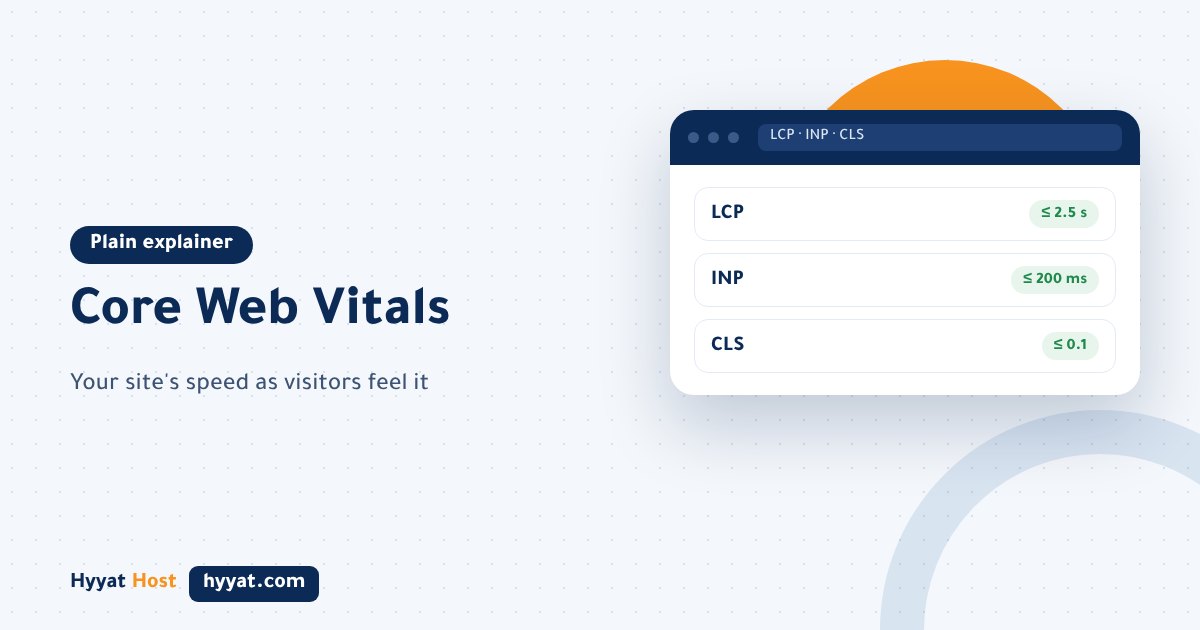
In short: Google measures visitor experience with three metrics: LCP, how fast the main content appears (good up to 2.5 seconds); INP, how fast the page responds to a tap or click (good up to 200 milliseconds); and CLS, how stable the page is without elements jumping (good up to 0.1). Hosting affects the first most; design and scripts affect the other two.
You open a speed test and see letters like LCP, INP and CLS in red, amber and green, without knowing what each means or where to start. These are the Core Web Vitals, the way Google measures the real experience of visitors on your site.
This article explains each metric with an everyday example, gives the good threshold for each, and, most importantly, separates what hosting can fix from what needs changing in the site itself.
Site slow and not sure why? We covered the common causes and how to find them in why is my site slow?. This article complements it by explaining how speed is measured.
The three metrics and their thresholds
Metric
What it measures
Good
Needs improvement
Poor
LCP
When the largest element in the first screen appears, such as the hero image or heading
2.5 s or less
Up to 4 s
Over 4 s
INP
How long the page takes to respond after a click, tap or keypress
200 ms or less
Up to 500 ms
Over 500 ms
CLS
How much page elements move unexpectedly while loading
0.1 or less
Up to 0.25
Over 0.25
These thresholds are published in Google’s official documentation on web.dev. A page is judged on 75% of its real visits, not its best or worst one.
LCP: when does the visitor see what they came for?
Imagine walking into a shop with the lights off for a few seconds. That is what LCP measures: the time until the largest element on the first screen appears.
This is where hosting shows clearly. The first thing that happens is waiting for the server to respond (TTFB), and every fraction of a second the server delays pushes everything after it back. LCP is also affected by:
The size and format of the hero image.
CSS files and fonts that block rendering until they load.
Lazy-loading the main image by mistake when it sits at the top of the page.
INP: does the page respond when you click?
You click “Add to cart” and nothing happens for a moment, then it moves. That delay is INP, which replaced the older FID metric in March 2024.
The usual cause is too much JavaScript keeping the browser busy: plugins running on every page, tracking, chat and ad tools, and heavy themes. Hosting has limited influence here; the fix is fewer scripts and delaying the non-essential ones until the visitor interacts.
CLS: do page elements jump?
You go to tap a link and it suddenly drops because an image or ad appeared above it, so you tap something else. That is what CLS measures.
Images without dimensions: set width and height on every image so the browser reserves the space.
Ads and pop-ups appearing suddenly above content.
Fonts: swapping the fallback font for a custom Arabic font can change line lengths, so choose a fallback close to it in size.
Lab tests or real-visitor data?
PageSpeed Insights shows two kinds of numbers, and it is important to tell them apart:
Type
Source
When to rely on it
Real-visitor (field) data
Actual visits by Chrome users over the last 28 days
This is what Google uses for assessment
Lab data
One test on a simulated device and network
For trying changes and finding causes
If your site is new or has little traffic, field data may not appear, so rely on lab data until it does. Search Console also has a dedicated report for these metrics that groups your pages.
What hosting fixes, and what is down to your site
Improvement
Who is responsible
Fast server response (TTFB) and fast disks
Hosting
A current PHP version and server-level caching
Hosting, enabled from your panel
Image compression and dimensions
Your site
Fewer plugins and scripts
Your site
Delaying non-essential JavaScript
Your caching plugin or developer
A CDN such as Cloudflare
Both
If TTFB is high on every page, even light ones, the problem is usually the server. If it is good but LCP and INP are still poor, the work is in the site itself.
Slow server response on your site?Hyyat Host WordPress hosting runs on NVMe disks with server-level caching and current PHP versions, and we migrate your site for free. Before deciding, check your site with the website health report.
They are part of the page experience signals Google uses, but helpful content that matches the search remains most important. The difference usually shows between pages of similar content quality.
What replaced FID?
INP officially replaced FID in March 2024, because it measures all of a visitor’s interactions on the page, not just the first.
Why does my PageSpeed score change every time I test?
Lab tests are affected by network and server conditions at that moment. Rely on real-visitor data for assessment, and repeat lab tests several times when comparing.
Is a caching plugin enough to fix all the metrics?
Caching improves server response and LCP a lot, but it does not fix images without dimensions or heavy scripts that delay responses to clicks.
H
The Hyyat Host team
These articles are written by the Hyyat Host hosting, domains and email team, managing customer servers and services since 2002. We review and update them when prices or services change.
We use necessary cookies to run the site, and Google Analytics to measure visits only if you agree. You can change your choice at any time from “Cookie settings”. Privacy policy