PHP 8.2 Security Support Ends in December 2026: Is Your Site Affected, and What Should You Do?
Updated: 25 Nov 20265 min readWordPress
In short: The last security fix for PHP 8.2 ships by 31 December 2026; after that, any new vulnerability in it stays unpatched. If your site runs on it, move to 8.3 or 8.4 before that date, and test on a copy first. Switching in cPanel takes a minute; testing is what takes time.
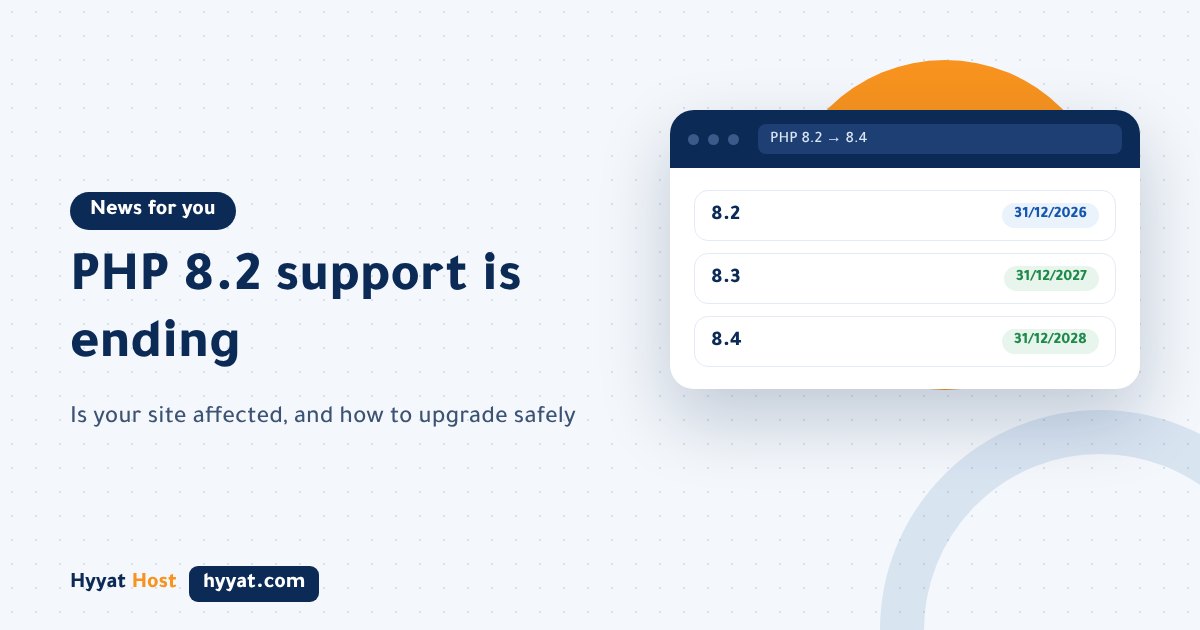
Each PHP release, the language behind WordPress and most stores and scripts, lives about four years: two years of full support, then two years of security fixes only. PHP 8.2 came out in December 2022, its full support ended at the end of 2024, and its security updates end on 31 December 2026.
Your site will not stop on 1 January. It will keep working. But any vulnerability found in PHP 8.2 after that date will get no official fix, and attackers know it.
On Hyyat Host WordPress hosting? You can change your PHP version from your panel at any time, and if you need help testing, open a ticket. For new WordPress sites: WordPress hosting.
Current PHP support schedule
These are the support dates published on the official PHP site. A version in “full support” gets bug and security fixes; one in “security only” gets vulnerability fixes alone.
Version
Full support ends
Security updates end
Status
8.2
31 December 2024
31 December 2026
Ending soon
8.3
31 December 2025
31 December 2027
Security only
8.4
31 December 2026
31 December 2028
Supported
8.5
31 December 2027
31 December 2029
Supported
Bottom line: if you are moving now, jumping to 8.4 buys you two more years before you repeat this, as long as your theme and plugins support it.
How do you find your site’s PHP version?
Three ways, from easiest to most precise:
In WordPress: Tools → Site Health → Info → Server. Look for “PHP version”.
From outside: some servers reveal the version in the X-Powered-By header. Check it with the redirect and header checker; if it shows, better hide it.
Before you switch: a five-step plan
A full backup of files and database. Do not rely on “the host has one”; take it yourself before any change.
Update everything else first: WordPress, the theme and every plugin. Most upgrade problems come from an old plugin, not PHP itself.
Find abandoned plugins: a plugin not updated in two years may not run on 8.3 or 8.4. The WordPress security scan lists outdated and removed plugins.
Test on a copy: a subdomain like staging.example.com with a copy of the site, or switch during quiet hours and watch.
Switch and watch the error log for a day. Open the key pages: home, cart, checkout and contact form.
What might break, and what to do
Symptom
Usual cause
Fix
White screen or error 500
A plugin or theme calls a function removed from PHP
The error log names the file
disable or update that plugin
Deprecated warnings at the top
Old code that still runs but will break in a future version
Hide errors from visitors and contact the plugin author
One page fails
A plugin specific to that page
Disable plugins one by one on the staging copy
An encoded script will not open
Old ionCube files that do not support the new version
Ask the script vendor for a build for the new version
If an error screen appears, switch back to the previous version from the same tool; it takes seconds. Then diagnose calmly with the error 500 guide.
What about custom scripts and Laravel?
If your site is built on a framework like Laravel or a custom script, it is a bit different from WordPress:
Open composer.json and find the php line to see which versions the project supports.
Update packages on a staging copy first with composer update, and run tests if you have them.
ionCube-encoded scripts need a build from the vendor that supports the new version, so ask for it before switching.
Scheduled tasks (cron) may run a different PHP version from the site. Check the php path in their commands.
If the project is so old it supports no current version, this is a good time to price an update before it becomes a security problem.
And if you stay on 8.2?
Nothing happens on day one. But the problem grows in three ways:
Security: any new hole in PHP 8.2 stays open on every site that did not move.
Plugins: WordPress and plugin developers raise their minimum PHP version over time, so updates stop reaching your site.
Speed: each new PHP release is faster than the last on most sites, so you leave free performance on the table.
In other words, staying on an unsupported version is not a saving; it is postponing a bigger problem.
Rather not track these dates yourself? On Hyyat Host WordPress hosting you choose your PHP version from your panel, we move your site from any other cPanel host for free, and our team answers in Arabic or English if something breaks after an update.
Security updates for PHP 8.2 end on 31 December 2026; its full support ended on 31 December 2024.
Will my site stop working after that?
No, it keeps running, but any vulnerability found in this version afterwards will get no official fix.
Should I move to 8.3 or 8.4?
8.4 gets security support until the end of 2028 and 8.3 until the end of 2027. Choose 8.4 if your theme and plugins support it, otherwise 8.3.
What if the site breaks after switching?
Switch back in the same cPanel tool, then check the error log to find the plugin or file at fault, and update or disable it before trying again.
H
The Hyyat Host team
These articles are written by the Hyyat Host hosting, domains and email team, managing customer servers and services since 2002. We review and update them when prices or services change.
We use necessary cookies to run the site, and Google Analytics to measure visits only if you agree. You can change your choice at any time from “Cookie settings”. Privacy policy