How Does Your Website Show Up in ChatGPT and AI Search Answers?
Updated: 25 Nov 20265 min readCompany websites
In short: Tools like ChatGPT and Google’s AI summaries cite sites they can read and that give a clear, trustworthy answer. What you control: do not block their crawlers in robots.txt, put direct answers at the start of paragraphs, add structured data, and build a reputation on other sites. There is no magic button, but the same basics help you in Google too.
More people now ask ChatGPT or similar tools instead of searching Google: “What is the best WordPress hosting in Saudi Arabia?” or “How do I register a .sa domain?”. Google itself now shows an AI summary above the results. The natural question for any site owner: how do I become one of the sources these answers cite?
Honesty first: nobody has a guaranteed method, so do not believe anyone selling “top of ChatGPT in a week”. But some things clearly raise your chances, and others shut you out completely without you noticing.
Put simply: when an AI tool searches the web to answer, it sends a crawler to read pages from several sources, then writes an answer and cites some of them. Google’s AI summaries draw on Google’s own index, and Google says there are no special requirements to appear in them beyond the page being indexed and eligible to show in Search.
So two conditions come before anything else: the crawler must be able to reach your page, and it must find an answer worth quoting.
Step one: do not block crawlers by accident
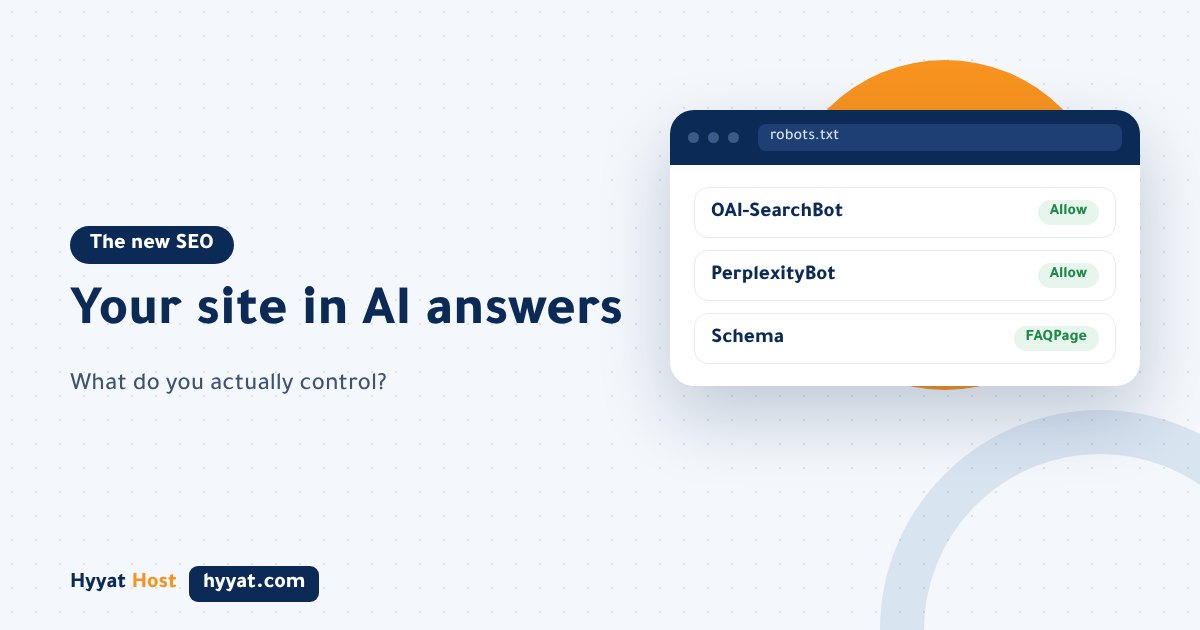
Some sites block AI crawlers with a line in robots.txt or a firewall setting, then wonder why they are never cited. These are the best-known crawlers and what each does:
Crawler
Company
What it does
OAI-SearchBot
OpenAI
Reads pages for search results in ChatGPT
GPTBot
OpenAI
Collects content for model training
ChatGPT-User
OpenAI
Opens a page a user asked for during a chat
PerplexityBot
Perplexity
Indexes pages for its answers
ClaudeBot
Anthropic
Collects content for models
Google-Extended
Google
A setting for using your content in Gemini
it does not affect your Google Search ranking
You can allow search crawlers and block training crawlers if you wish; that is your call. What matters is that it is a deliberate decision, not a mistake in a file. Write the right file with the robots.txt generator, and make sure your host’s firewall does not block them.
Step two: write something quotable
Answer first: open each section with a sentence that answers the question, then explain. The first sentence is often what gets quoted.
Headings as real questions, the way people type them: “How much does…” and “What is the difference between…”.
Numbers, dates and sources: specific, dated information beats generic text, as long as it is correct and current.
An “In short” box at the top that sums up the whole answer in two or three lines.
Your own experience: what is not on a hundred other sites, like your real prices and your customers’ real questions, is what makes your page the best source.
Step three: help machines understand
Structured data (Schema) tells search engines what a page is: an article, a product, FAQs or an organisation, with its name, address and contact details. Add it through your WordPress SEO plugin, or write it with the Schema generator.
llms.txt is a recent proposal for a file that summarises your site for AI tools and points them to your key pages. The major players have not announced official support, but it does no harm and takes minutes: the llms.txt generator.
Step four: reputation beyond your site
AI tools learn from the whole web, not just your site. Mentions of your company on trusted sites, business directories and other people’s articles, and genuine reviews from real customers, all build a clear picture of you. The same thing lifts your Google rankings.
How do you know AI tools visit your site?
Server logs: search your access logs (Raw Access Logs in cPanel) for the crawler names in the table above.
Referral traffic: in your analytics, watch for visits from domains like chatgpt.com or perplexity.ai.
Search Console: data on your appearance in Google’s AI features is included in the regular Performance report.
If you see no visits from these crawlers for a long time, check robots.txt and the firewall first.
Common mistakes
Mass-produced, machine-written content with no real expertise: it hurts you in Google and does not make you a quoted source.
Outdated information: a 2022 price, or steps for an interface that has changed.
Pages that rely on heavy JavaScript to show the main text, which some crawlers cannot read.
Crawlers blocked in the firewall without the site owner knowing.
Want a site built on these foundations from day one? We design fast Arabic WordPress sites with proper headings and structured data through WordPress design, and host them on WordPress hosting that does not block search crawlers.
Nobody can guarantee it. But allowing search crawlers, writing clear and trustworthy answers and adding structured data all raise your chances.
Does blocking GPTBot stop me appearing in ChatGPT?
GPTBot collects training content. ChatGPT search results are read by a different crawler, OAI-SearchBot, so you can control each separately.
Do I need an llms.txt file?
It is not an officially adopted standard yet, but it does no harm and may help some tools understand your site.
Is this different from regular SEO?
At its core, no. A well-indexed page with clear, trustworthy content is what both Google and AI tools need.
H
The Hyyat Host team
These articles are written by the Hyyat Host hosting, domains and email team, managing customer servers and services since 2002. We review and update them when prices or services change.
We use necessary cookies to run the site, and Google Analytics to measure visits only if you agree. You can change your choice at any time from “Cookie settings”. Privacy policy